Remind Clients What They’re Getting
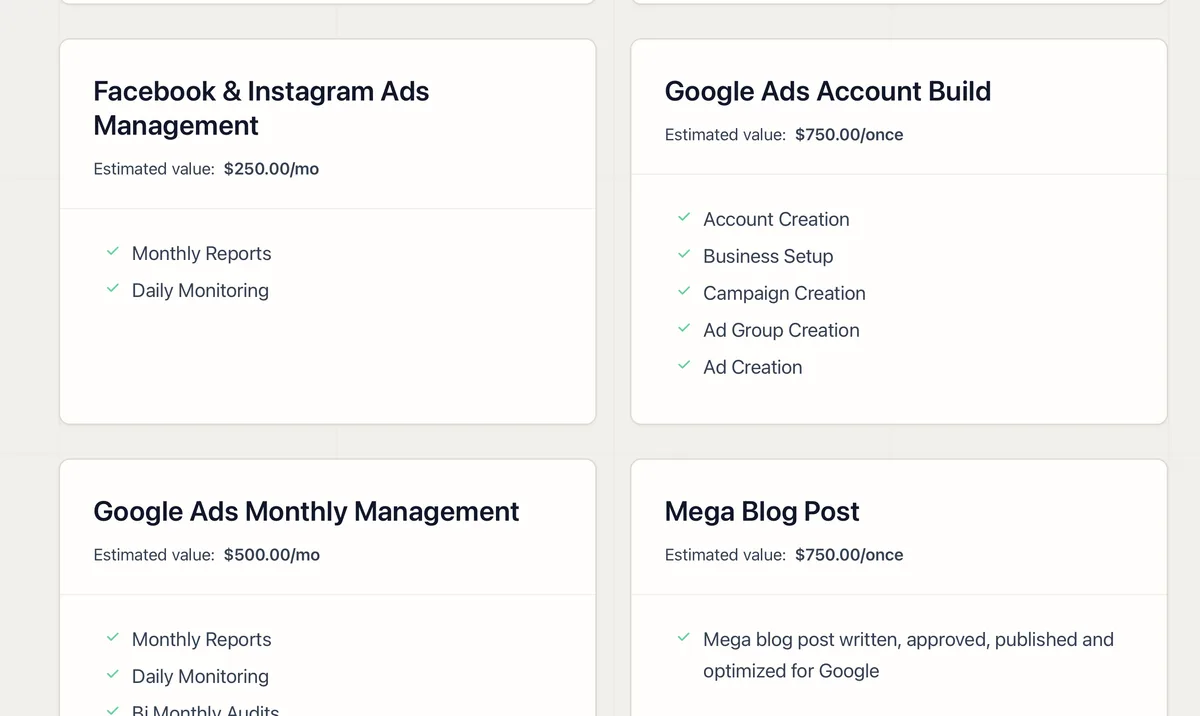
The Services tab lives inside each client’s portal. Every service you deliver is listed with its estimated value and frequency, so clients see the full picture of what’s included in their plan, not just the invoice total.
When a client sees “$2,000/mo value” next to a service they’re receiving, the retainer stops feeling like a cost and starts feeling like a deal. That’s price anchoring working for you on every login.
Turn Browsing Into Revenue
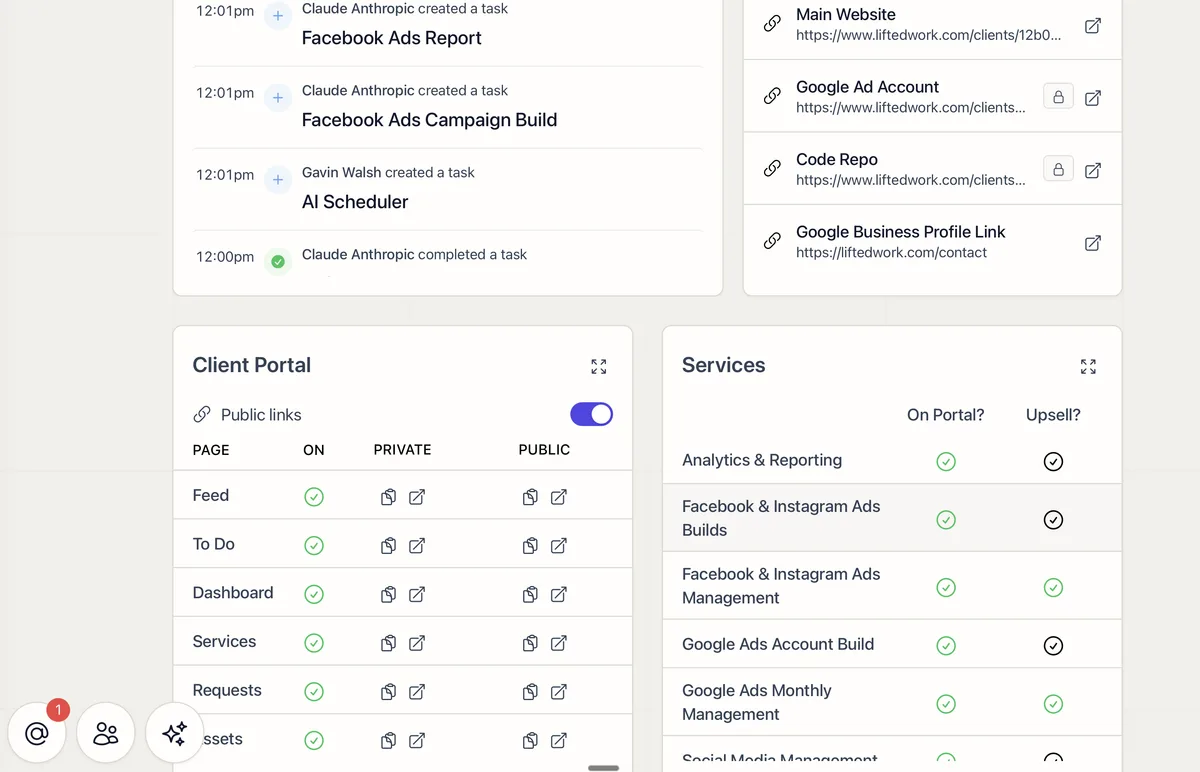
Services can be marked Included or Available. Included services show a badge confirming what the client already gets. Available services show a badge that links directly to your purchase page.
No pitch deck. No awkward sales call. Clients discover what else you offer while they’re already engaged in the portal, and they can buy with one click.
Set It Up Once
Manage your full service list from Settings > Services. Each service has a title, description, estimated value, and frequency (monthly, weekly, or one-time). Once configured, every client portal reflects the right mix of included and available services automatically. Assign services to individual clients from their Client Overview page. For more on how the Services tab looks in the portal, see the Client Portal guide.