How-tos
Get it done, step by step.
Short, practical walkthroughs for the everyday tasks in Lifted Work, from creating your first task to connecting Claude.
-
01
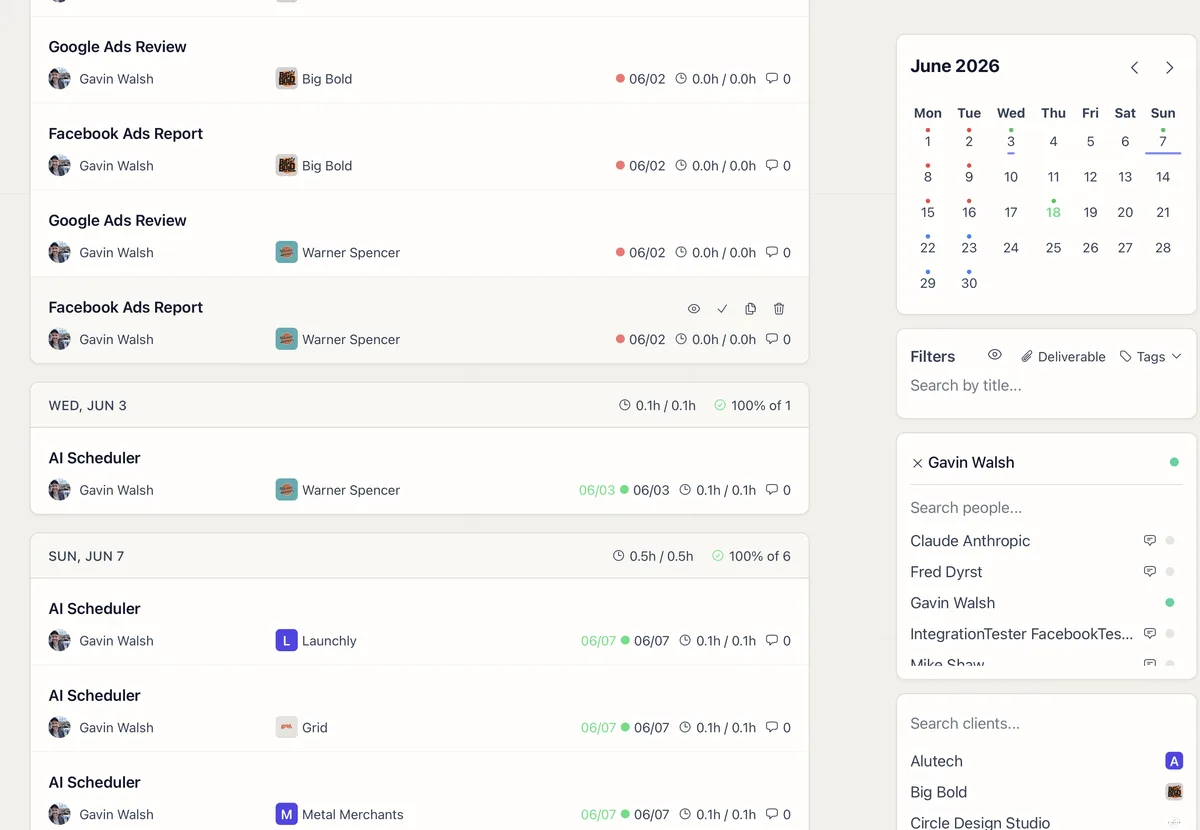
How to Create a Client Report Template
Three ways to create report templates: ask Lifty AI, paste HTML from a guide, or generate one with Claude or ChatGPT. Plus how to copy templates between clients.
 02
02
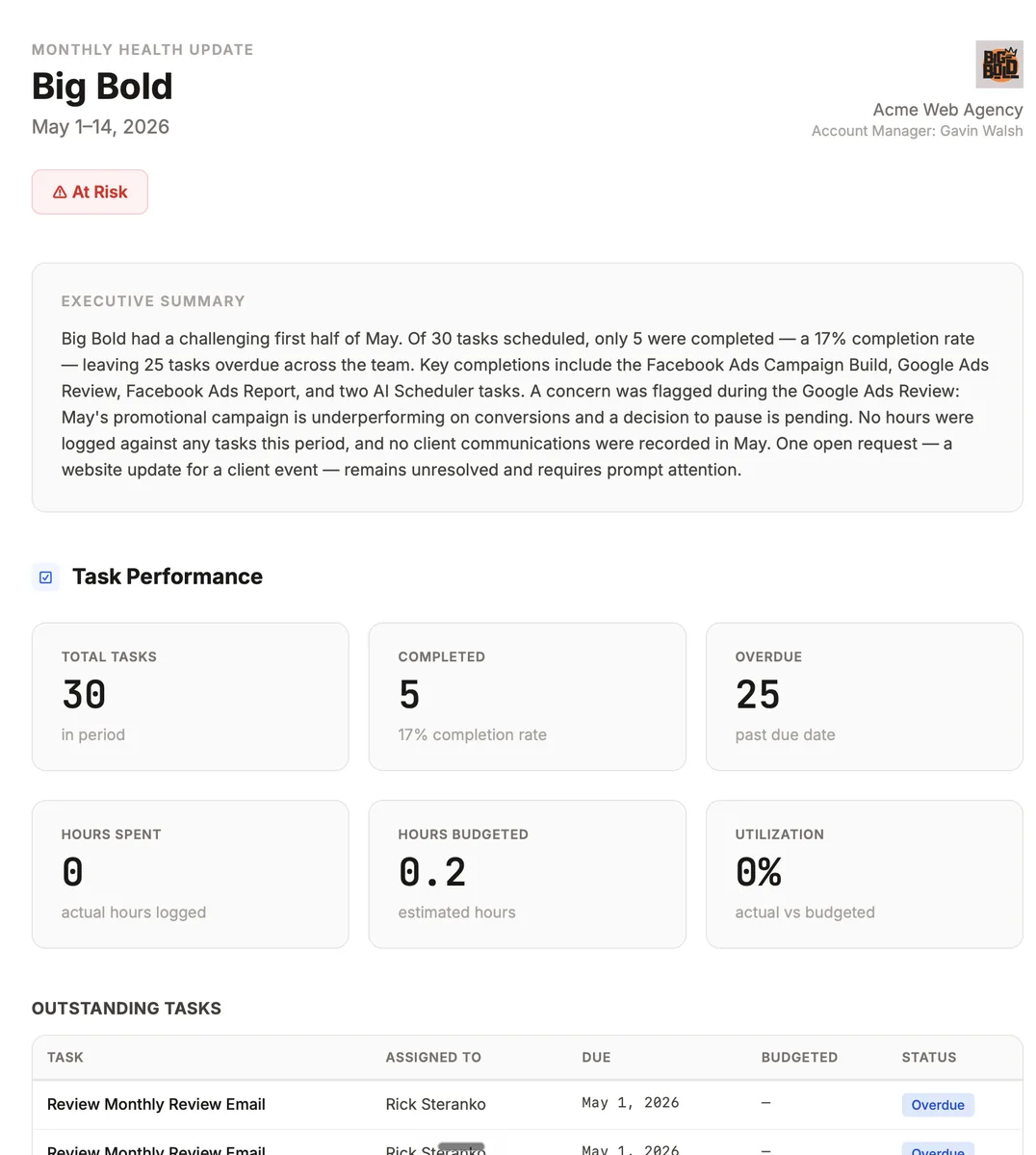
How to Connect Claude or ChatGPT to Lifted Work
Step-by-step setup for connecting Claude, ChatGPT, or any MCP client to Lifted Work so your AI can manage tasks, emails, and clients.
 03
03
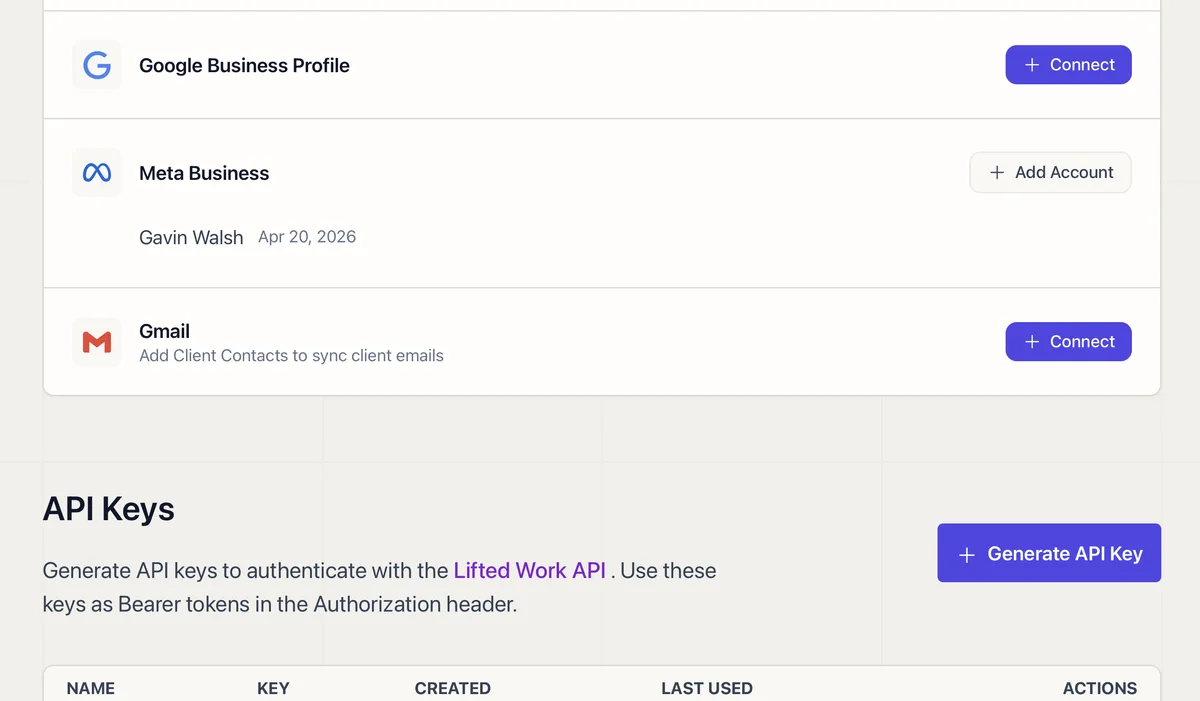
How to Create a Task in Lifted Work
A complete walkthrough of every task option: title, assignment, due date, time estimate, Lifty Prompt, Autocomplete, Run on complete, tags, and visibility.
 04
04
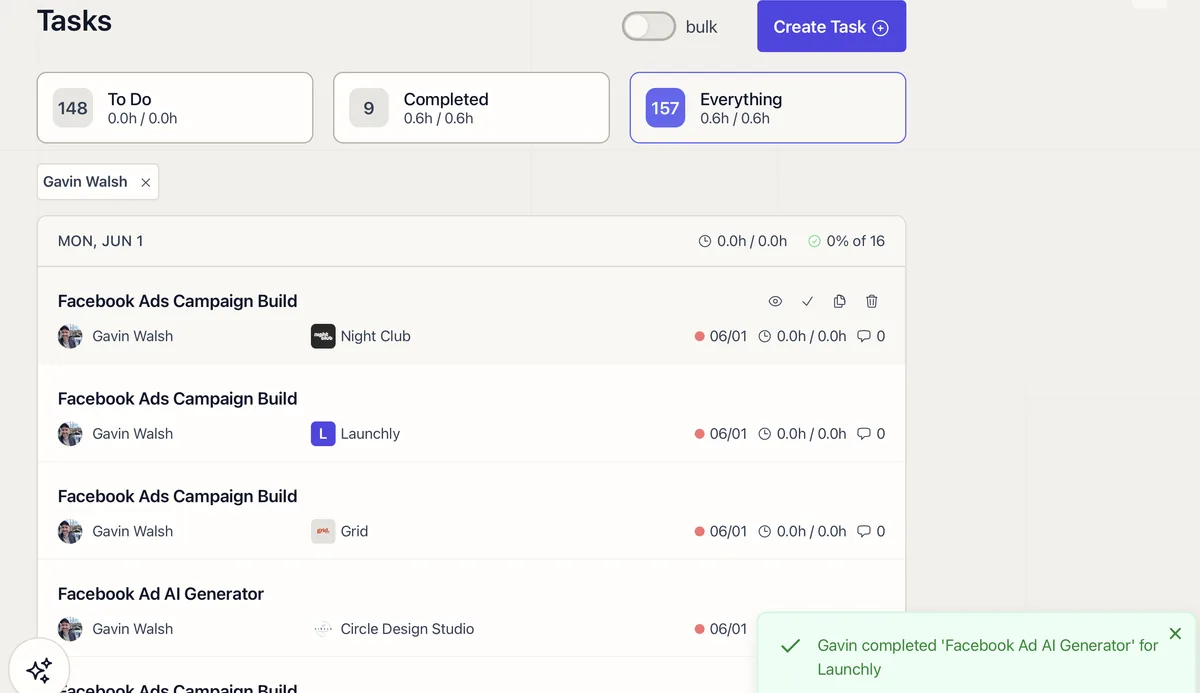
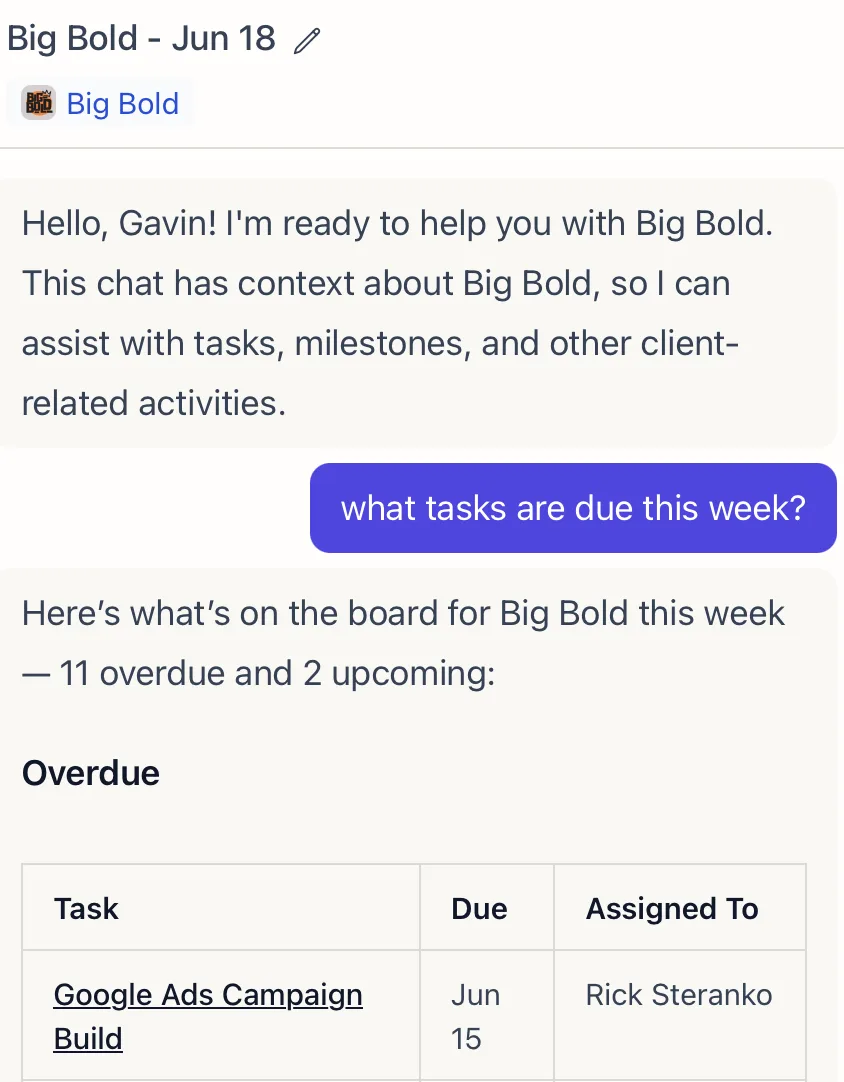
How to Use the Lifty AI Sidebar
Lifty is a built-in chat assistant for agency admins and managers. Create tasks, generate milestones, draft emails, and pull analytics from a single sidebar.
 05
05
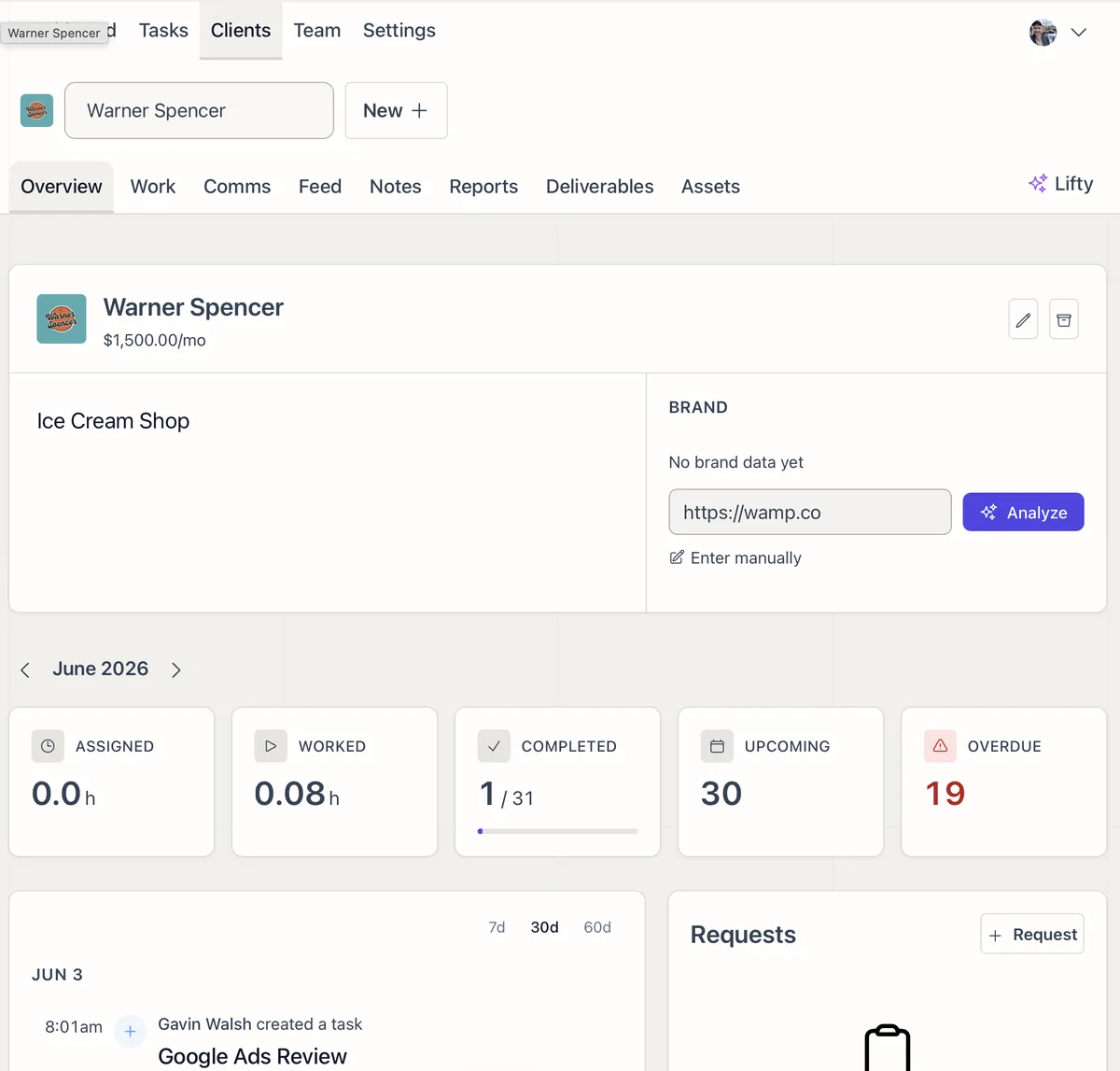
Onboard New Clients in Under 15 Minutes
A step-by-step process for setting up new clients in Lifted Work, from creating the client to previewing their portal.
 06
06
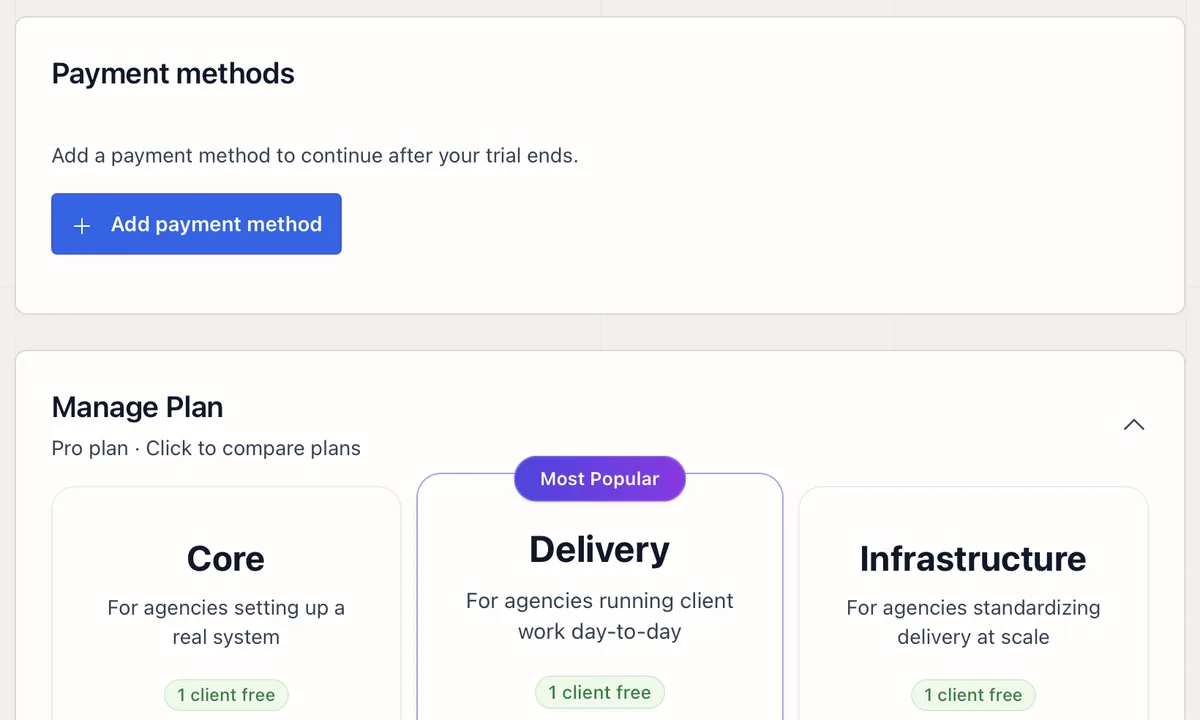
How to Manage Your Lifted Work Plan and Billing
View your plan, update payment methods, monitor usage, and resolve failed payments. Admin access required.
 07
07
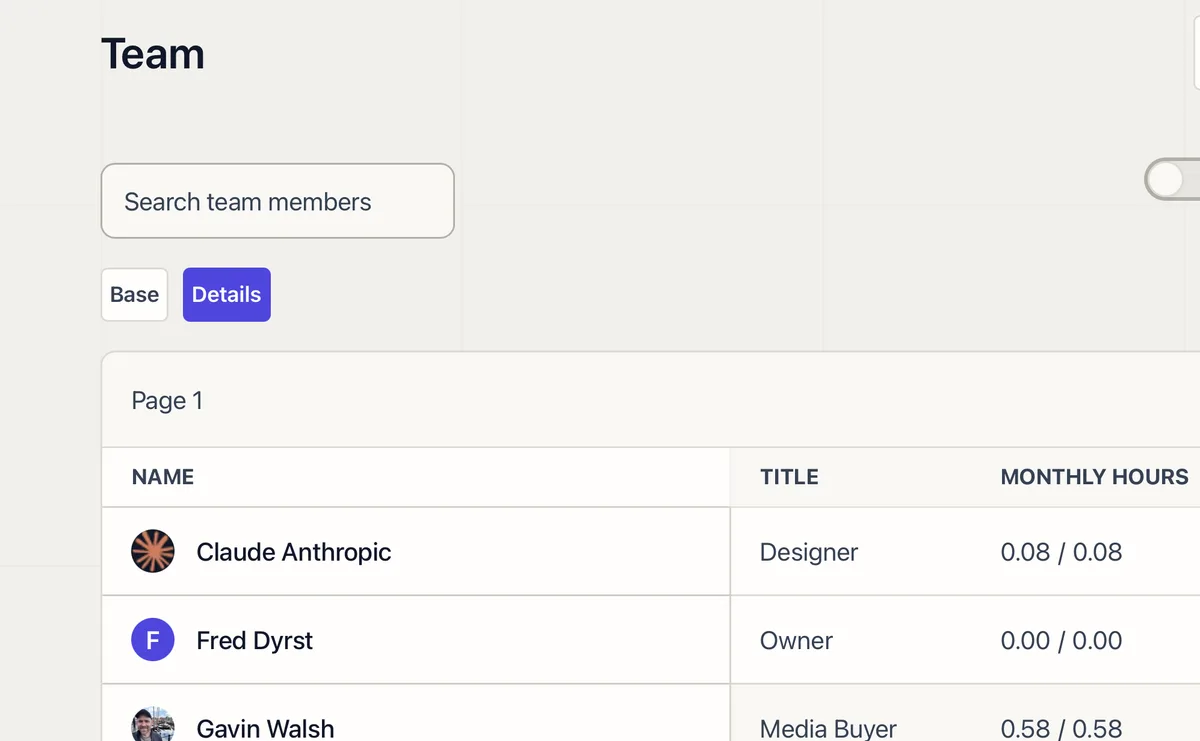
Team Roles and Permissions Explained
How Admin, Manager, Employee, and Worker roles control what each person on your team can see and do.
 08
08
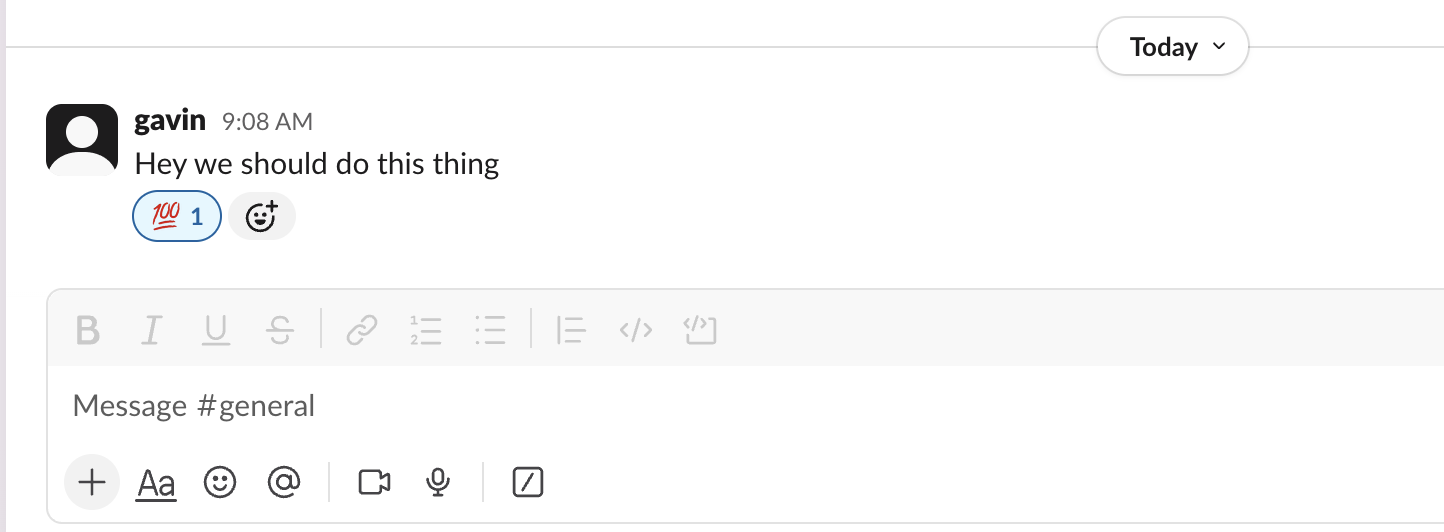
Turn a Slack Message into a Task with One Emoji
React to any Slack message with your agency's emoji and Lifted Work creates the task, with the original message and a link attached.
 09
09
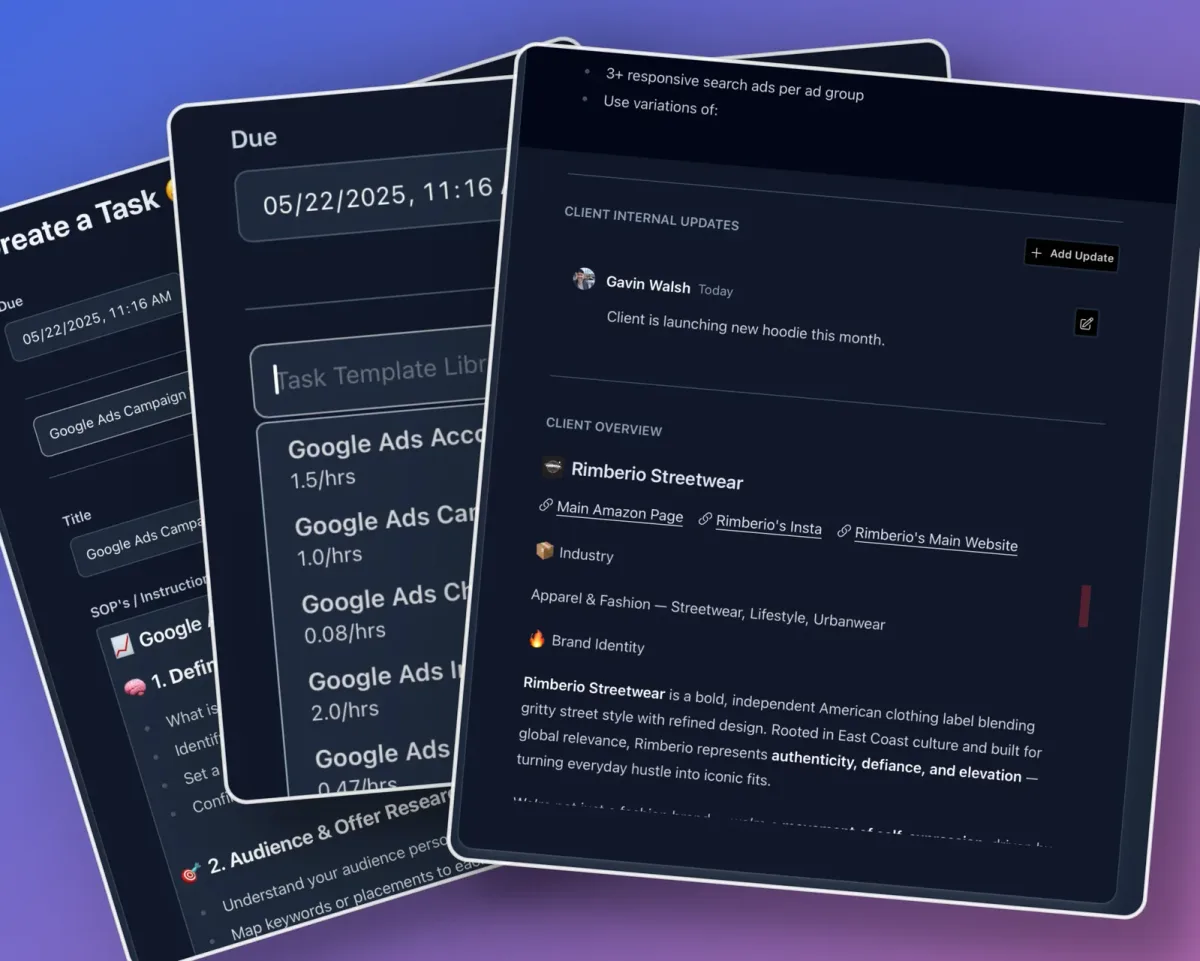
How to Use Task Templates in Lifted Work
Create reusable task blueprints with instructions, time estimates, Tools for AI settings, and Run on complete prompts. Organize them into groups for your agency.
 10
10
How to Use Filters to Find Any Task
How filters, date ranges, and views control which tasks you see, and how to reset them to find what you're looking for.