

Features
Everything it takes to run the whole agency.
The features that turn recurring services and incoming client requests into assigned, tracked, delivered work, with AI that already knows the client.
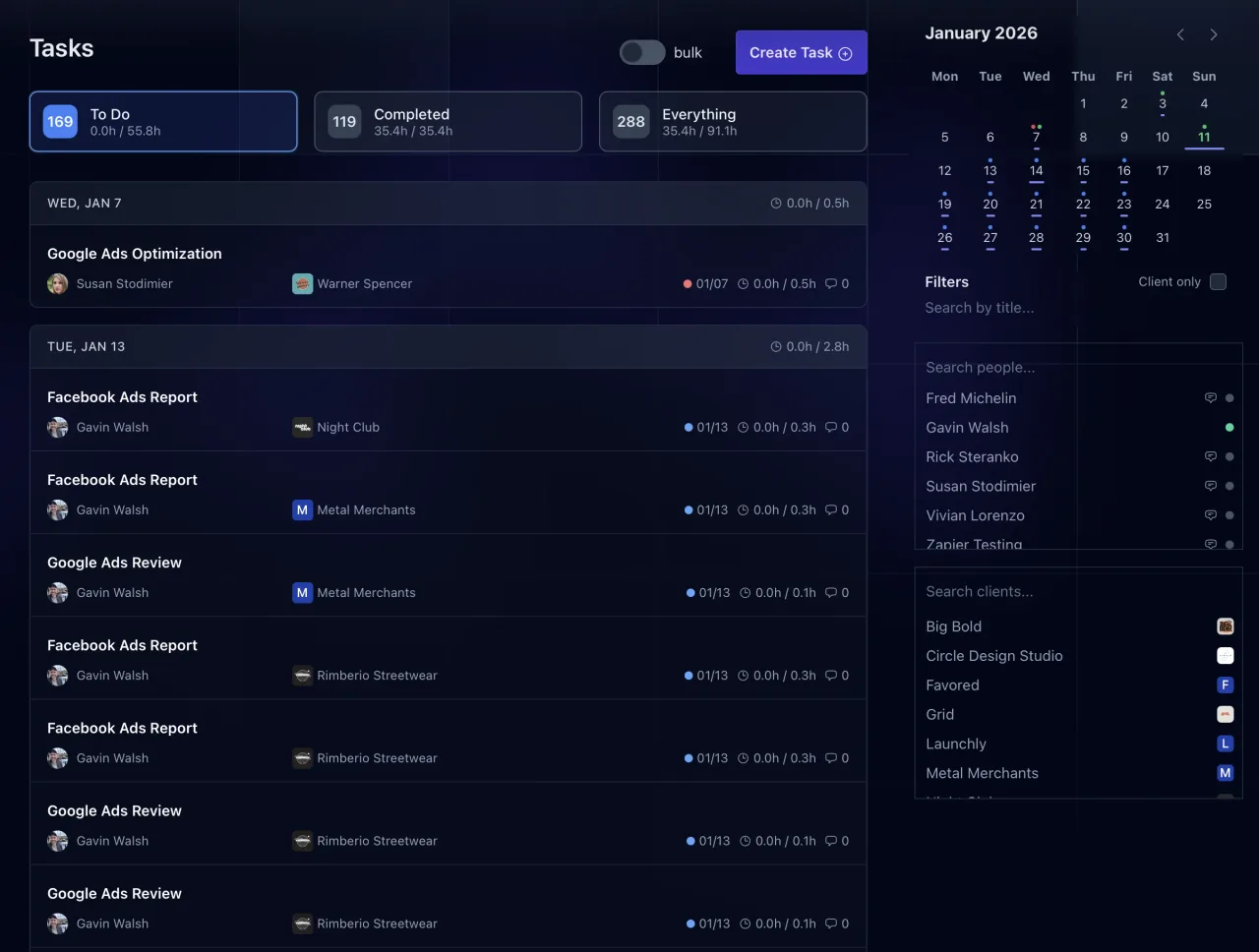
Task Management
Filter, sort, bulk-update, and schedule tasks across every client from one place.
Learn more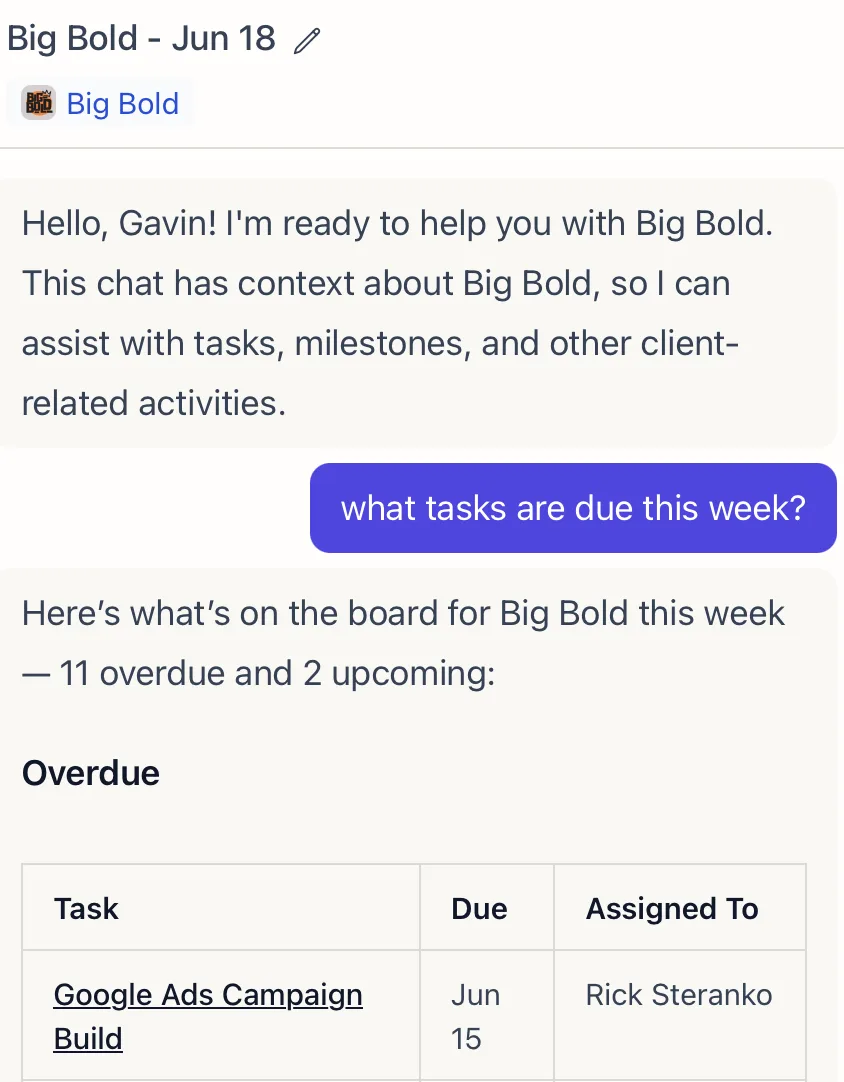
Lifty AI
An AI assistant that already knows your clients: their brand, work, emails, analytics, and history. Ask it to summarize, draft, report, or build the next task.
Learn more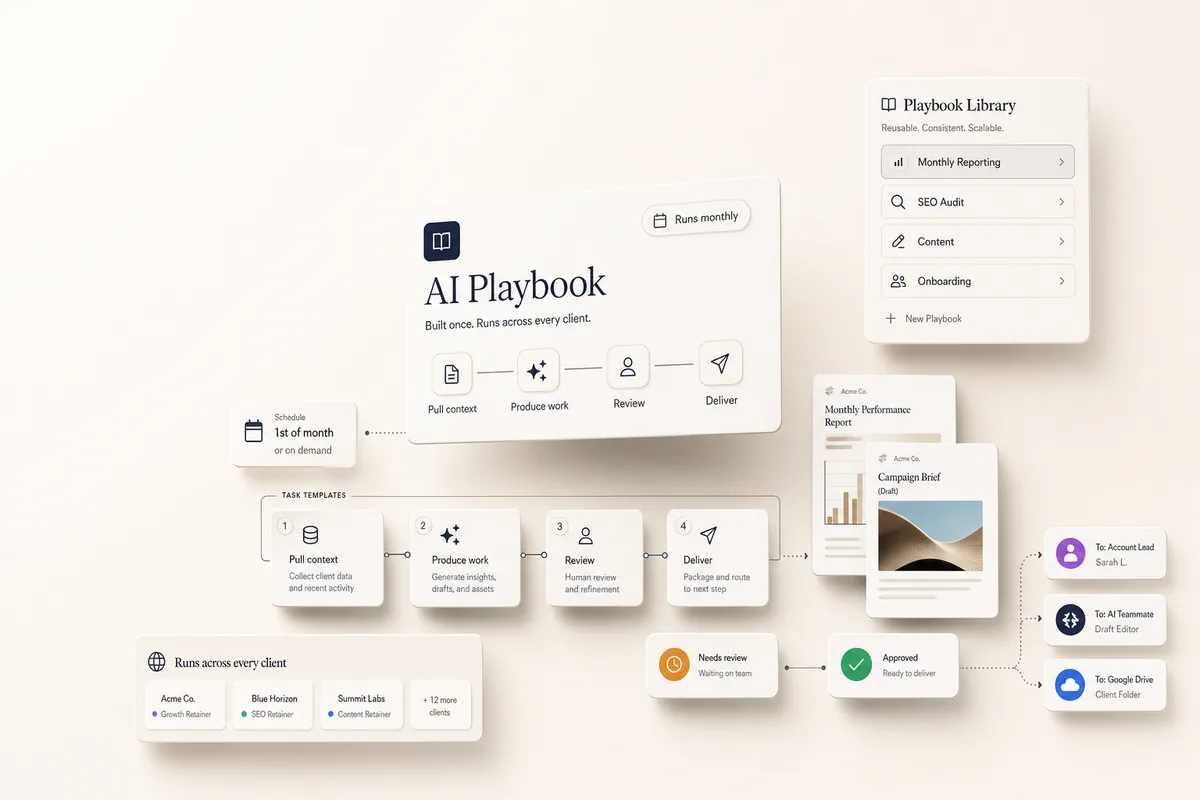
AI Playbooks
Turn a recurring process into a playbook that runs on a schedule, produces real deliverables, and routes them through your team before they reach a client.
Learn more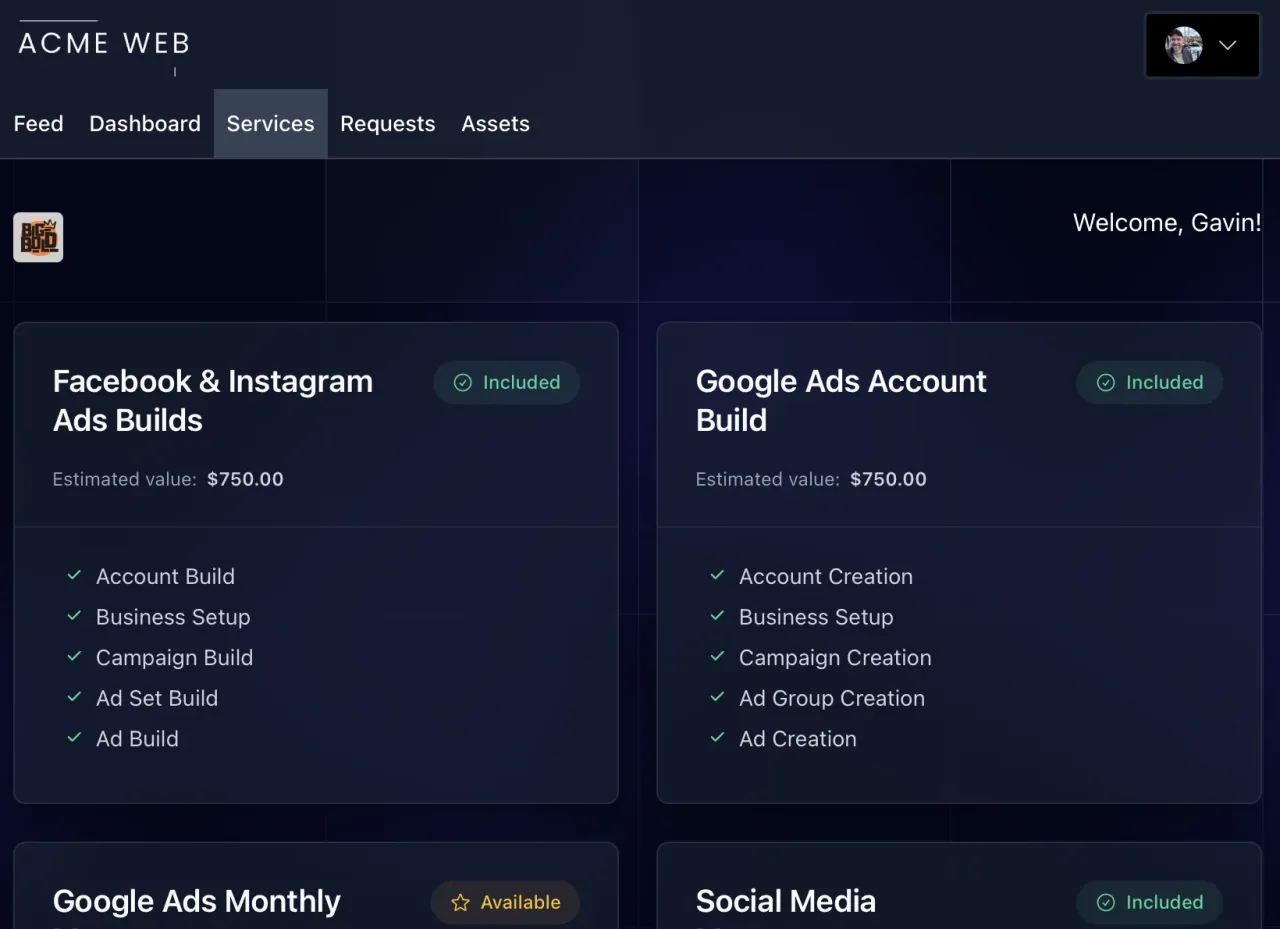
Client Portal
A branded portal where clients submit requests, complete the to-dos you assign them, review deliverables, and watch the work land in a live feed.
Learn moreMore features
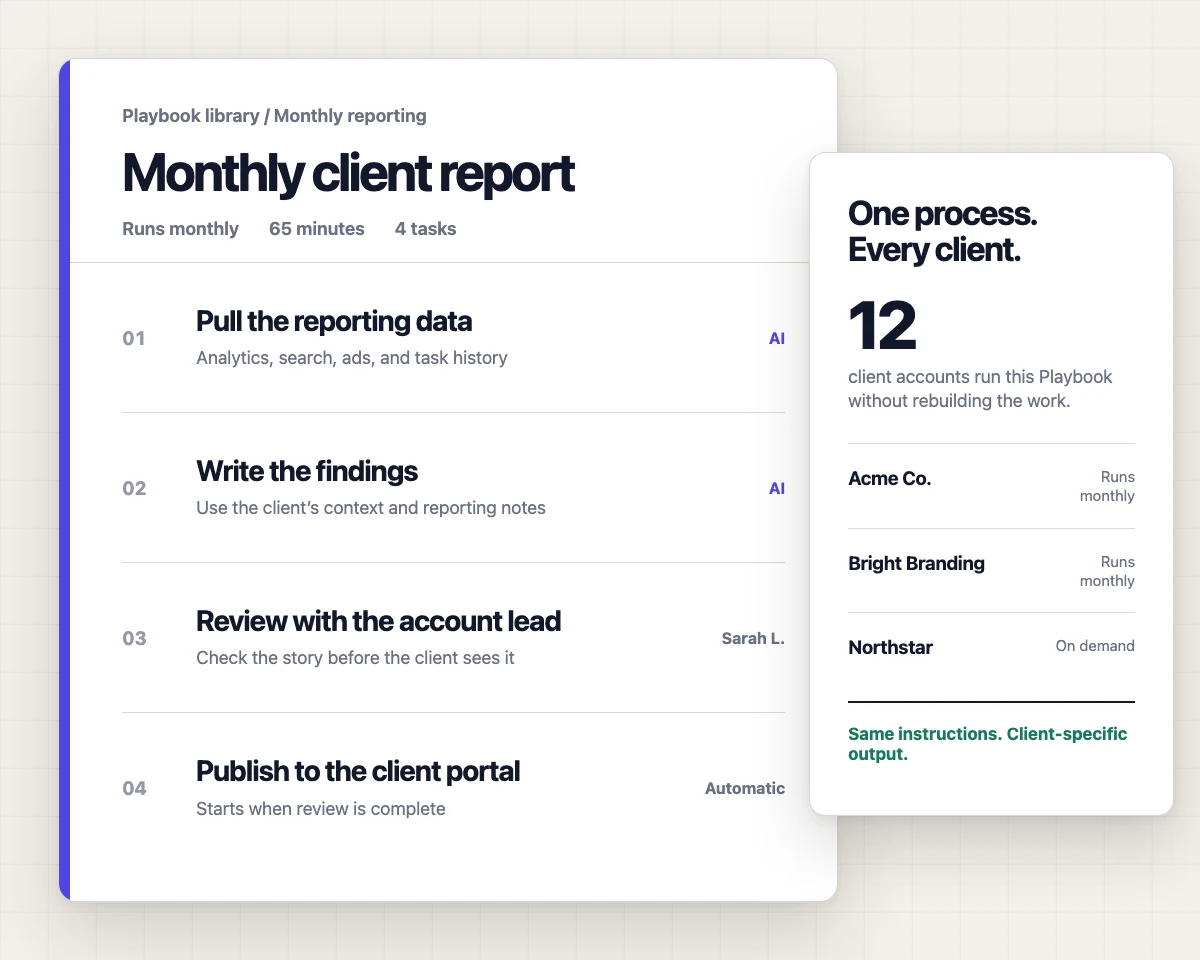
Task Templates: SOPs and AI Prompts
Build reusable task blueprints with human instructions, AI prompts, and after-completion chaining.
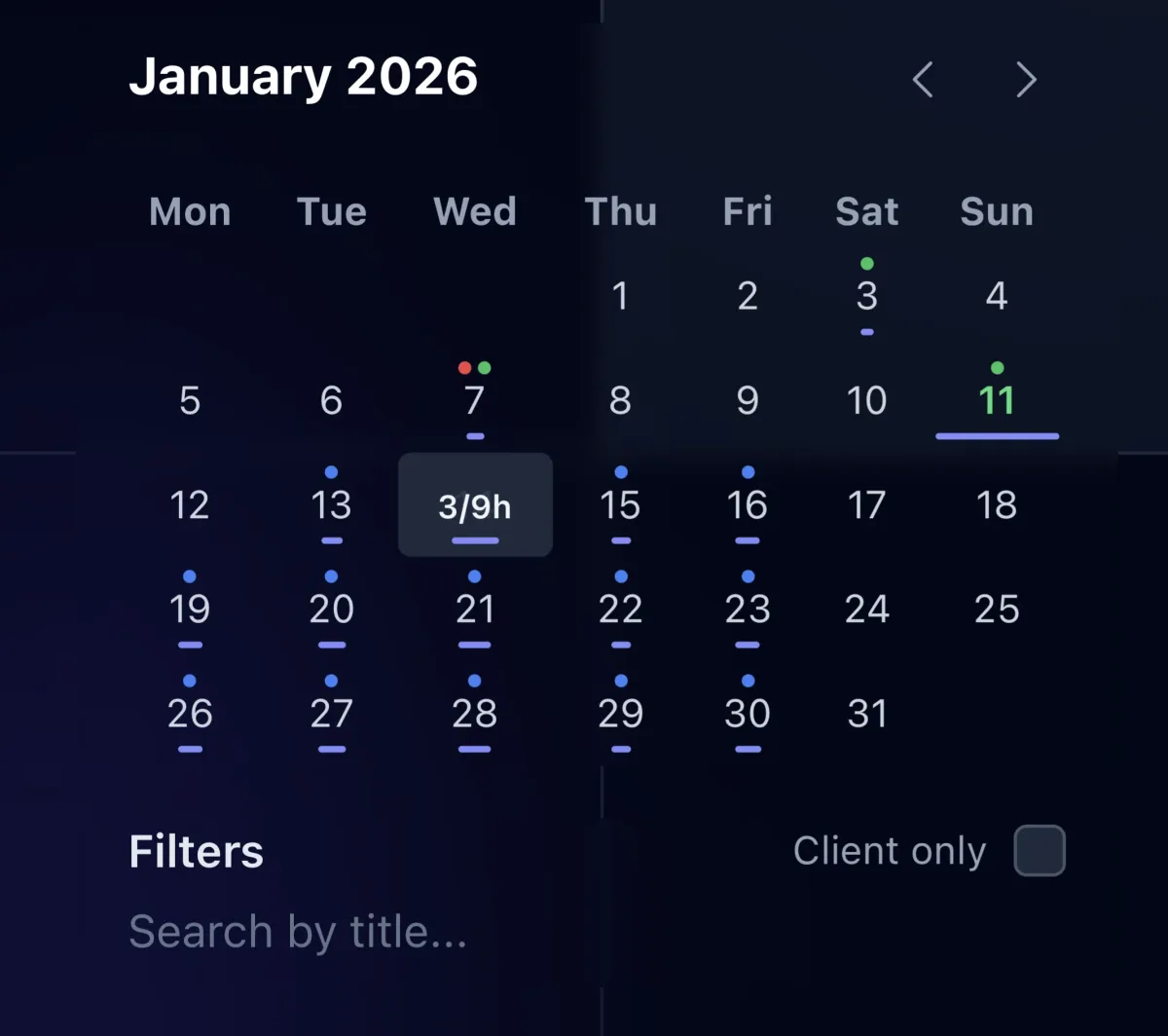
Capacity Calendar
See assigned hours per person per day, spot who is overloaded before deadlines slip, and rebalance work in a few clicks.
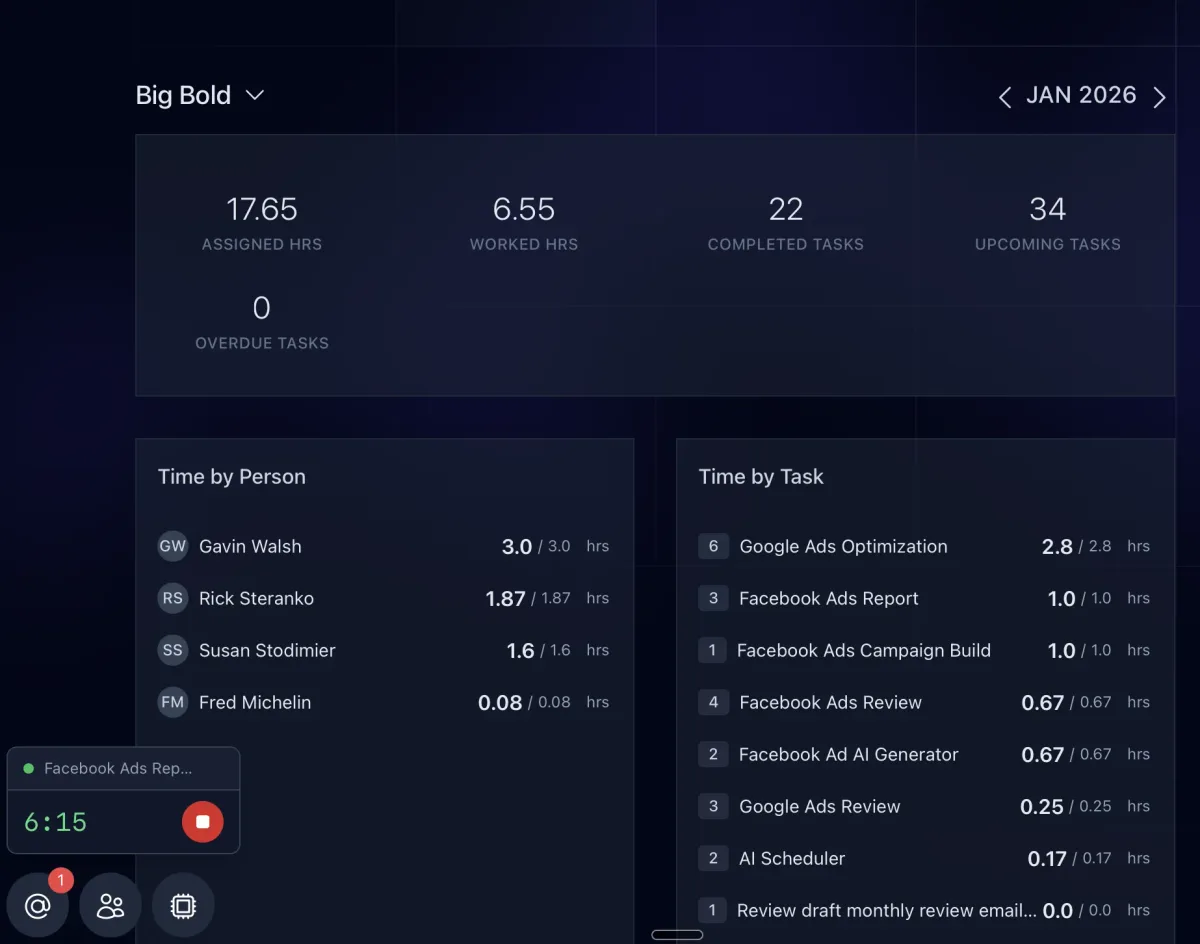
Time Tracking and Budgets
Track time while the work happens, compare it to each task's budget, and see where hours go by client, task type, or team member.
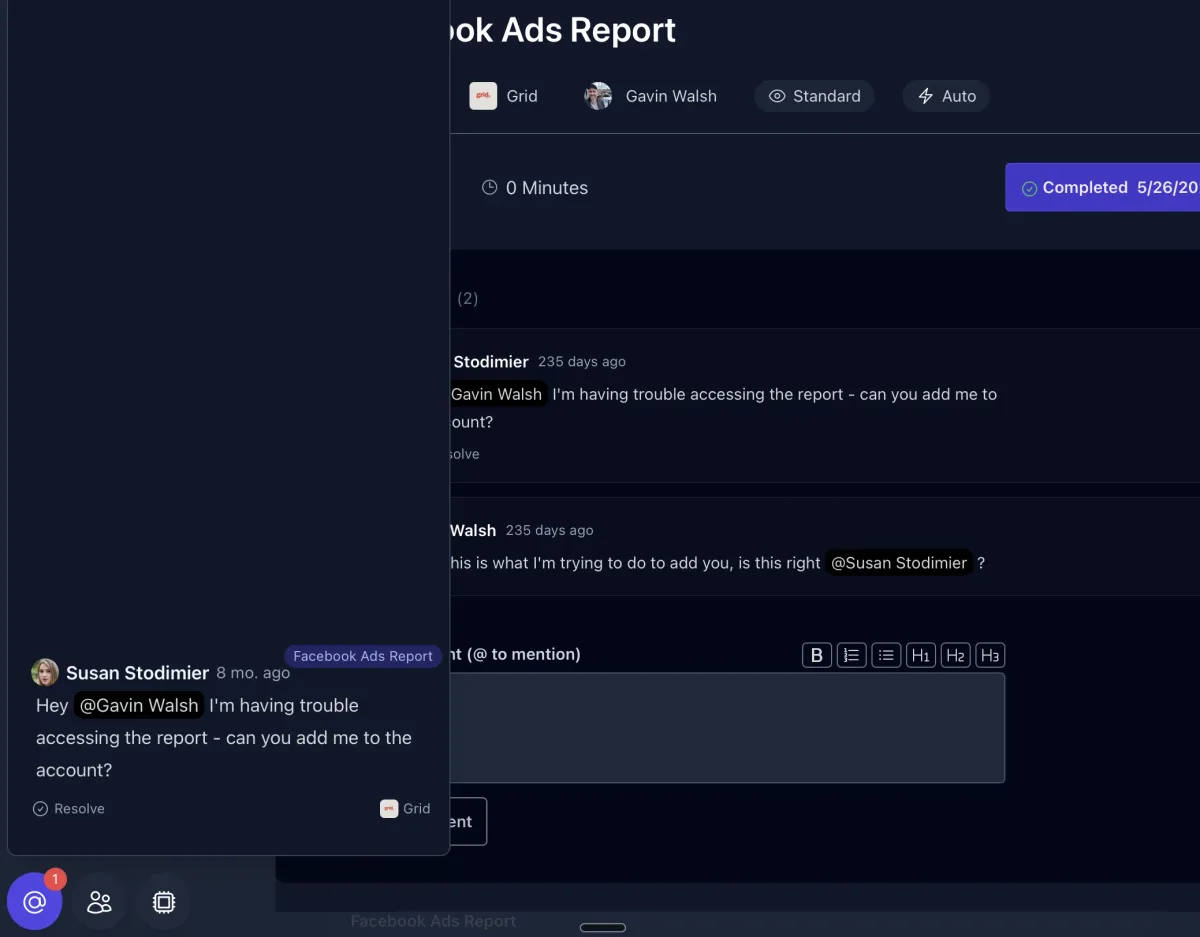
Task Comments and @Mentions
Keep the conversation on the work. Comment on tasks, @mention teammates to unblock them, and let AI read the thread for context.
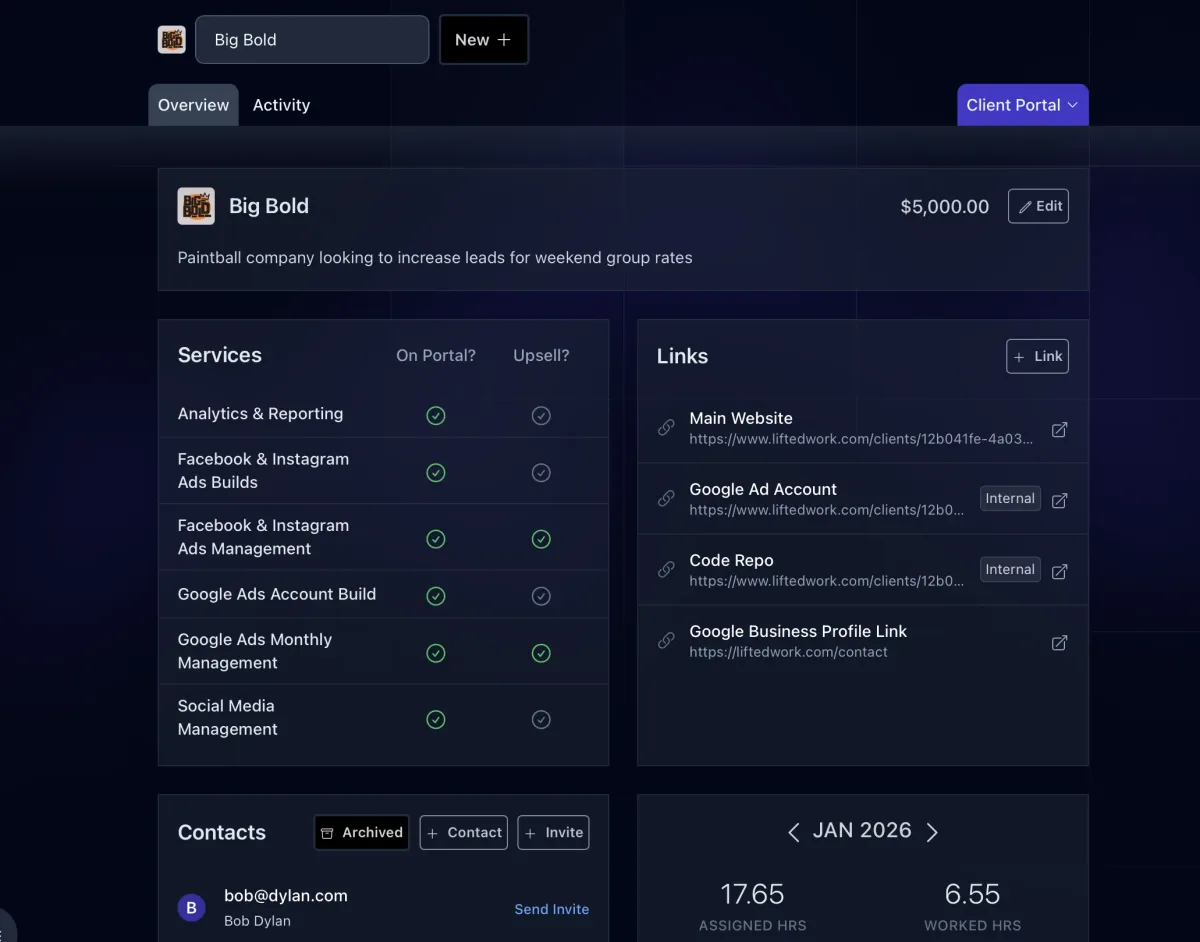
Client Overview
The client's home tab: brand, description, contacts, links, services, portal settings, milestones, and stats, with every other tab one click away.
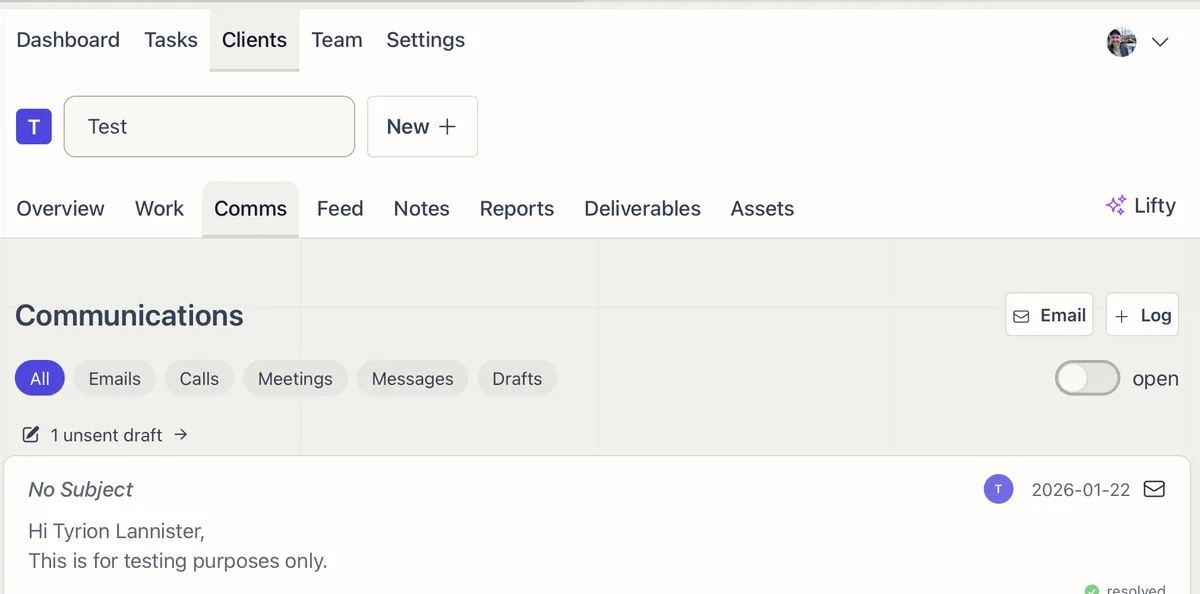
Client Communications
Every email, call, meeting, and message with a client in one tab, synced from Gmail and your other tools, ready for AI to act on.
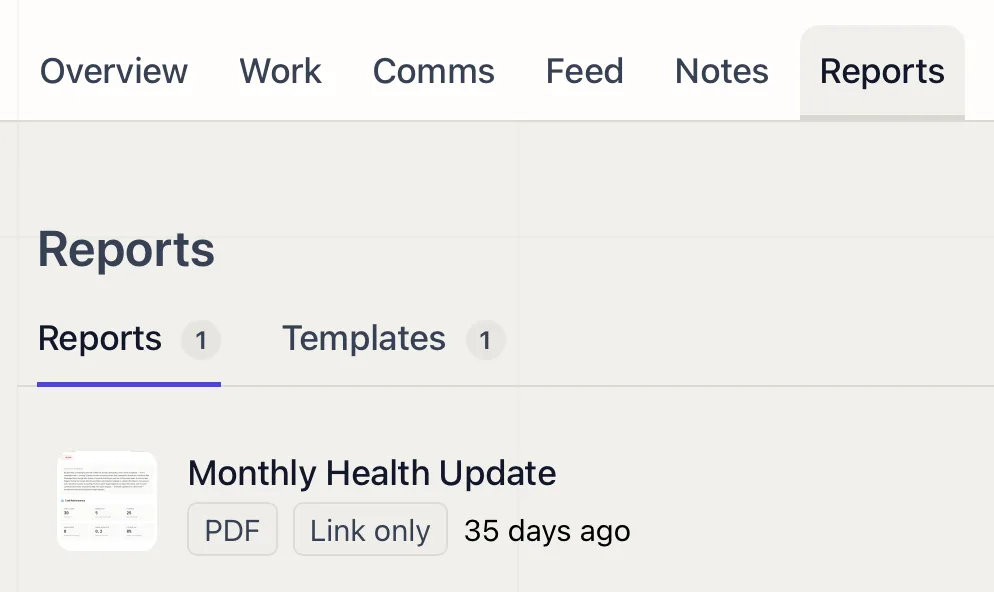
Client Feed
A running stream of the work you deliver, posted to the client's portal as it happens: completed tasks, reports, videos, and files.
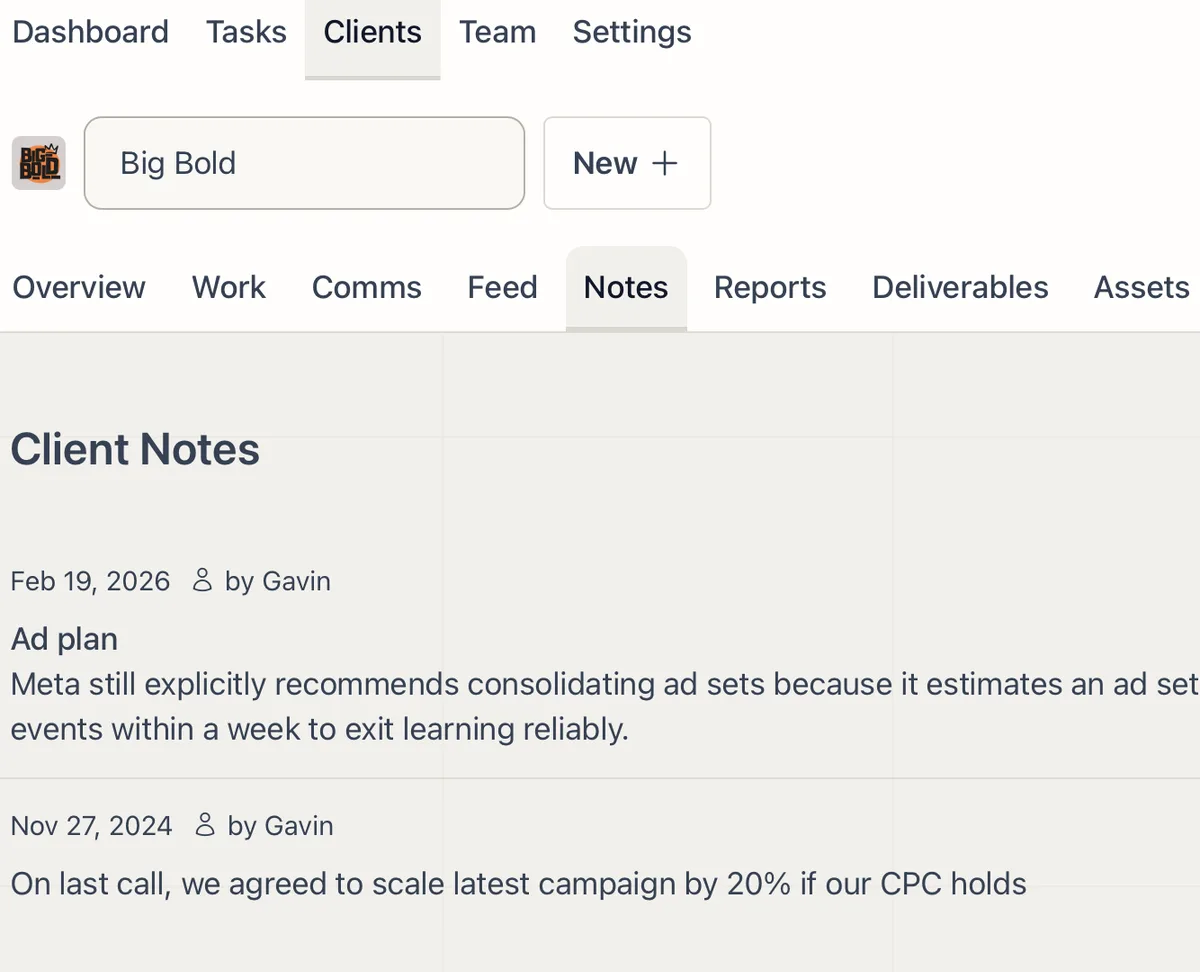
Client Notes
Internal notes on each client that your whole team and the AI can read, so context never lives in one person's head.
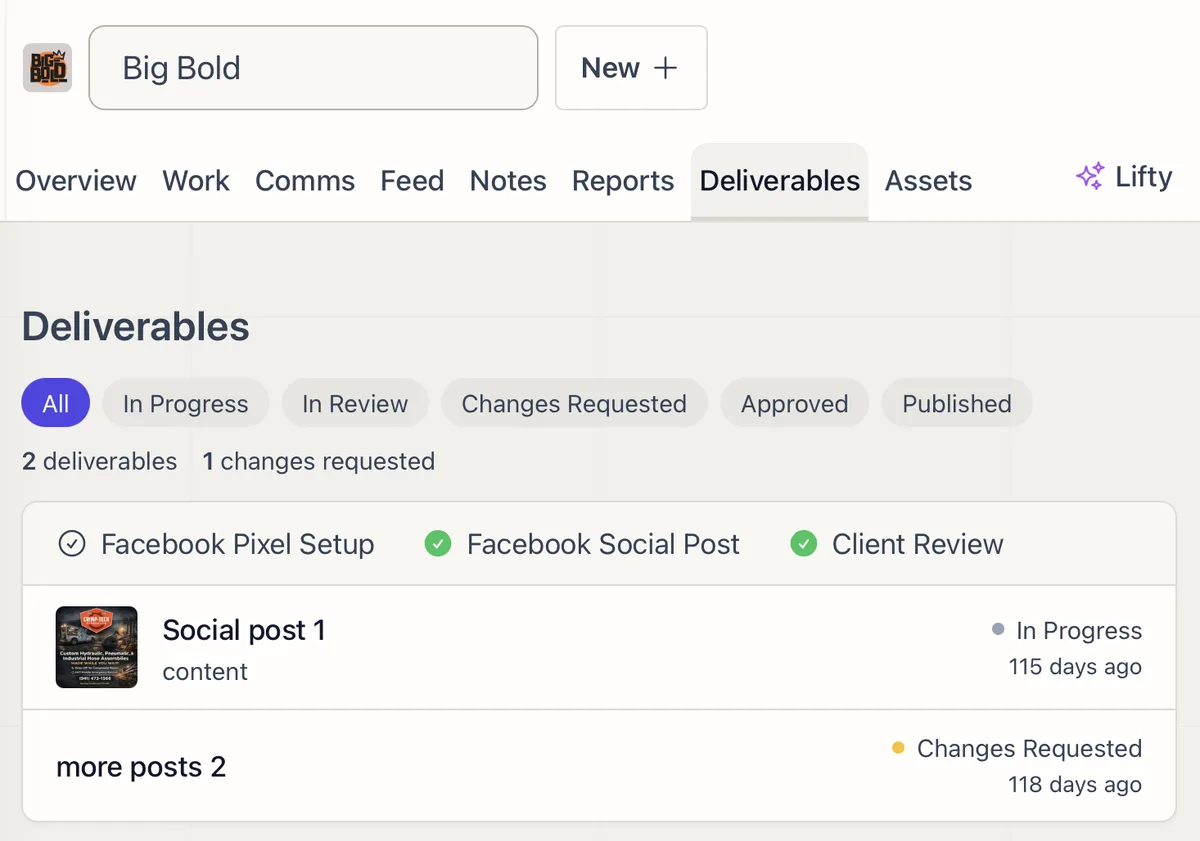
Deliverables and Approvals
Move every deliverable from draft to client sign-off in one place, with review, change requests, and approval tracked at each step.
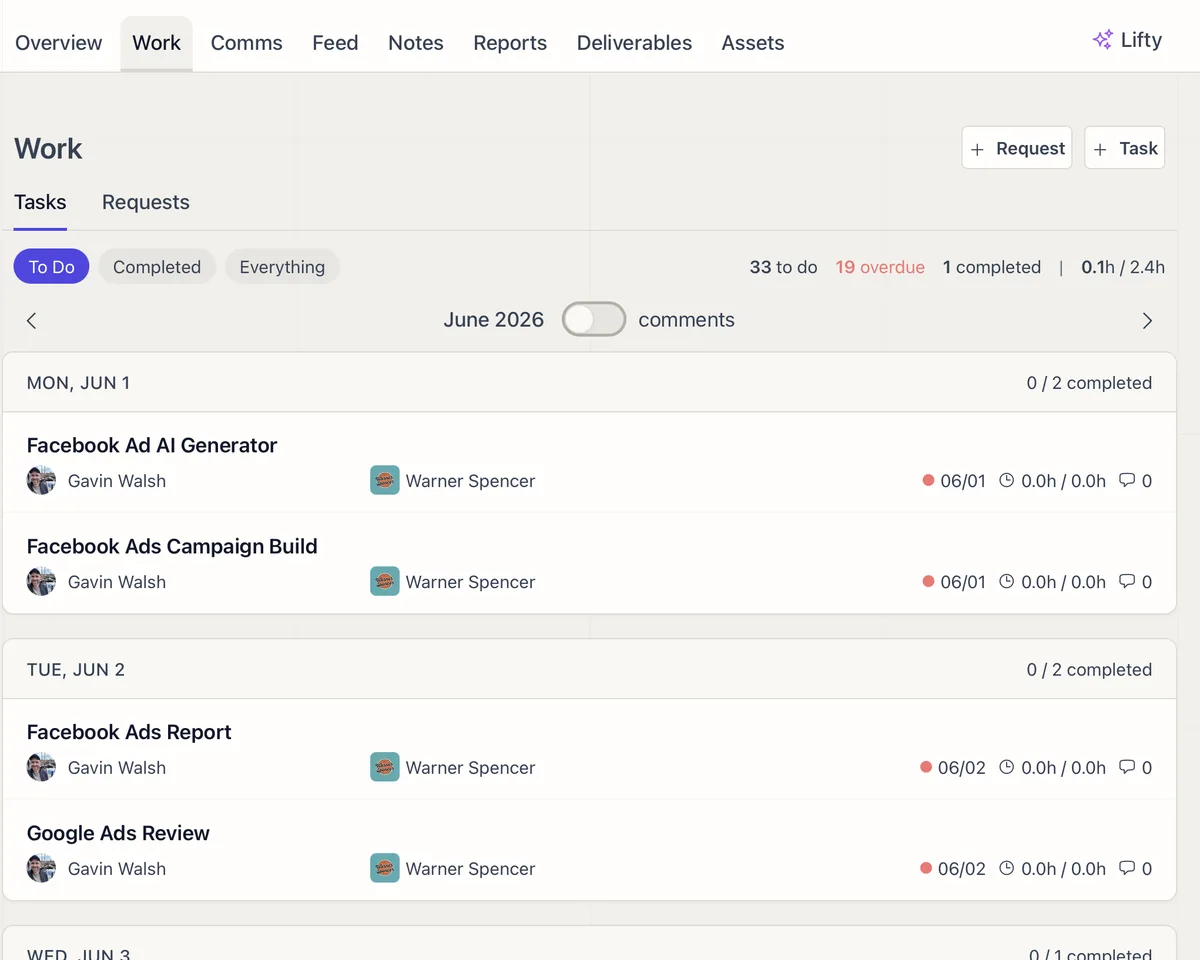
Client Requests: Intake, Track, and Convert to Tasks
Clients submit requests with file attachments through their portal. Your team tracks, converts, and responds from one panel.
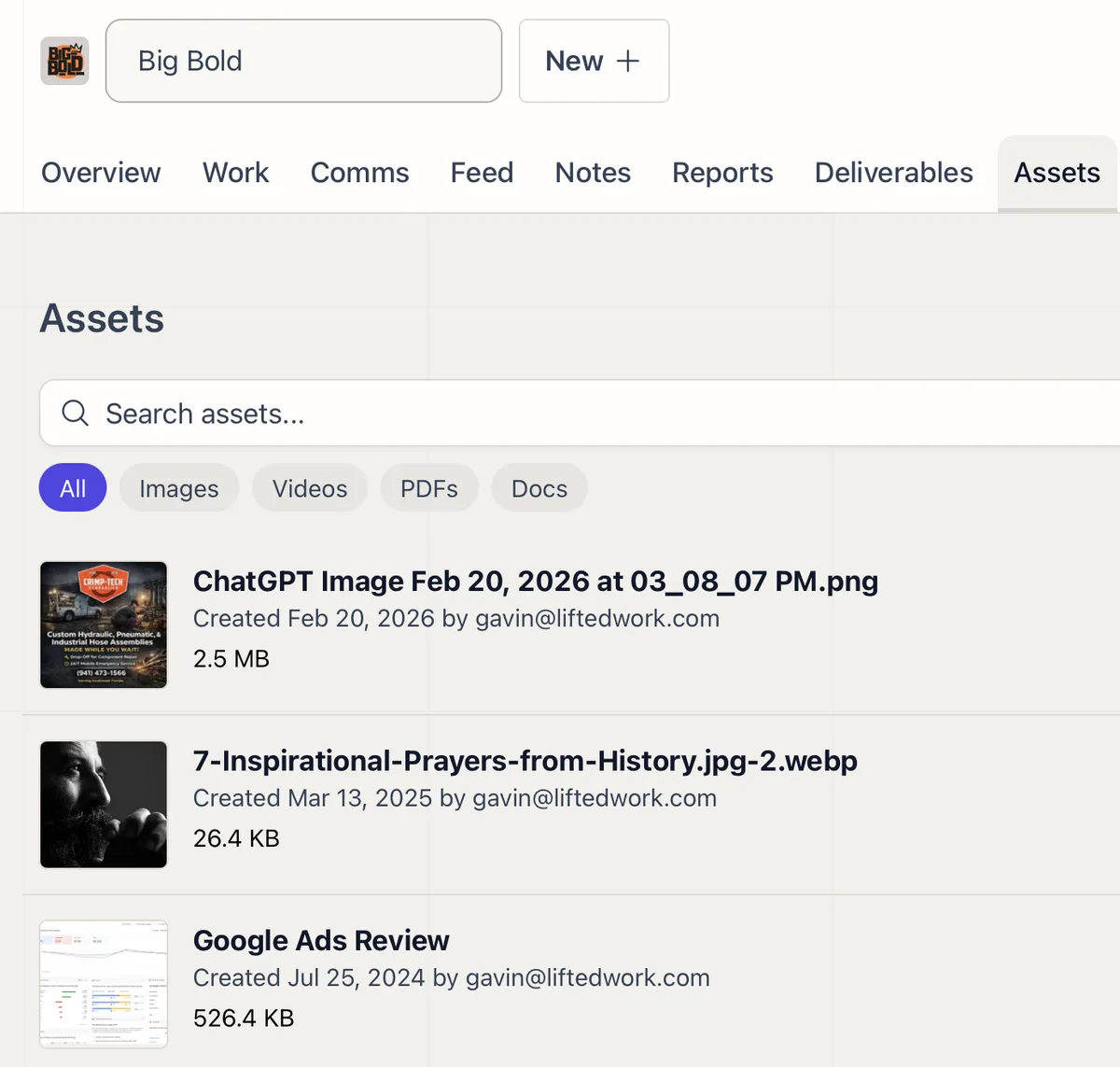
Client Assets
Upload, search, and organize every file for a client in one tab, ready to attach to tasks or share through the portal.
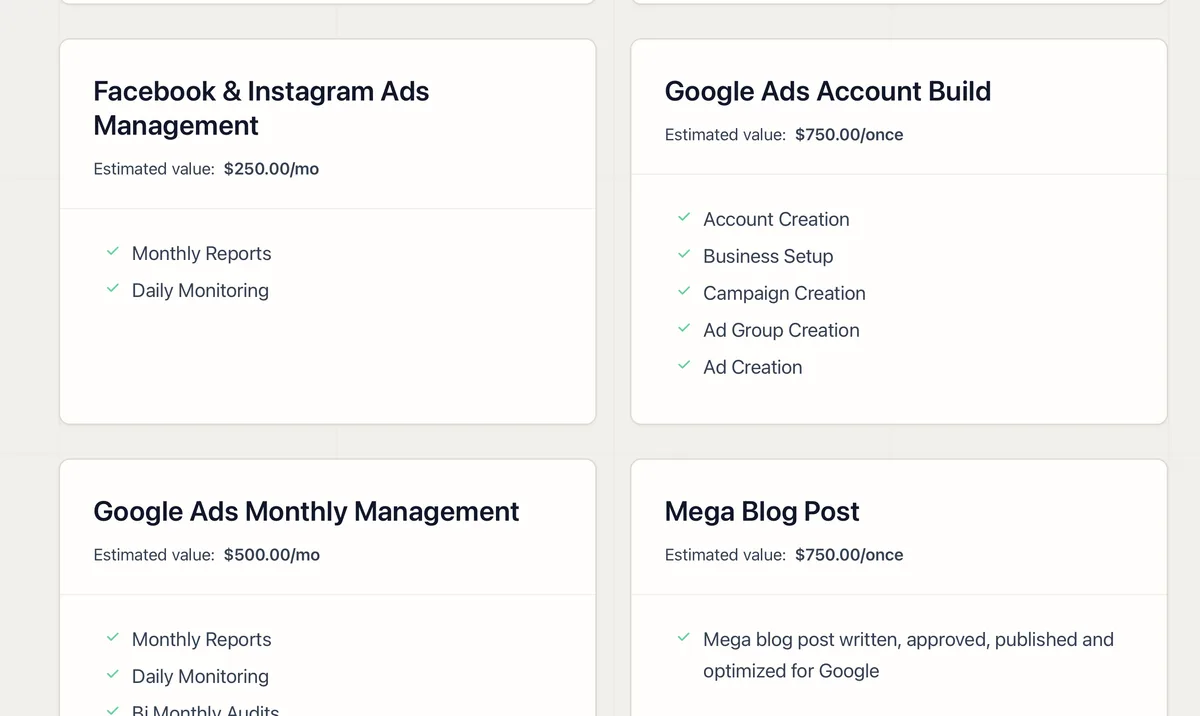
Services and Upsells in the Client Portal
Show clients the value they're getting, anchor your pricing, and surface upsell opportunities inside the portal they already use.
Reporting and Analytics
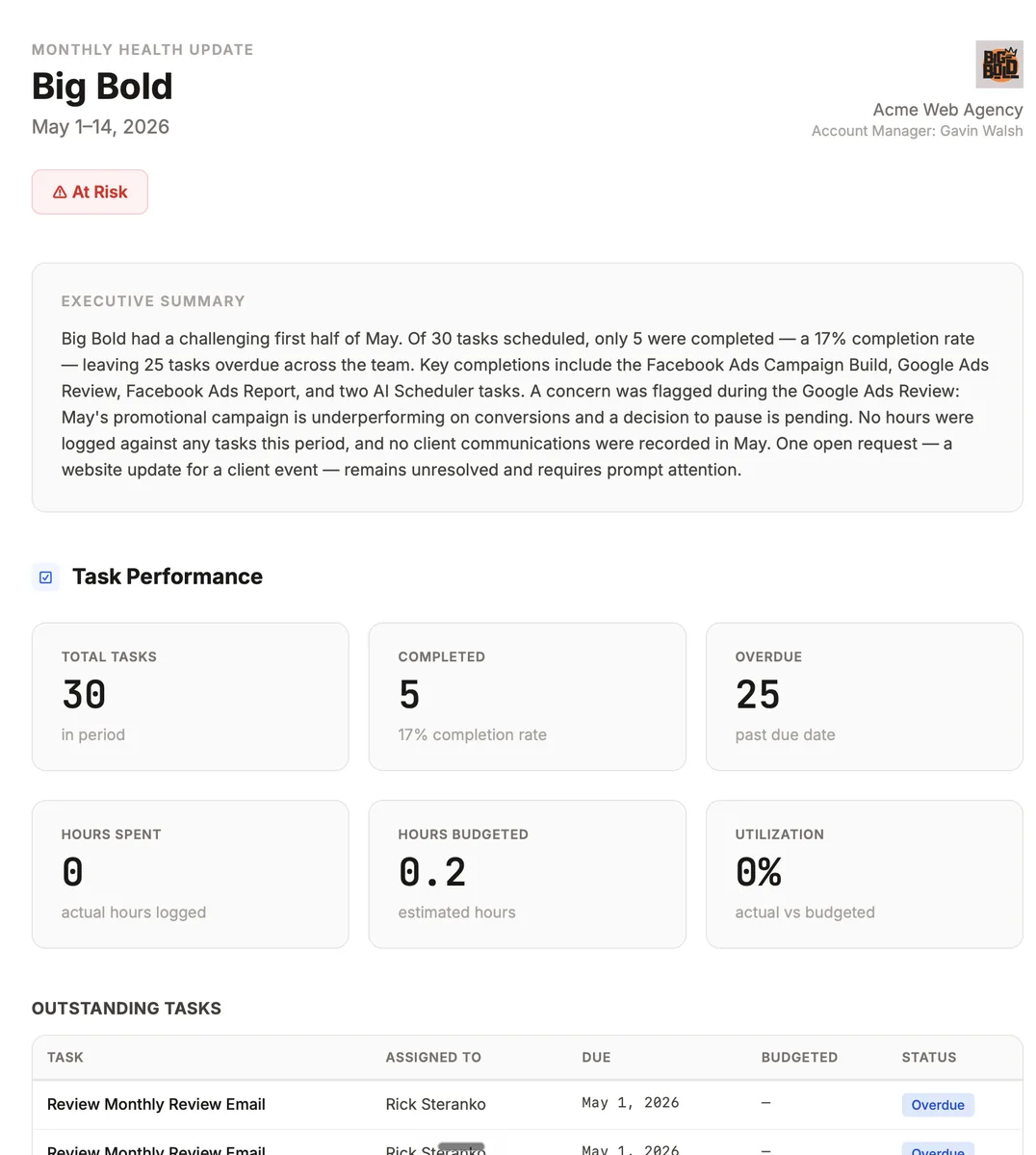
Connect GA4, Search Console, Google Ads, Meta, and Business Profile, then let AI fill branded report templates and post them to the client.
Client Management
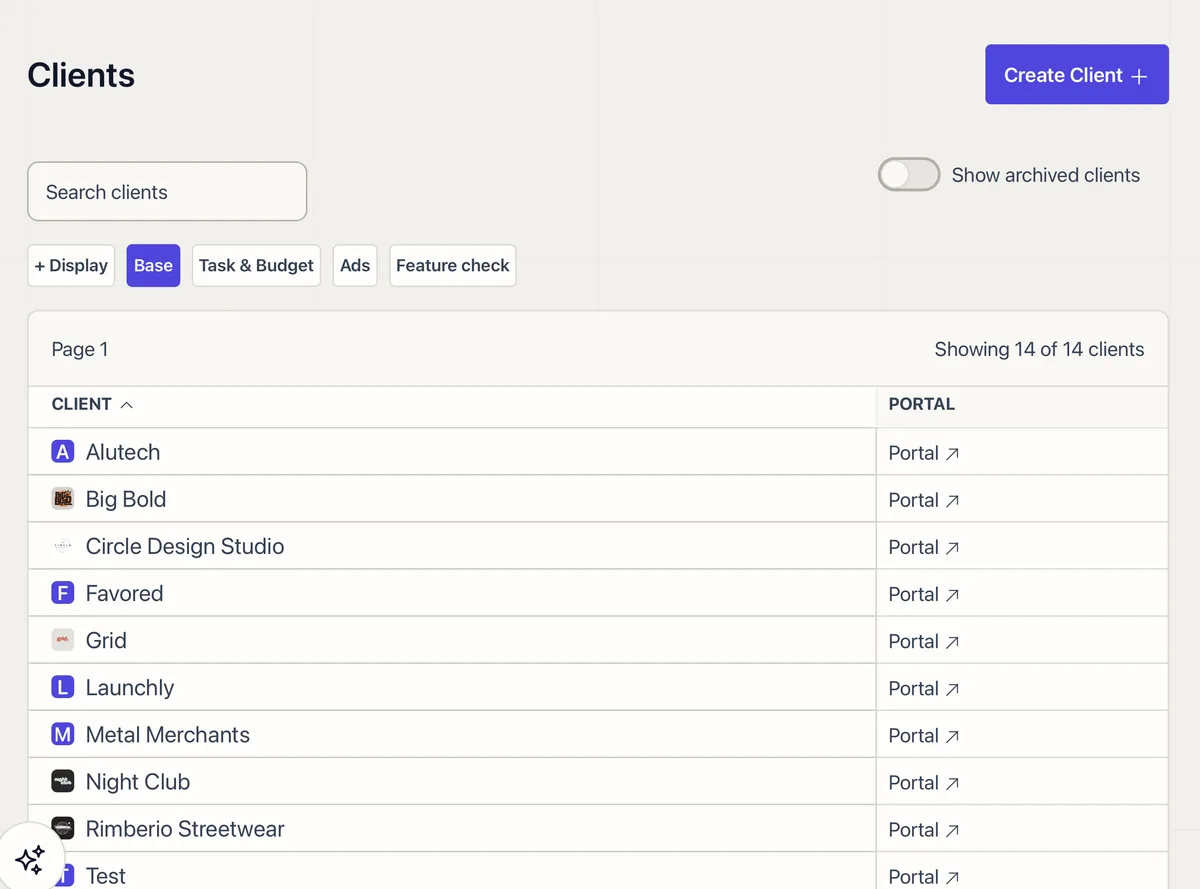
A sortable client list with custom columns, inline editing, display groups, and quick actions for every account.
Agency Dashboard
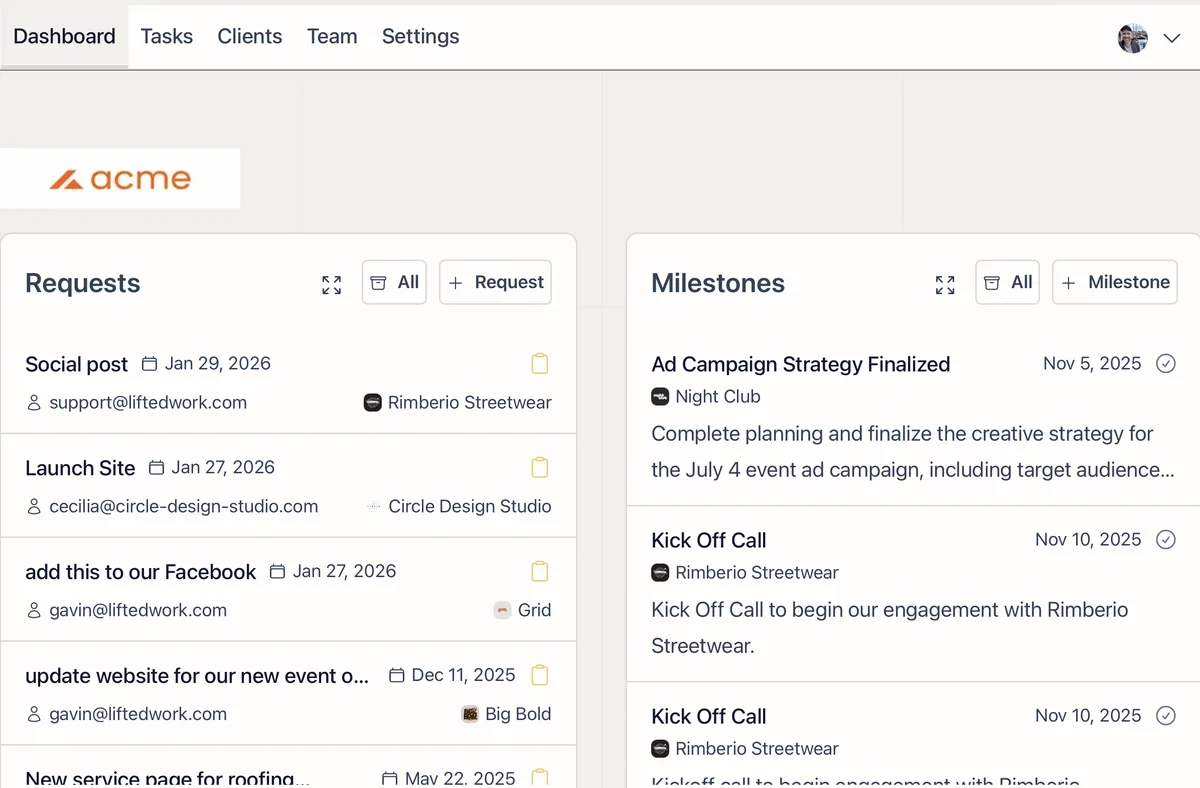
Your daily starting point. Requests, milestones, correspondence, monthly stats, team analytics, client analytics, and @mentions in one view.
MCP Integration for Claude and ChatGPT
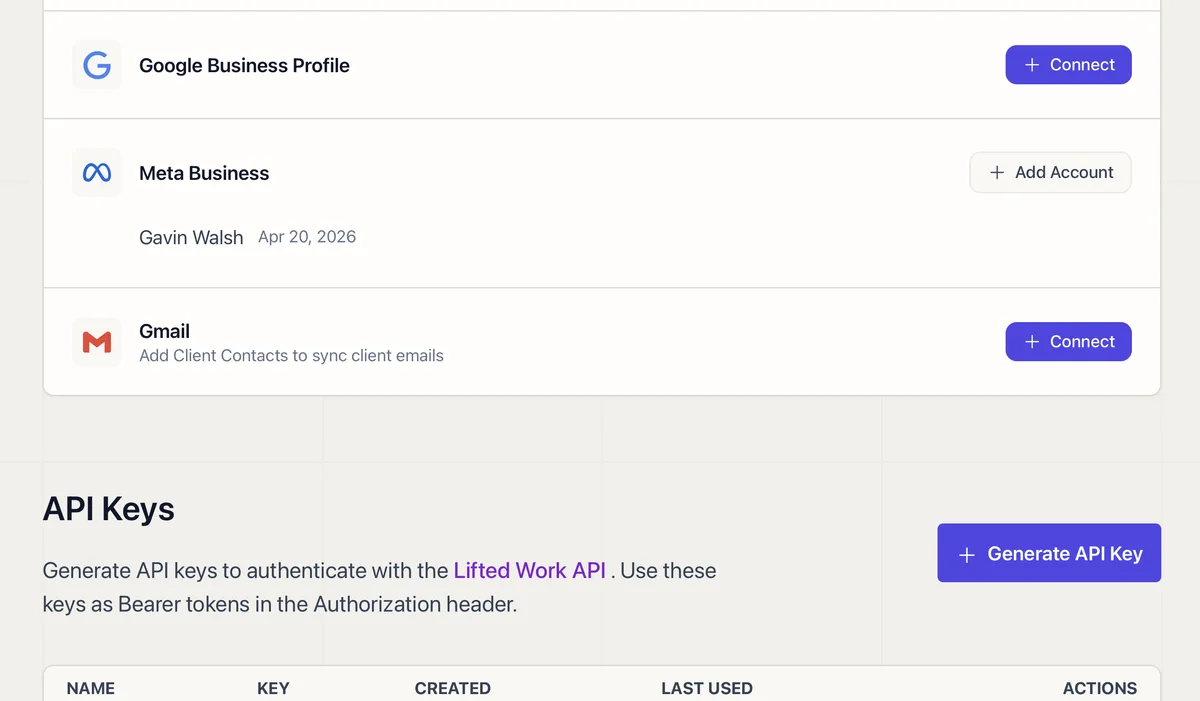
Connect Claude or ChatGPT to Lifted Work through MCP and manage tasks, clients, emails, reports, and analytics from any AI tool.