See and Update Every Client at a Glance
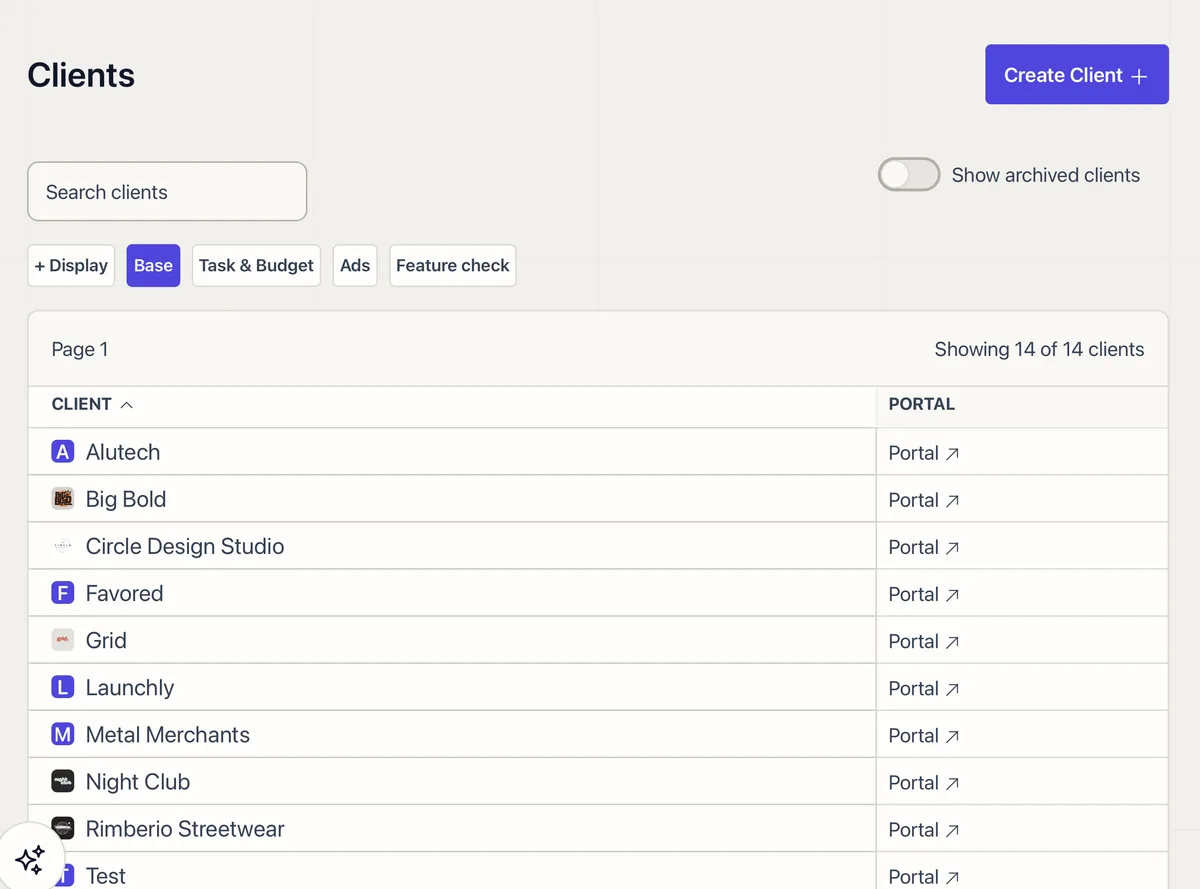
The Client Management screen lists all your clients in a sortable table. Default columns include client name, portal link, pending milestones, client notes, pending requests, tasks, hours, and invoices. Click any column header to sort. Search by name to find a specific client, or toggle archived clients on or off.
Hover over any count badge (milestones, notes, requests) to see a quick preview of the items without clicking in.
Custom Columns You Can Edit Inline
Define your own tracking fields in Settings > Statuses: blog post quotas, ad budgets, campaign stages, anything you need. These show up as sortable columns alongside the defaults.
Text and number columns are editable right in the table. Click a cell, type the new value, and it saves on blur. Select-type columns show a dropdown. No need to open the client to update a status.
Display Groups
Save column configurations as Display Groups for quick switching. Set up an “Ads View” that shows only budget and campaign status, a “Capacity Check” with hours and tasks, or a “Sales Pipeline” with custom deal stages. Switch between them with one click.
Time Tracking Per Client
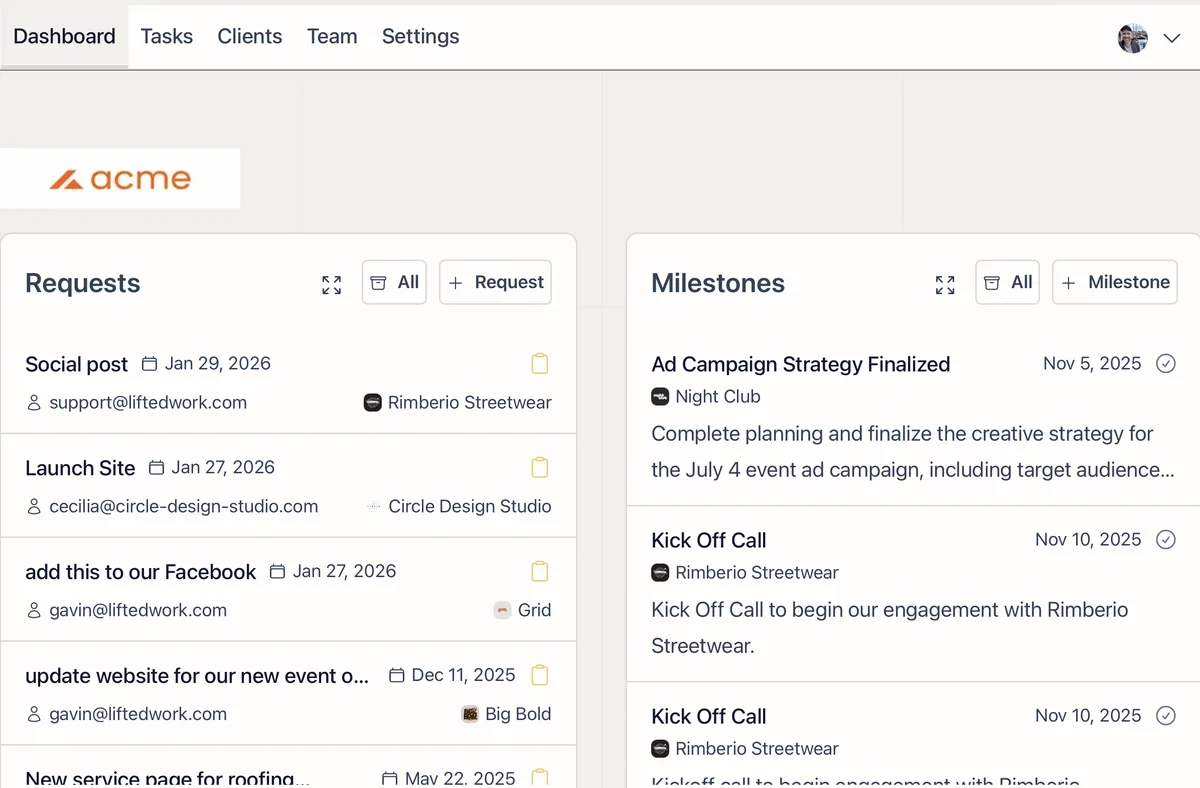
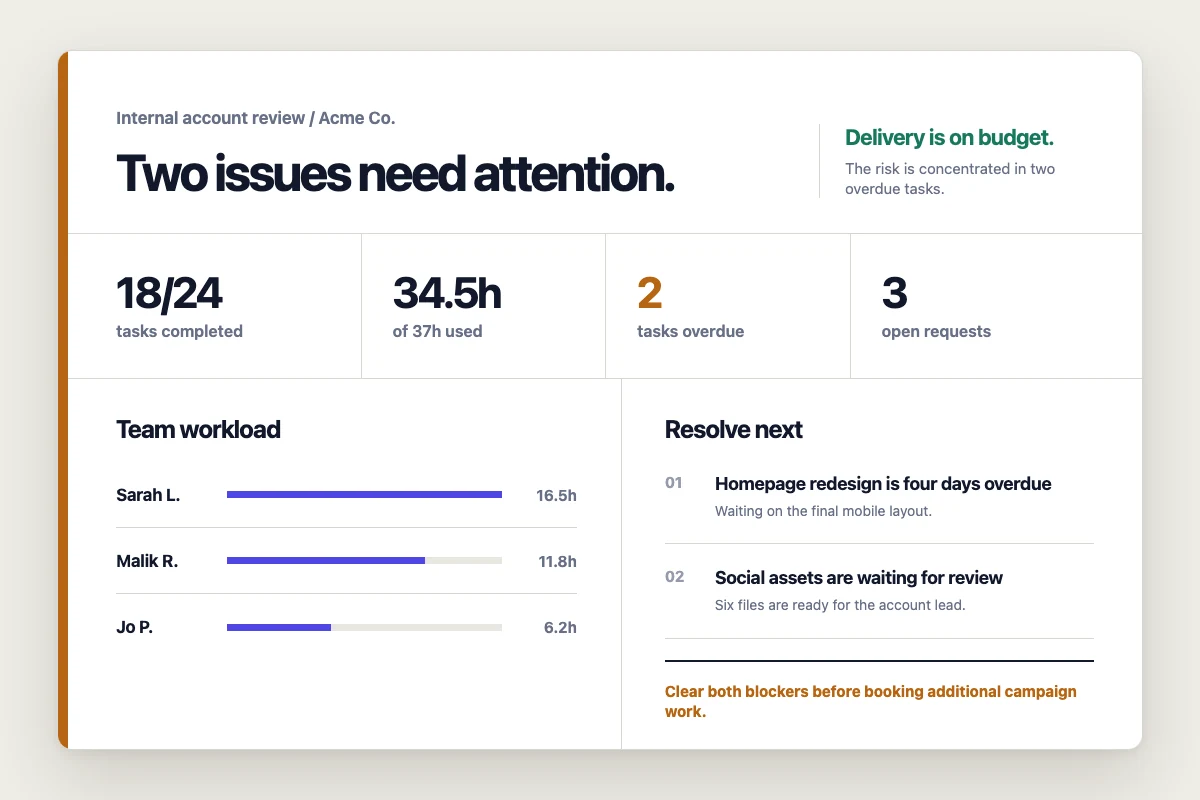
See assigned hours vs. worked hours for each client for the current month. Use the Dashboard to drill into hours by person and client.
Quick Actions From the List
Each column has an inline + button to create items without leaving the list:
-
+ on Milestones creates a milestone for that client
-
+ on Client Notes adds a new note
-
+ on Requests creates a request (and you can convert existing requests to tasks directly)
-
+ on Tasks or Hours opens the task creation form
-
+ on Invoices creates an invoice
Add the Portal column to get a direct link to each client’s portal.