Client Requests - Intake, Track, and Convert to Tasks
Clients submit requests with file attachments through their portal. Your team tracks, converts, and responds from one panel.
Requests Come In Through the Client Portal
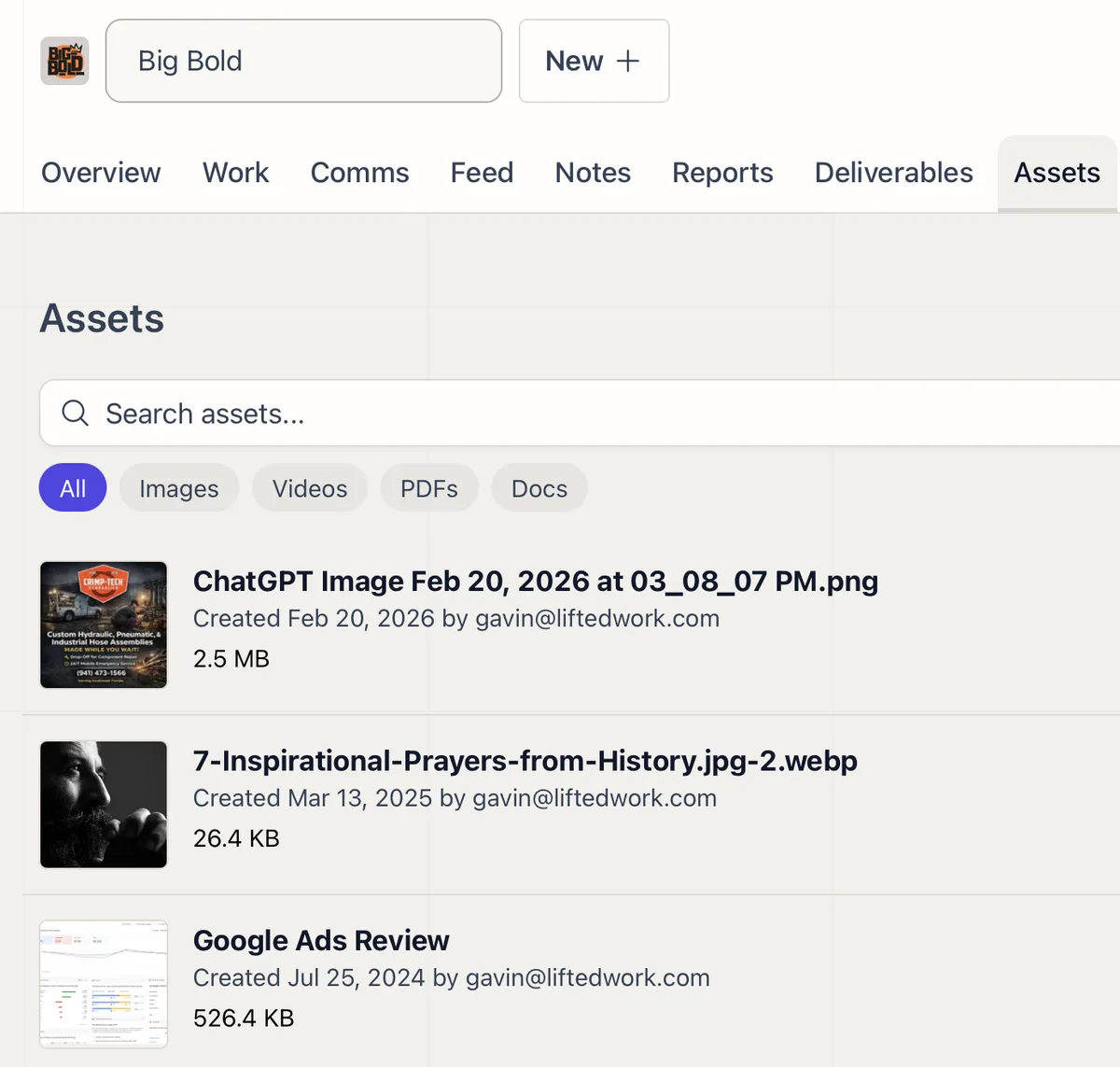
Clients submit requests directly from their portal with file attachments: PDFs, images, videos, documents, and more (up to 50 files, 100MB each). Every request lands in the Requests panel on your dashboard.
Status Tracking
Each request moves through clear stages: Pending, Scheduled, and Closed. Filter and search across all requests by status, client, or date.
Convert to Tasks in One Click
Turn any request into a task. When converting, apply a task template to prefill time estimates, instructions, and SOPs so nothing gets missed.
Notes Back to Client
Add notes to a request that are visible in the client portal under “Our Response.” Use this to communicate status updates, ask follow-up questions, or confirm next steps directly on the request.
Related Features
Task Management
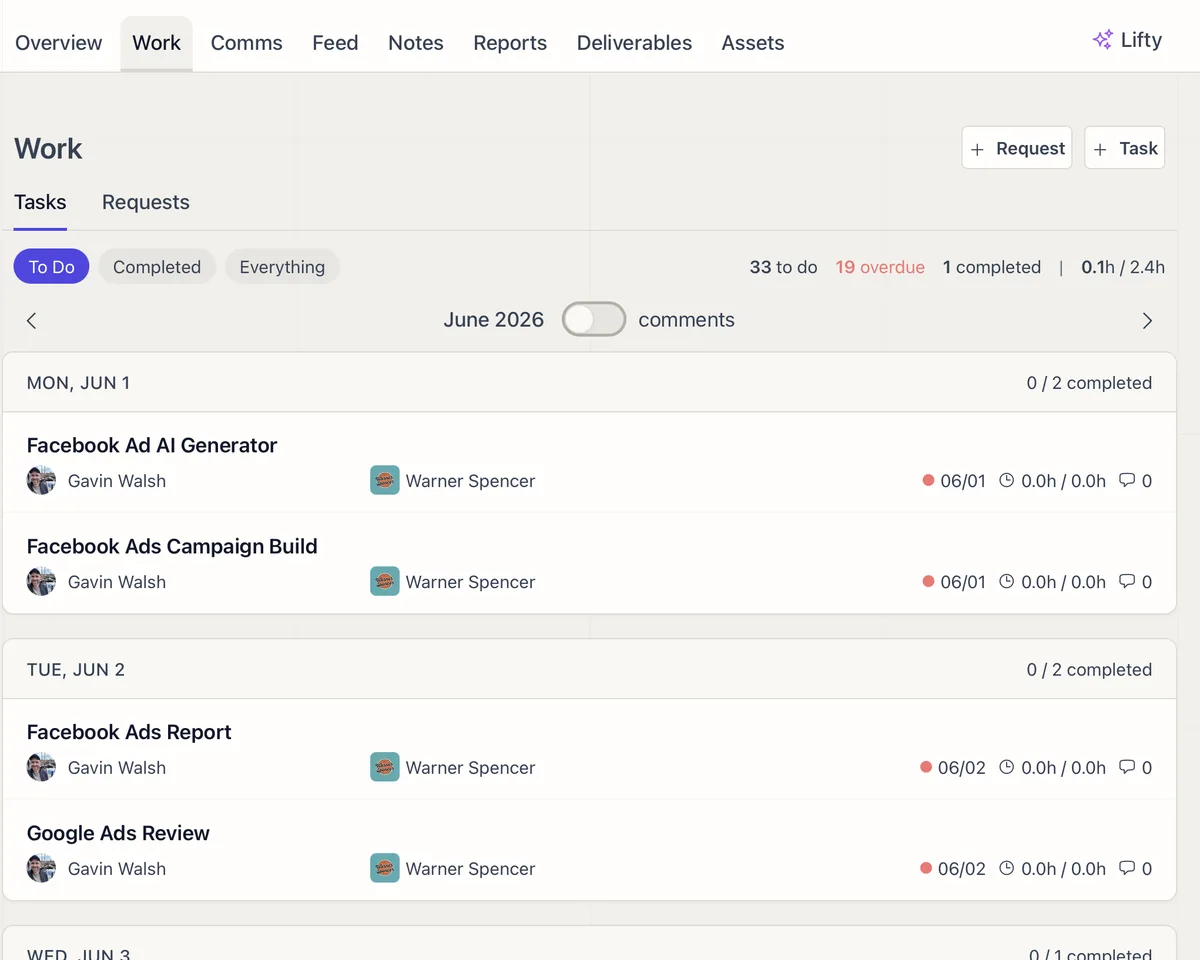
Filter, sort, bulk-update, and schedule tasks across every client from one place.
Task Templates: SOPs and AI Prompts
Build reusable task blueprints with human instructions, AI prompts, and after-completion chaining.
MCP Integration for Claude and ChatGPT
Connect Claude or ChatGPT to Lifted Work through MCP and manage tasks, clients, emails, reports, and analytics from any AI tool.
Agency Dashboard
Your daily starting point. Requests, milestones, correspondence, monthly stats, team analytics, client analytics, and @mentions in one view.