Build an SEO Keyword Strategy That Feeds Your Content Pipeline
Analyzes the client's website and available Search Console and GA4 data, then saves a prioritized keyword strategy as a client note the AI references every time it writes content.
What this does
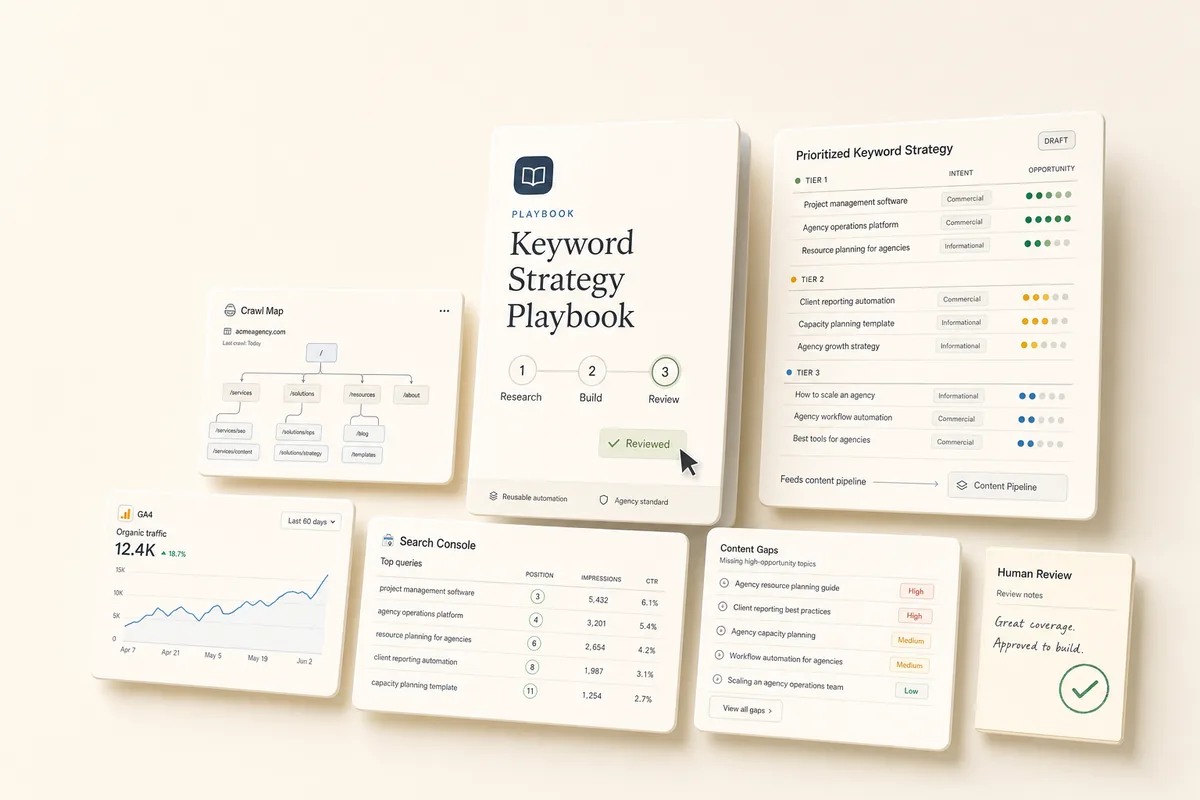
This playbook crawls the client’s website, pulls whatever Search Console and GA4 data is available, and recommends target keywords organized by priority. It saves everything as a client note titled “SEO Keyword Strategy” that stays with the client permanently. When you run the SEO content pipeline, the AI reads this note to know which keywords to target next and what’s already been published.
Best for
Any client you’re doing SEO content for. Run it once during onboarding, then periodically to refresh the strategy as rankings change.
How the chain works
Template 1: Research & Build Strategy. Crawls the client’s website to understand their services, content, and site structure. Pulls Search Console data for current rankings and content gaps, and GA4 data for traffic patterns. If analytics aren’t connected yet, it works with just the website. Creates a client note titled “SEO Keyword Strategy” with target keywords, content gaps, and a prioritized topic list. When done, books Template 2.
Template 2: Review Keyword Strategy. No AI. You review the strategy note, adjust priorities based on what you know about the client’s goals, and approve it. This note becomes the source of truth for all future content.
Requirements
- The client profile should have their website URL set so the AI can crawl it.
- Search Console and GA4 are optional. If connected, the AI uses the data for better recommendations. If not, it works with just the website crawl. Re-run after connecting analytics to get an updated strategy.
How to use it
- Create a task from “SEO Keyword Research” for your client.
- It runs the analysis and saves the strategy as a client note. To run it immediately, click Run Prompt or mark it complete.
- The review task lands in your queue. Open the “SEO Keyword Strategy” note on the client’s overview, adjust priorities, add keywords from client conversations or competitor intel, and mark the task complete.
- The strategy note is now live. When you run the SEO content pipeline, the AI reads this note automatically.
Customize the focus
- Local businesses. Add to the prompt: “Focus on local keywords with city/region modifiers. Include ‘near me’ variants.”
- E-commerce. Add: “Focus on product category and comparison keywords. Include transactional intent keywords.”
- B2B / SaaS. Add: “Focus on problem-aware and solution-aware keywords. Include ‘how to’ and ‘best [category]’ patterns.”
Tips
- Run this before your first blog post. The content pipeline references this note. Having it in place means every article targets a real keyword from the start.
- The note title matters. The content pipeline looks for a note titled “SEO Keyword Strategy.” Don’t rename it.
- The note updates itself over time. Each time the AI writes a blog post, it updates the note with the new post and target keyword. Over time the note becomes a map of what’s published and what’s still open.
- Re-run to refresh. When rankings shift or competitors change, run this playbook again. The AI updates the existing note rather than creating a duplicate.
- Add your own knowledge. After the AI creates the note, edit it to add keywords from client conversations, competitor intel, or industry knowledge the AI doesn’t have access to.
The templates
Paste these into Settings → Task Templates in your Lifted Work account. Create a template group, add each template in order. When you create tasks from these templates, the AI picks up client context automatically.
SEO Keyword Research (1/2)
Build an SEO keyword strategy for this client.
Step 1: Analyze the website Browse the client’s website using a site_seo_check to understand their services, content structure, and existing pages. Note what topics they already cover and where there are obvious gaps.
Step 2: Pull analytics data (if available) Try to pull Search Console data:
- Summary for the past 3 months
- Top queries by impressions (look for high-impression, low-CTR opportunities)
- Top pages by clicks
- Query x page cross-reference (find queries with no dedicated landing page)
Also try to pull GA4 data:
- Landing pages by sessions for the past 3 months
- Channels breakdown to see how much traffic is organic
If Search Console or GA4 data is not available (accounts not connected), that’s fine — skip those steps and work with the website analysis only. Do not treat missing analytics as an error.
Step 3: Build the keyword strategy First, check if a client note titled “SEO Keyword Strategy” already exists for this client. If it does, you’ll update it. If not, you’ll create a new one.
The note should contain:
-
Client Overview: One paragraph summarizing what the client does, who they serve, and their primary services (from the website and client profile)
-
Current SEO Snapshot: What’s working (top-ranking queries, best-performing pages) and what’s not (declining queries, pages with no organic traffic). If no analytics data, note that and skip this section.
-
Target Keywords: A prioritized list of 15-25 keywords organized into tiers:
- Tier 1 (High Priority): 5-8 keywords with the best opportunity — high intent, achievable difficulty, directly related to the client’s core services. These should be the first blog posts.
- Tier 2 (Medium Priority): 5-8 keywords that support the core topics — related questions, long-tail variants, comparison queries.
- Tier 3 (Future): 5-8 keywords to target once the foundation is built — broader topics, higher competition, brand awareness plays. For each keyword, include: the keyword phrase, search intent (informational/commercial/transactional), and why it’s a good fit for this client.
-
Content Gaps: Specific topics the client should cover based on what competitors likely rank for and what the client’s website is missing.
-
Published Content Log: A section for tracking blog posts as they’re written. If updating an existing note, preserve any entries already here. Format:
- [slug] — "Target Keyword" (date)
If the note already exists, update it with fresh data while preserving the Published Content Log section.
When done, create a task from the “Review Keyword Strategy (2/2)” template assigned to me, due tomorrow.
Review Keyword Strategy (2/2)
AI has built an SEO keyword strategy for this client and saved it as a client note. Review it before the team starts creating content:
- Open the client note. Go to the client’s overview and find the note titled “SEO Keyword Strategy.”
- Check the keyword tiers. Are the Tier 1 keywords realistic targets? Do they match what this client actually wants to rank for? Reprioritize if needed.
- Add your own intel. If you know keywords from client conversations, competitor research, or industry knowledge, add them to the appropriate tier.
- Check the content gaps. Do the suggested topics make sense for this client’s audience?
- Approve the strategy. This note is the source of truth for future content. The SEO Blog Post playbook reads this note to pick keywords and track what’s been published.
- Mark this task complete.
More workflows
From Strategy to Send-Ready Emails in One Chain
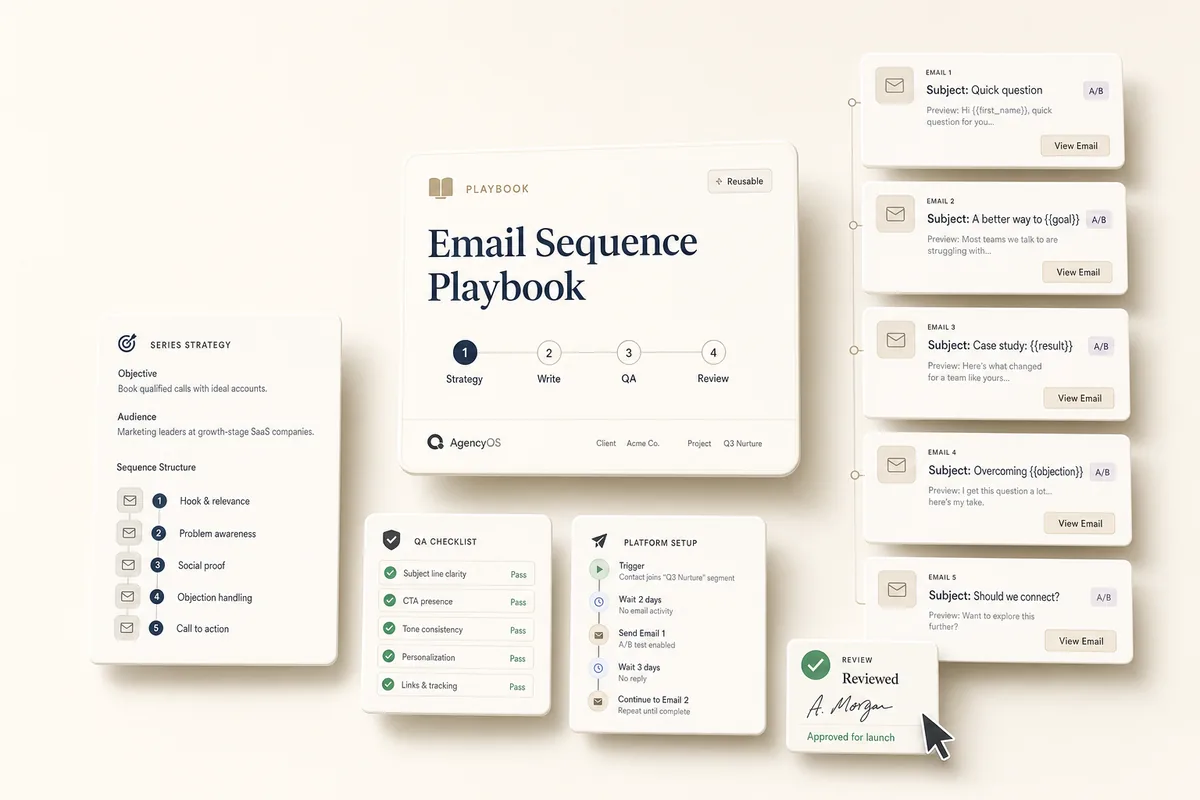
Four chained tasks build a complete email sequence: strategy, copy with A/B subject lines, QA for subject lines and CTAs, and a review task on your desk with setup instructions for your email platform.
Turn Blog Posts Into Social Content and a Branded Image
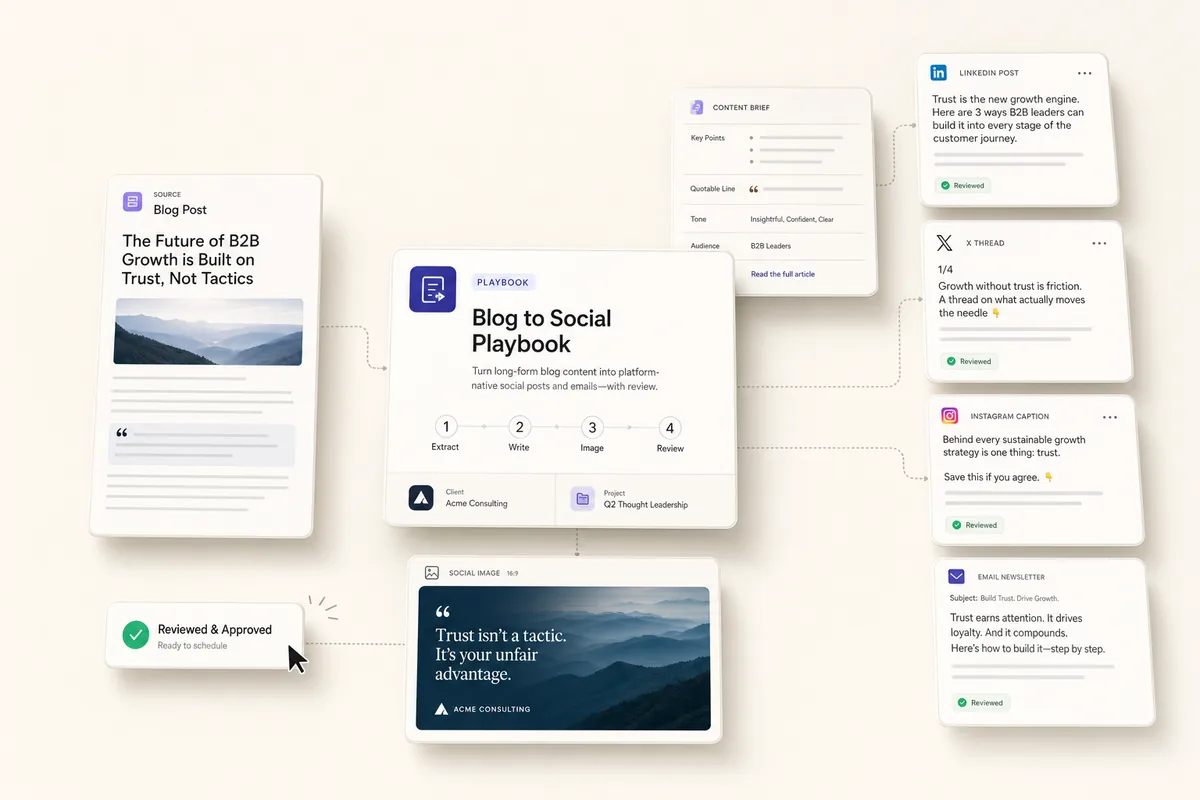
Four chained tasks: extract the key points, write copy for LinkedIn, Twitter/X, Instagram, and email, generate a branded social image, and land a review task on your desk.
Generate Ad Creatives From Proven Frameworks
Three chained tasks: write ad copy from 10 proven frameworks, generate matching visuals, and land a review task on your desk with 4 complete creatives.
Automate Monthly Client Reporting With Built-In Analytics
Pull data from GA4, Search Console, Google Ads, Meta Ads, and GBP, render a branded report, post it to the client's feed, and draft a summary email. No third-party reporting tools needed.