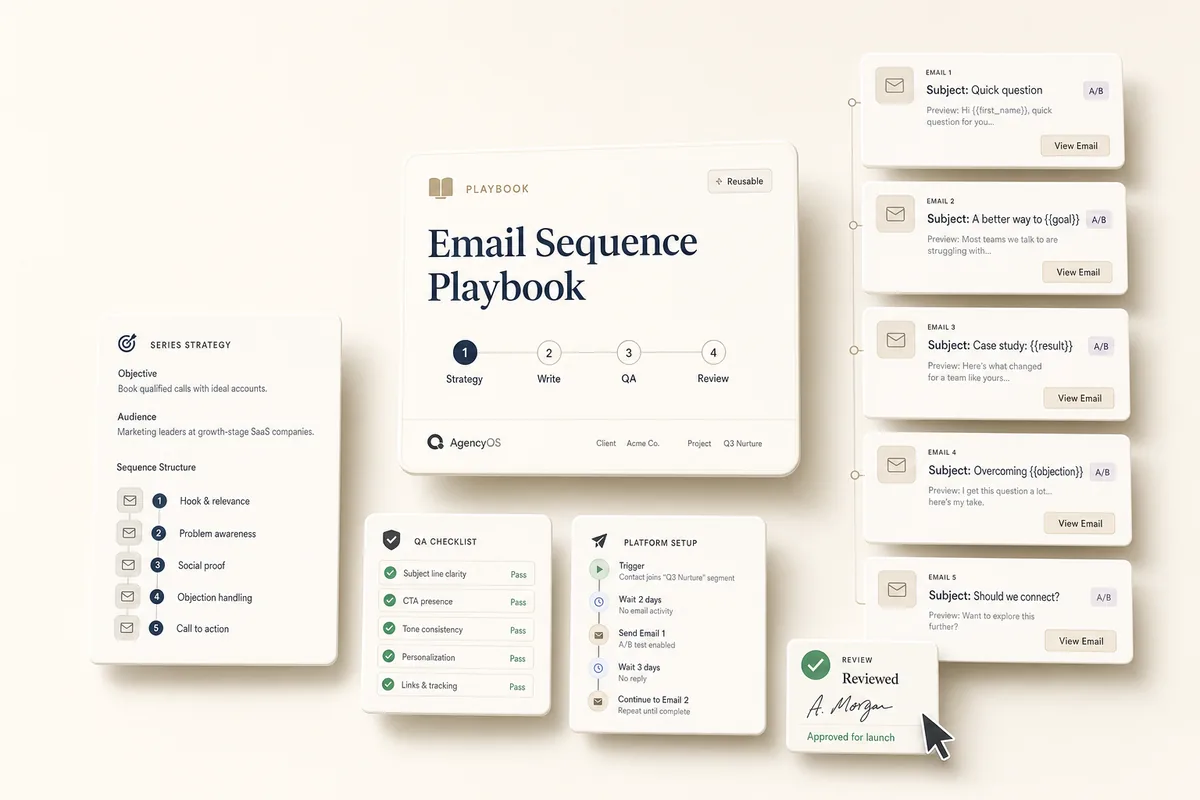
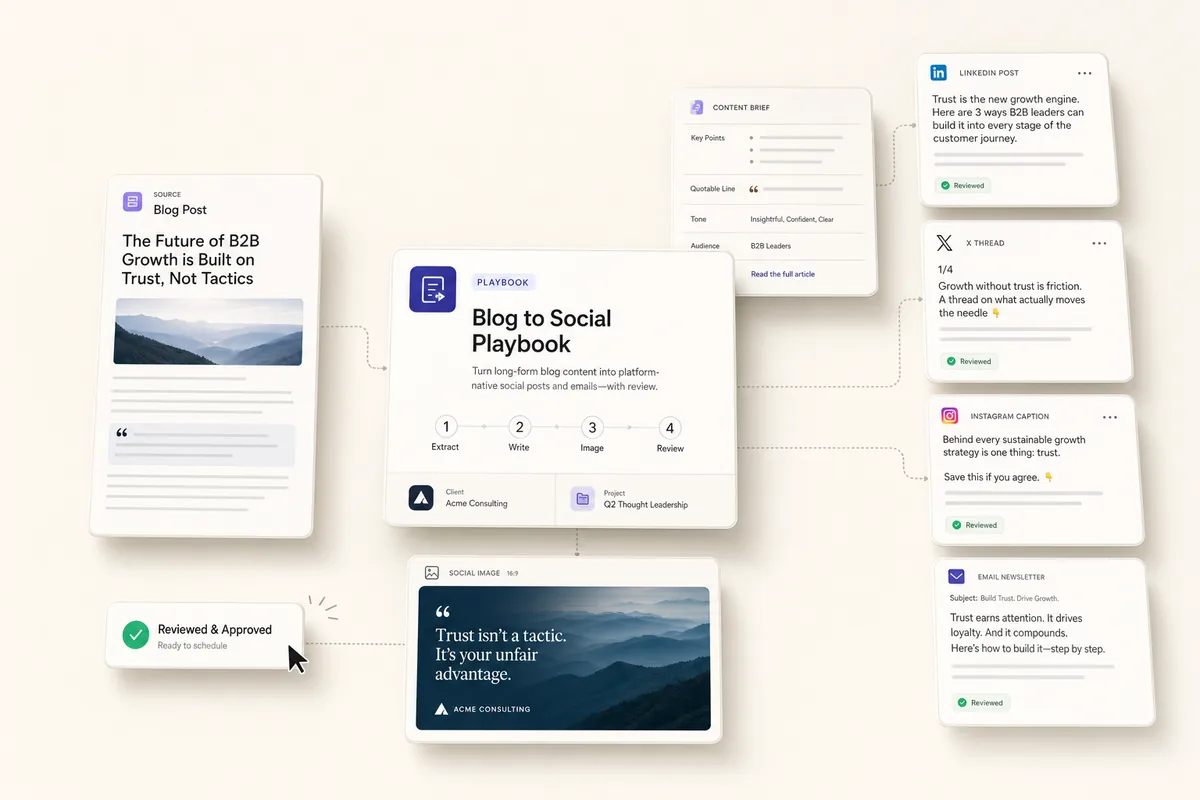
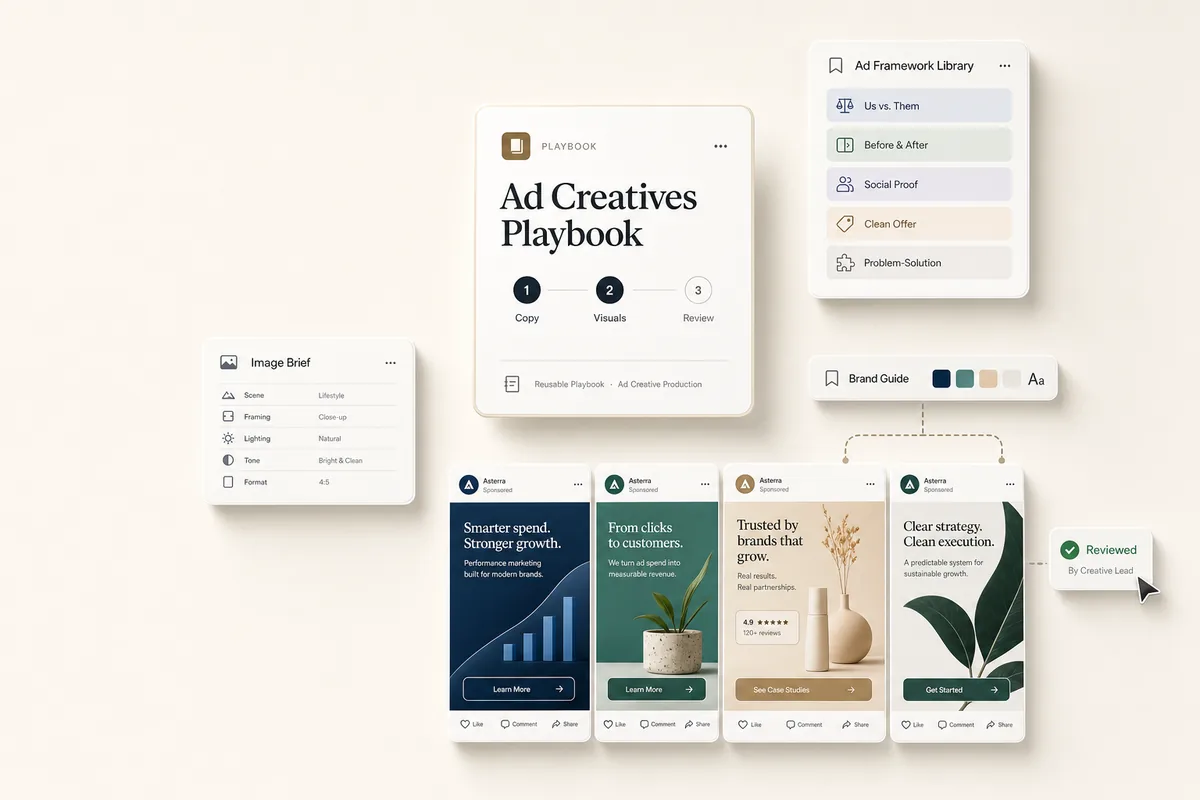
From strategy to send-ready emails in one chain
A full sequence arrives planned, written with A/B subject lines, and checked for CTAs and tone across every message, with setup instructions for whatever platform you send from. The default is a welcome series, and it works the same for re-engagement, launch, or nurture.
What this does
This playbook builds a complete email sequence in four chained tasks. It plans the strategy, writes each email with A/B subject lines, QAs subject lines, CTAs, and tone across the sequence, then lands a review task on your desk with setup instructions for your email platform. The default is a welcome series, but it works for re-engagement, product launch, or nurture sequences too.
Best for
Agencies that build email sequences for clients and want draft-ready copy without starting from scratch each time.
How the chain works
Template 1: Series Strategy (1/4). Reads the client profile and creates a strategy deliverable: objective, audience, sequence structure, and success metrics. Does not write any emails yet. When done, books Template 2.
Template 2: Write Series (2/4). Reads the strategy deliverable. Also reads the Brand Guide note if one exists, pulling the voice adjectives and positioning so the emails sound like the client. Writes one deliverable per email with subject lines (A/B options), preview text, body copy, and CTA. When done, books Template 3.
Template 3: QA Series (3/4). Reads all the email deliverables and reviews each one for subject line strength, CTA clarity, tone consistency, and missing personalization. Creates a QA deliverable with findings plus setup instructions (triggers, delays, exit conditions). When done, books Template 4.
Template 4: Review & Launch (4/4). You read the QA notes, review each email, set up the sequence in your email platform, send test emails, and go live.
Requirements
-
Templates 1-3 need Autocomplete enabled.
-
The client profile should have their business description filled in so the AI can tailor the strategy and tone.
-
The Brand Guide is optional but strongly recommended. These emails go out from the client’s name to their audience, so voice matters. If a “Brand Guide” note exists, the writing step picks up the voice adjectives and positioning automatically. If not, it falls back to the client profile overview.
-
If you’re running this after client onboarding, the research summary from that playbook gives the AI more context to work with.
How to use it
-
Create a task from “Series Strategy (1/4)” for your client.
-
On its due date, it autocompletes and the chain runs through all three AI steps. To run it earlier, mark it complete yourself or click Run Prompt.
-
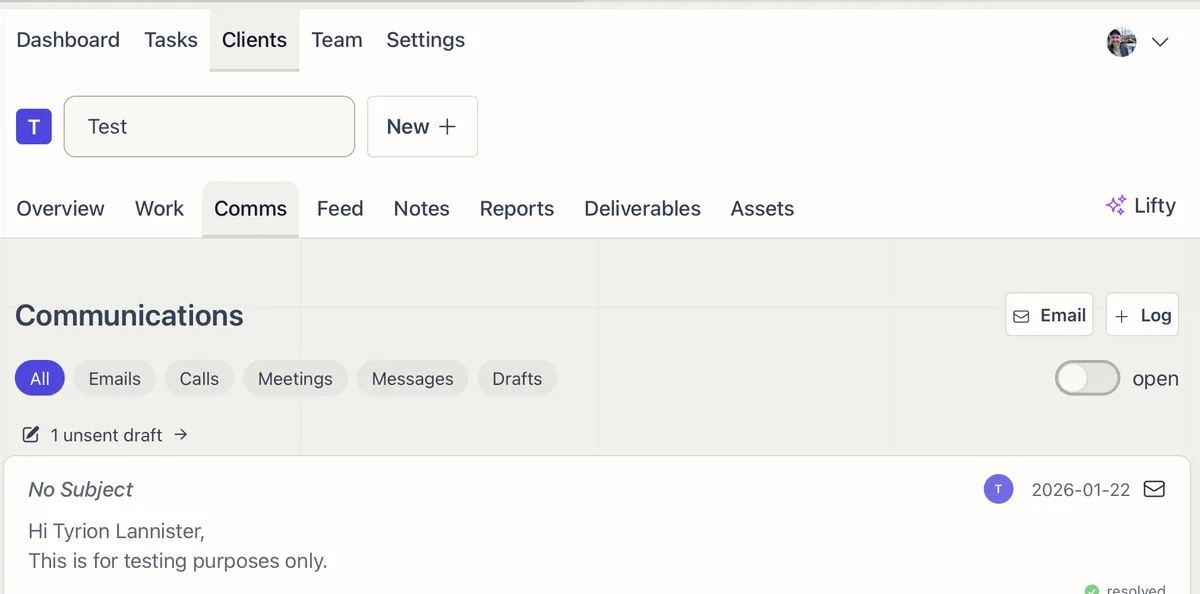
The review task lands in your queue with SOPs. Check the deliverables, load the emails into your platform, and mark complete when the series is live.
Tips
-
Change the series type. The default is a welcome series. To build a re-engagement, product launch, or nurture sequence, edit the strategy template’s prompt and swap “welcome” for your series type. The chain structure works the same way.
-
Customize the email count. The default strategy targets 4-5 emails. Add a line like “This should be a 7-email sequence” to the strategy prompt if you need more.
-
The client description matters. If the client profile has notes about their audience, tone, or goals, the AI uses that to shape the strategy and copy.
-
Build the Brand Guide for the best voice. These emails are sent from the client’s name to their audience, so they need to sound like the client. The Brand Guide’s voice adjectives and positioning are the strongest single input for tone. Without it, the AI falls back to the client profile overview.
-
If you don’t use the Brand Guide. The emails still get written using the client profile overview as a fallback for tone. If you want to remove the lookup entirely (e.g. to save tokens on runs where no Brand Guide exists), edit the “Write Welcome Series (2/4)” template’s Lifty Prompt and delete the Brand Guide lookup block at the top. The rest of the template works unchanged.