Client Assets
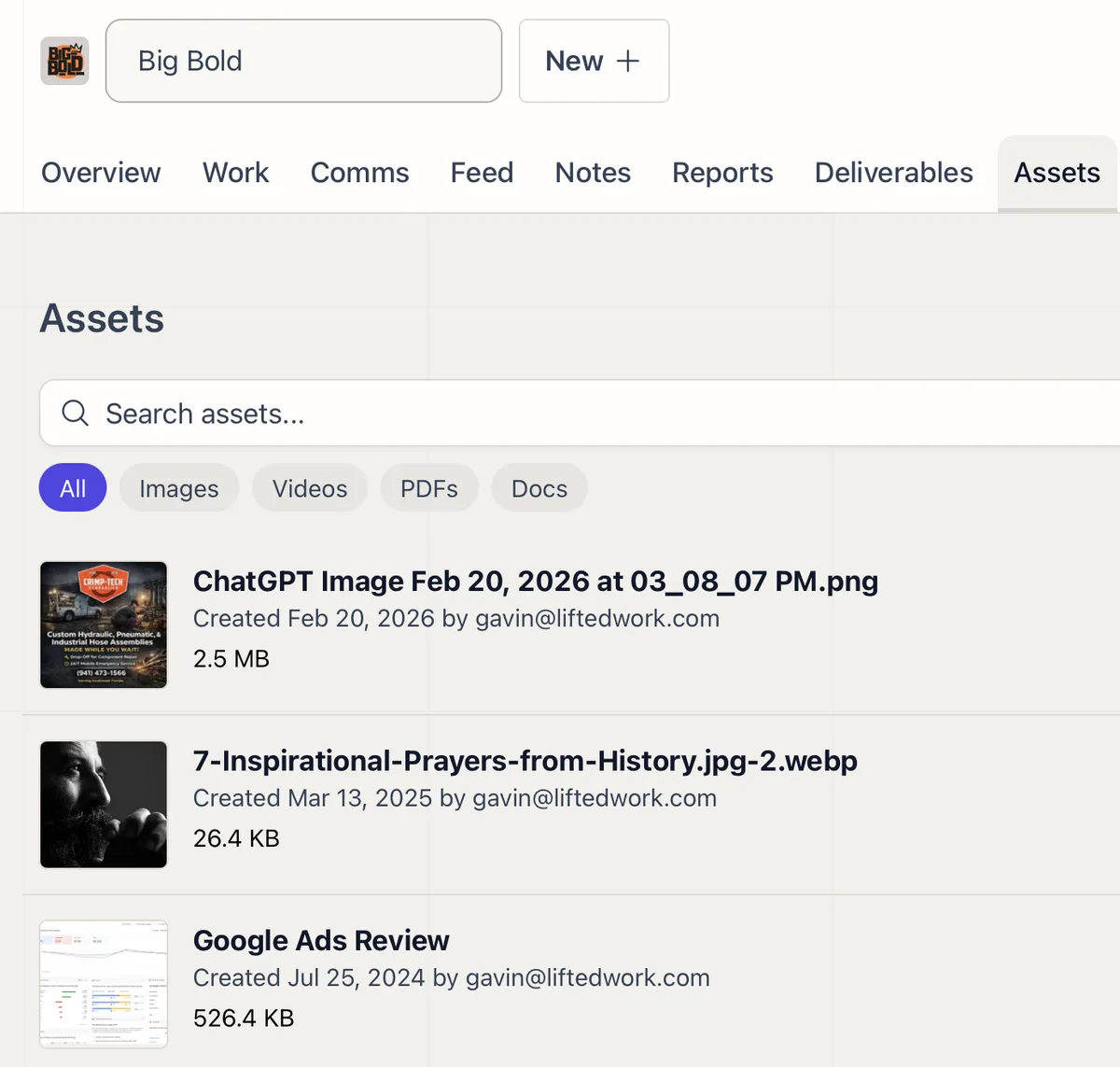
Upload, search, and organize every file for a client in one tab, ready to attach to tasks or share through the portal.
One Place for Every Client File
The Assets tab holds the files that belong to a client: logos, images, brand documents, exports, anything your team reaches for. Upload, search by name, and filter by type, so you find what you need without digging through chat history or shared drives.
Where They Get Used
Attach an asset to a task so the person doing the work has the file in hand. Share it through the client portal when the client needs it. AI can draw on uploaded assets in its work as well.
Related features
-
01
Client Portal
A branded portal where clients submit requests, complete the to-dos you assign them, review deliverables, and watch the work land in a live feed.
02
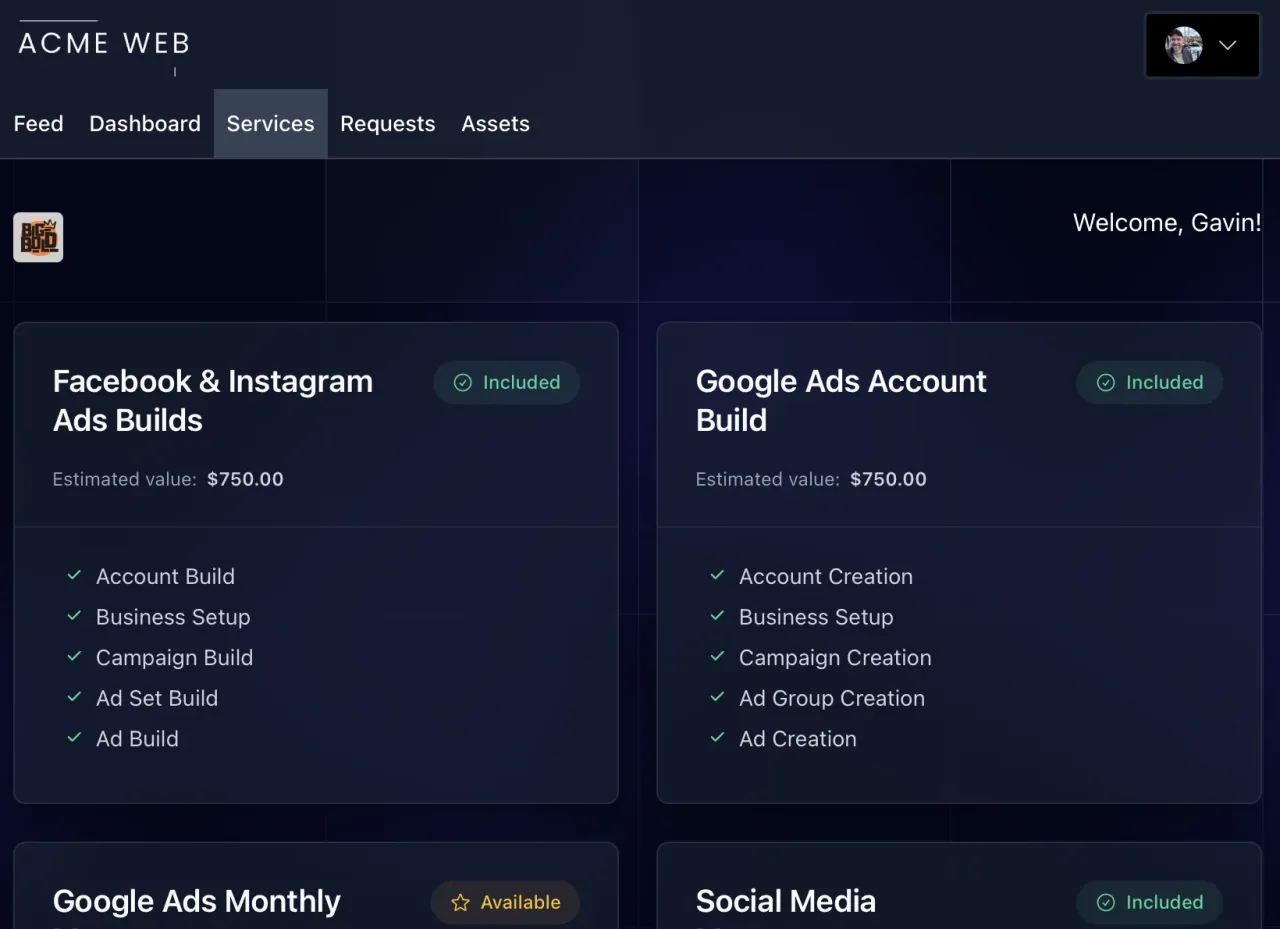
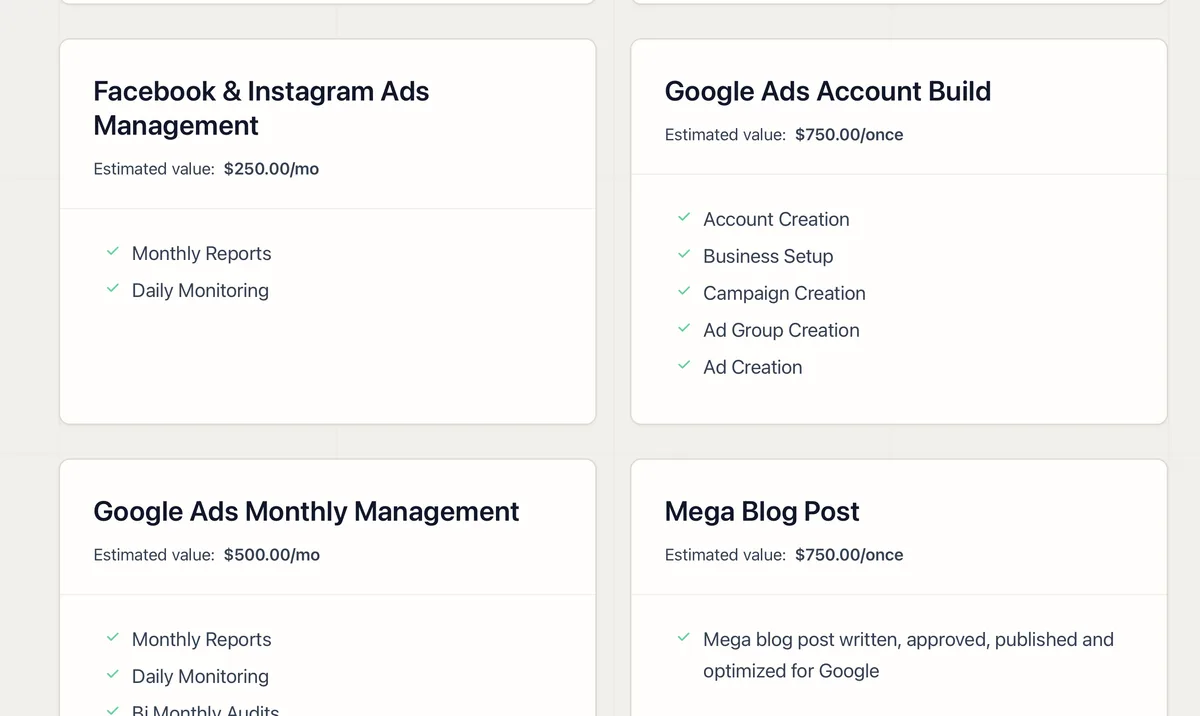
Services and Upsells in the Client Portal
Show clients the value they're getting, anchor your pricing, and surface upsell opportunities inside the portal they already use.
03
Reporting and Analytics
Connect GA4, Search Console, Google Ads, Meta, and Business Profile, then let AI fill branded report templates and post them to the client.
04
Client Management
A sortable client list with custom columns, inline editing, display groups, and quick actions for every account.