AI Playbooks Features Pricing Integrations Guides How-Tos

Client Portal

A branded portal where clients submit requests, complete the to-dos you assign them, review deliverables, and watch the work land in a live feed.

Client Portal

A Portal Clients Actually Use

Most client portals are a login screen with a progress bar. This one is where clients and your team do real work together, and where clients see the value they are paying for without having to ask.

What Lives in the Portal

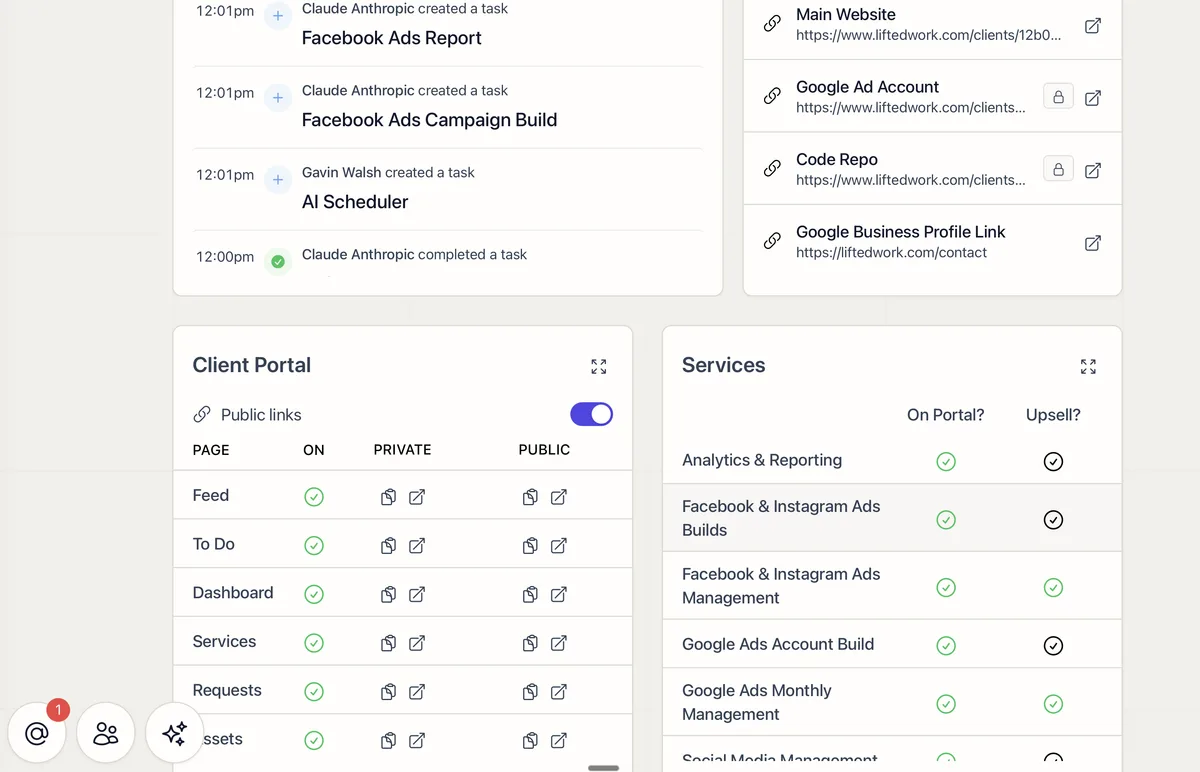
  • Feed: A running stream of completed work, reports, notes, videos, images, and PDFs, so clients watch progress as it happens
  • To-Dos: Items you assign the client, like access credentials, approvals, or feedback, so the things you need from them stop stalling the work
  • Deliverables: Clients review and approve work in progress, with approval tracked
  • Requests: Clients submit work with file attachments, which land in your Client Requests panel
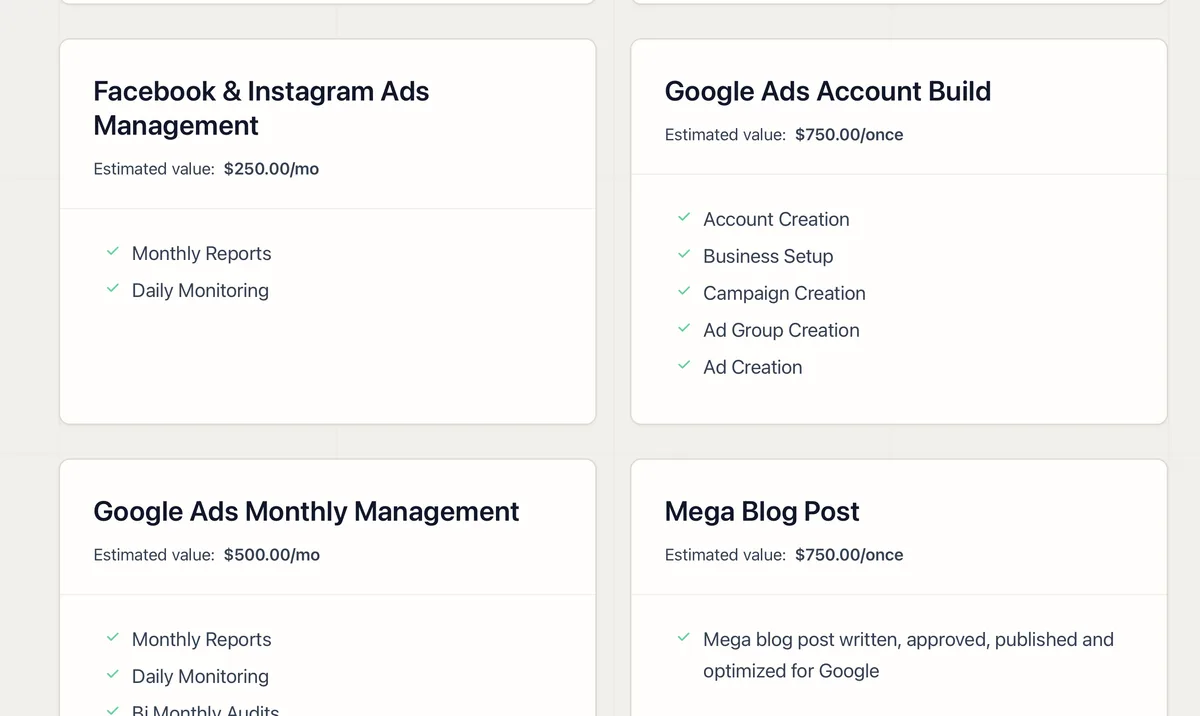
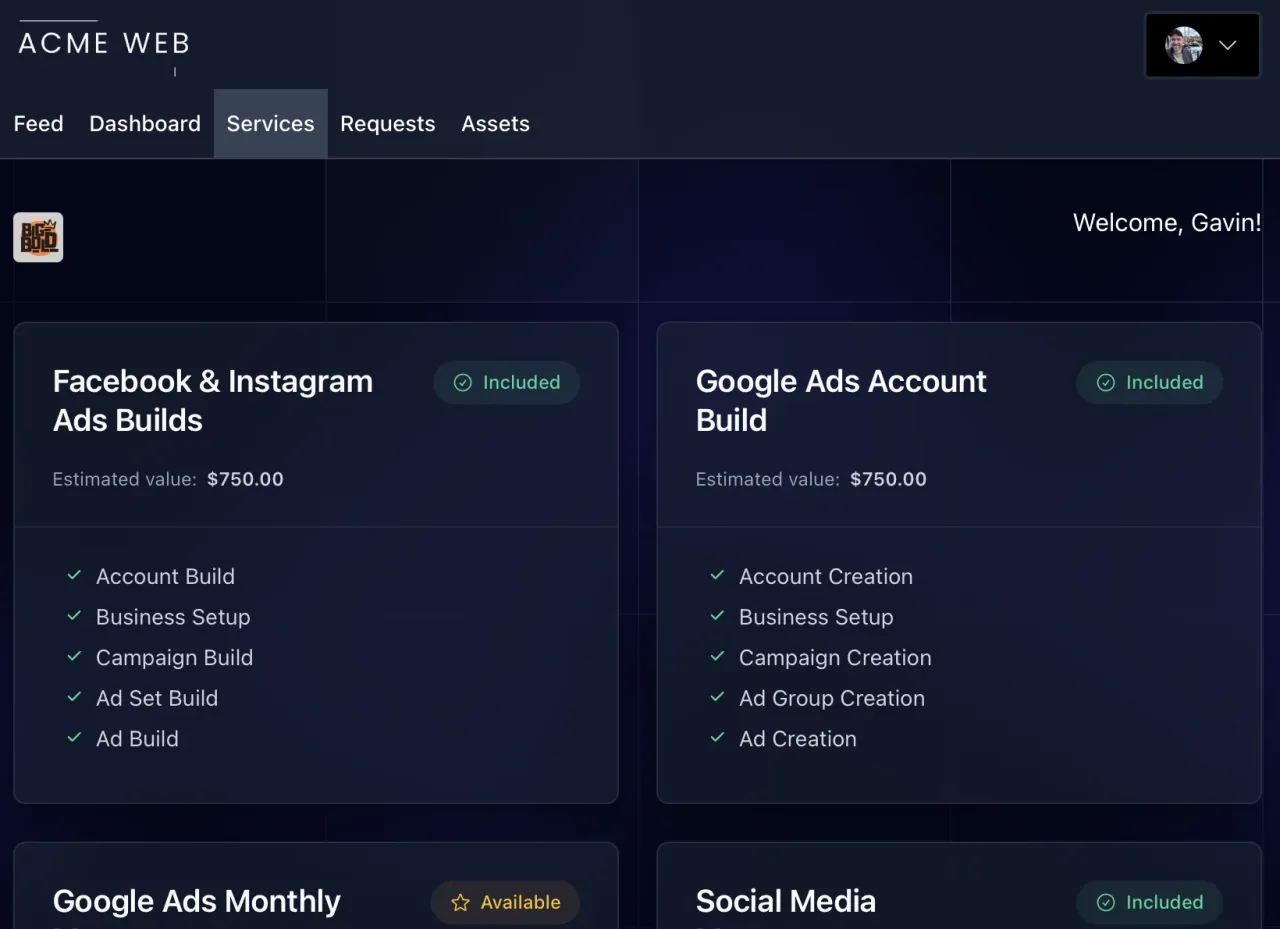
  • Services: Everything you deliver, with values and upsell opportunities, covered in Services and Upsells
  • Assets and Links: Files you share and the properties and accounts you manage for them

Configure It Per Client

Every section is optional. Toggle pages on or off per client from the Client Overview, so a new account sees a clean start and a flagship account sees its full track record. Require a login or share with a link. Preview exactly what the client sees before they ever log in.

Why It Matters

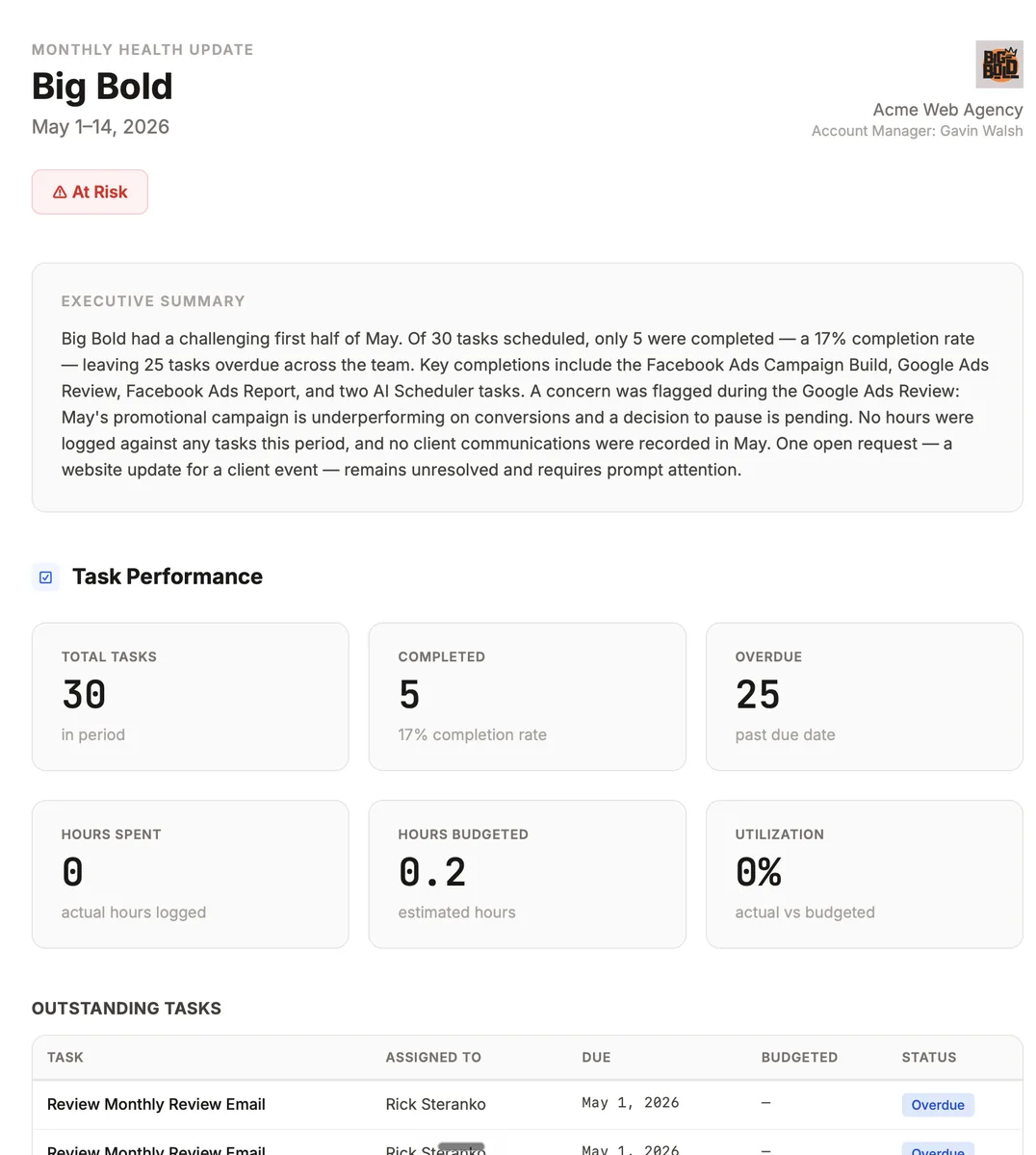
When a client can see the work, the requests they made, and what is coming next, they stop chasing you for updates, and the agency that looks this organized is the one they renew and refer. The Client Portal and Requests guide walks through the full setup.

Make your future better

Adopt at your own pace
Guided setup
Cancel anytime
Easy start