

Portal
Clients stop asking for updates. They see what you delivered.
Portal keeps each client's completed work, reports, requests, files, and approvals together.
You finish the work, then write the update
-
Completed work
-
Reports and videos
-
Pending approvals
-
Upcoming work
Lifted Work gives every client a Portal with the work, reports, files, approvals, and plans you choose to show.
The Feed
Completed tasks post automatically
Choose which tasks clients can see. Add reports, Loom videos, PDFs, images, notes, and embeds to the same chronological Feed.
Playbooks can publish reports here and prepare the client email that links back to Portal.
See the Client Feed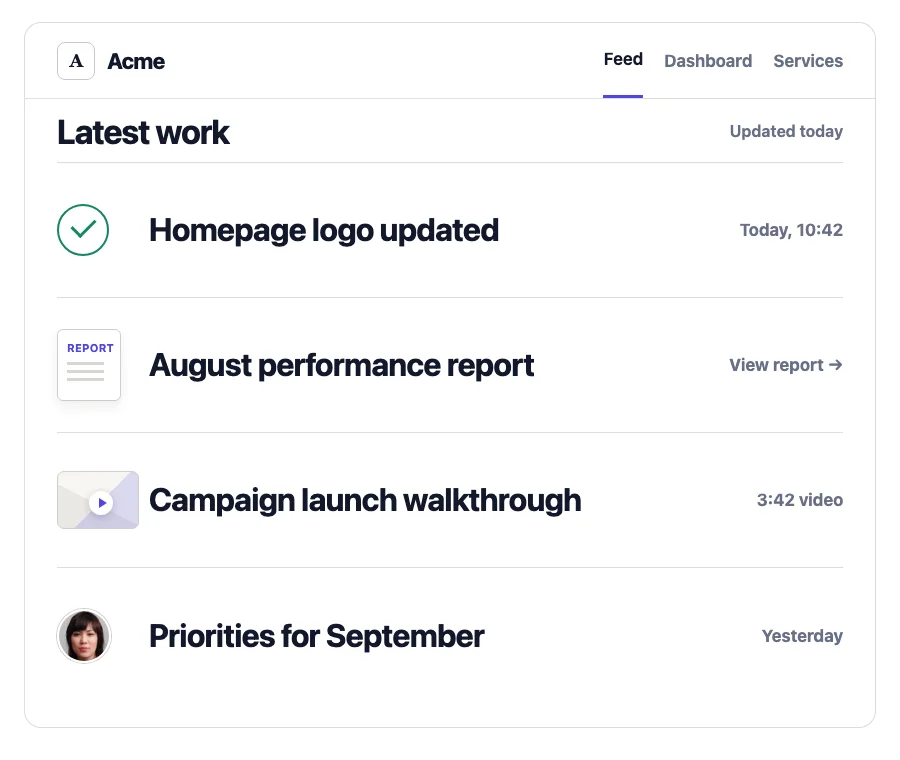
Dashboard and Requests
Clients see upcoming work and send requests
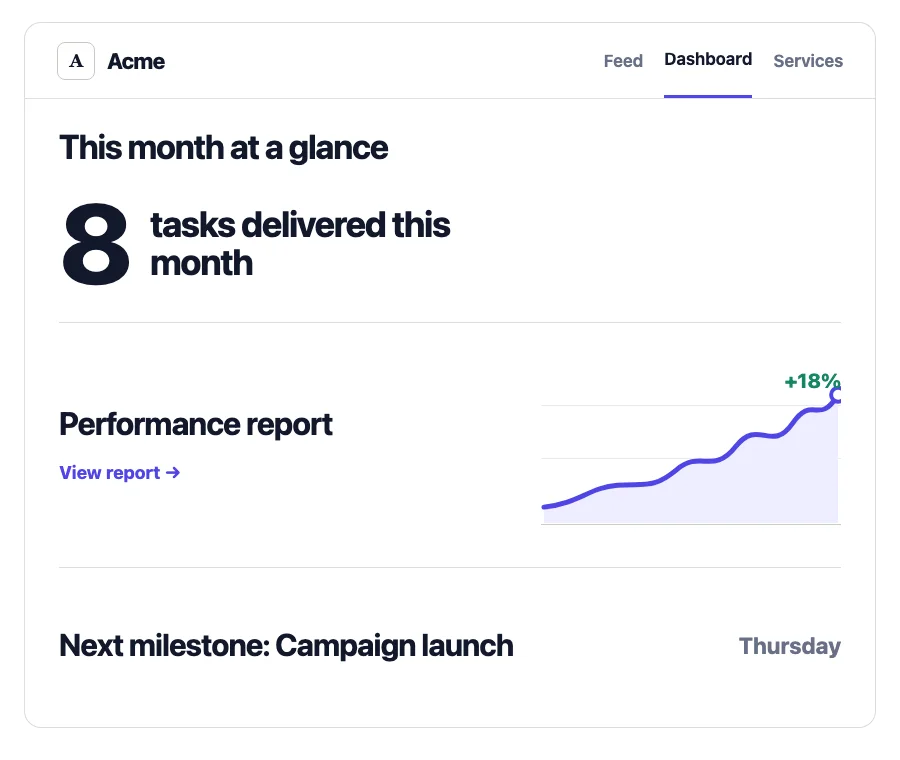
Dashboard
The dashboard shows upcoming milestones, planned work, and client-specific links.
- Milestones
- Planned work
- Client links
Requests
Clients send the details and files. Your team can turn the request into assigned work.
- Request details
- Attachments
- Current status
Dispatcher can turn portal requests, client emails, and meeting notes into assigned tasks. See Dispatcher
Assets and Deliverables
Clients upload the files and review the work
Clients upload files to their account. They can comment on deliverables, request changes, and approve the final version in Portal.
-
01
Upload
-
02
Review
-
03
Request changes
-
04
Approve
Services
Clients can see what the retainer includes
List the services included in the retainer. Add purchase links for other services.
See Services and Upsells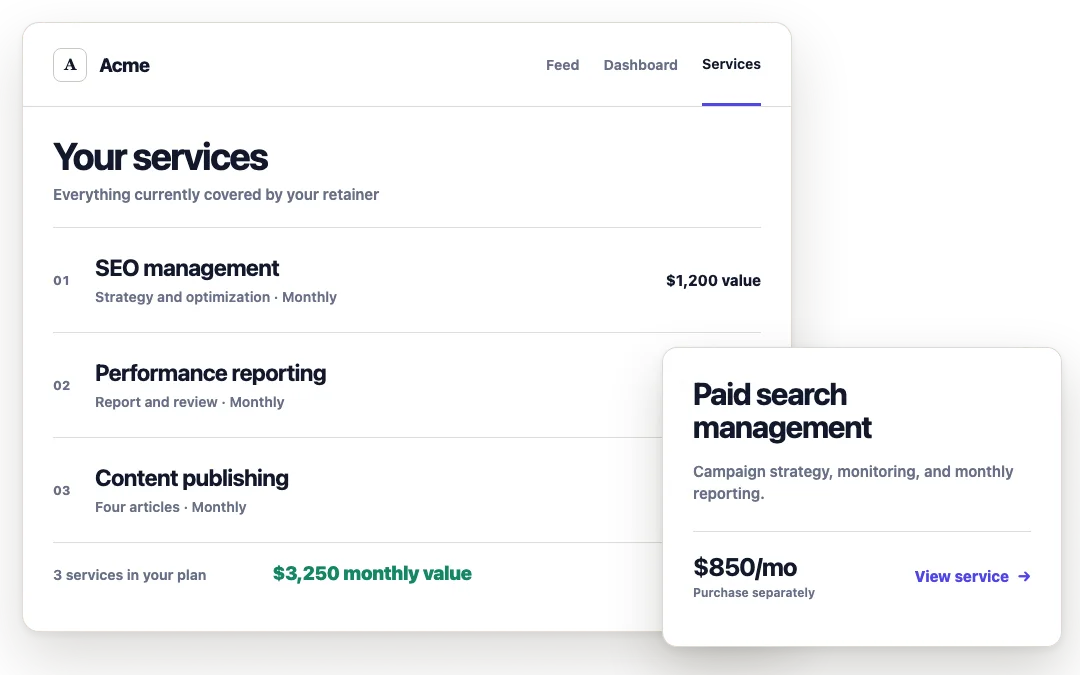
Configured per client
Choose the pages each client can see
Turn Feed, To Do, Dashboard, Services, Requests, Assets, and Deliverables on or off for each client.
- Feed
- To Do
- Dashboard
- Services
- Requests
- Assets
- Deliverables
Invite required
Invited client contacts sign in to open the portal.
Shareable link
Anyone with the public link can open the sections you enabled.
Preview exactly what the client will see
Set up Portal for your clients
Set it up yourself
Turn on the pages you want each client to see. 30 days. Full refund, no questions.
We can build it for you
The 21-Day Agency Build
We set up Portal for five clients and build the Playbooks for reporting and client updates.
See The 21-Day Agency Build