Client Feed
A running stream of the work you deliver, posted to the client's portal as it happens: completed tasks, reports, videos, and files.
The Running Record of Work Delivered
The Feed is the client-facing stream of what your agency produces: completed tasks, notes, videos, images, PDFs, and embeds, in chronological order. It answers “what have you done for me lately” before the client has to ask.
It Fills Itself
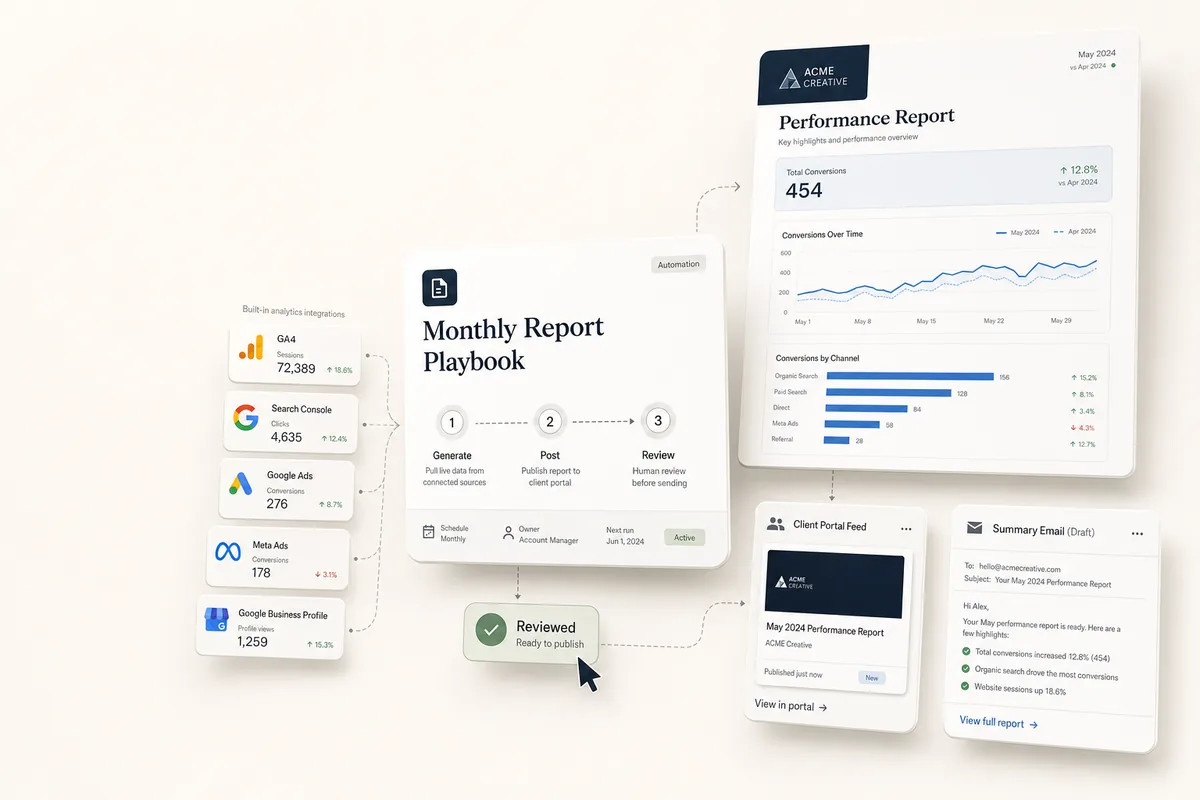
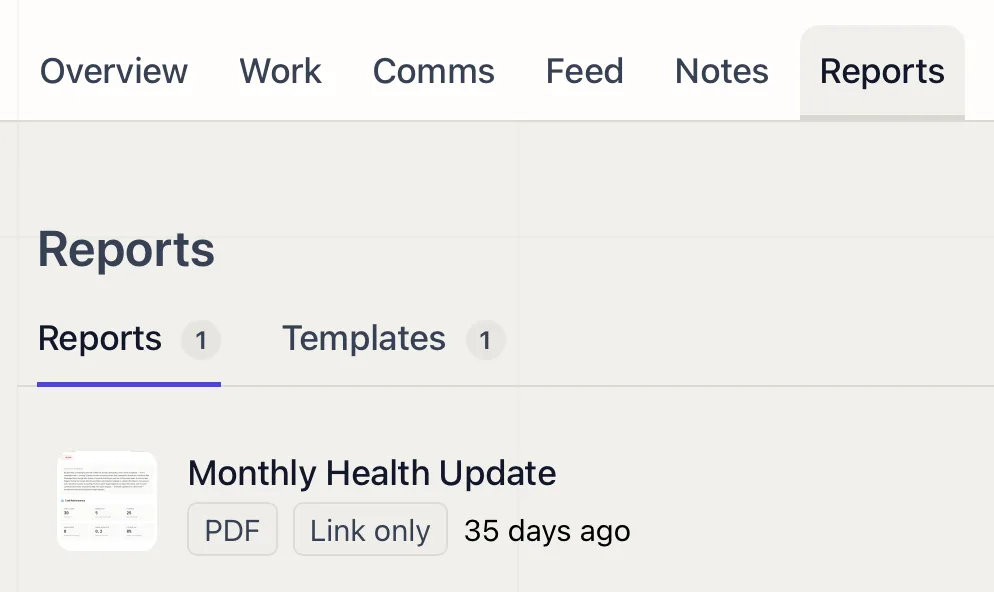
Completed work posts to the feed automatically, so the client sees progress without you assembling an update. AI can post directly too. The monthly reporting playbook drops rendered reports here as embeds.
Post Anything, Show What You Choose
Add your own posts: a Loom walkthrough, a milestone, a file, a quick note. The feed is one of the toggleable client portal tabs, so you decide whether each client sees it at all.
Why It Matters
When a client can scroll a clear record of delivered work, they stop chasing updates, and the value of the retainer is visible on every visit.
Related features
-
01
Client Notes
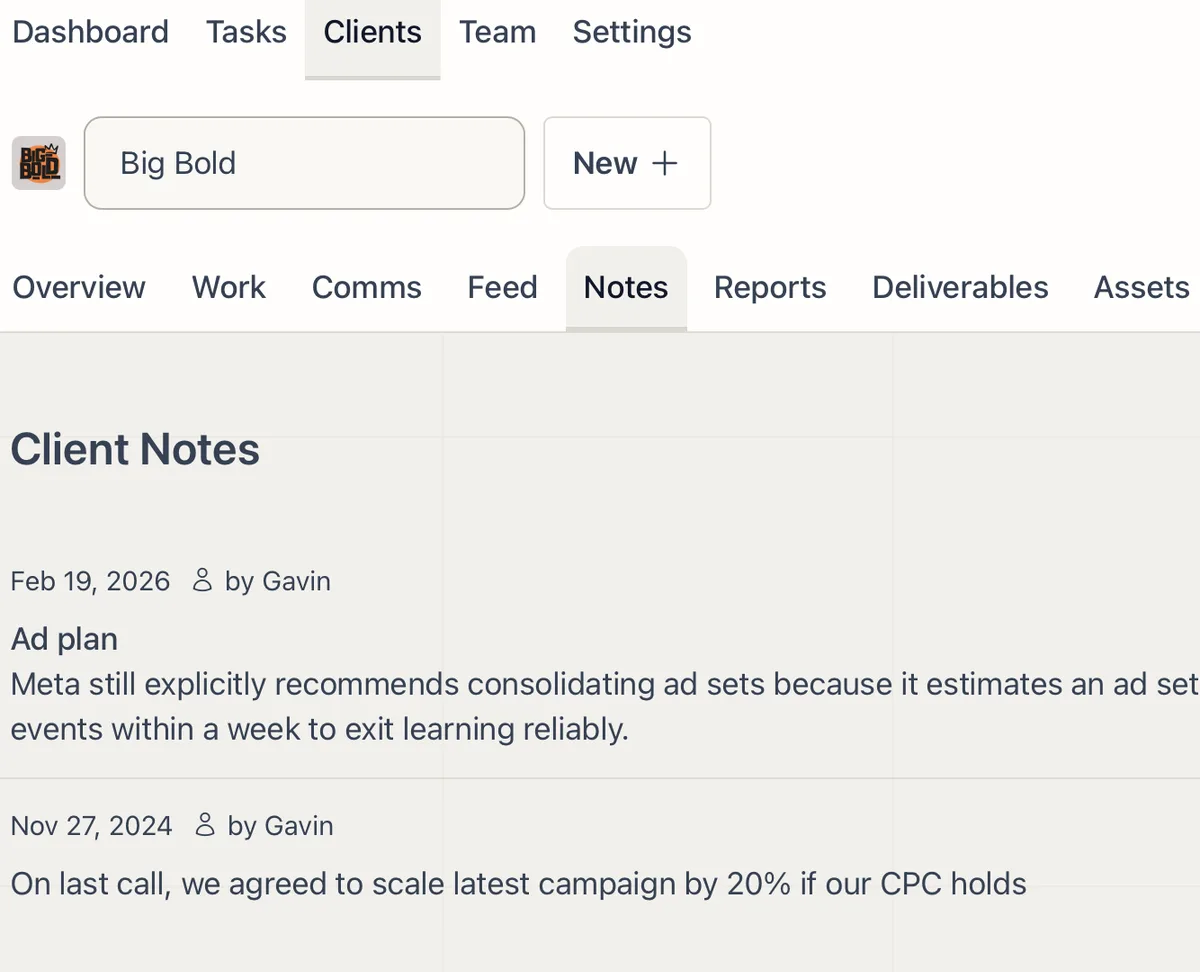
Internal notes on each client that your whole team and the AI can read, so context never lives in one person's head.
02
Deliverables and Approvals
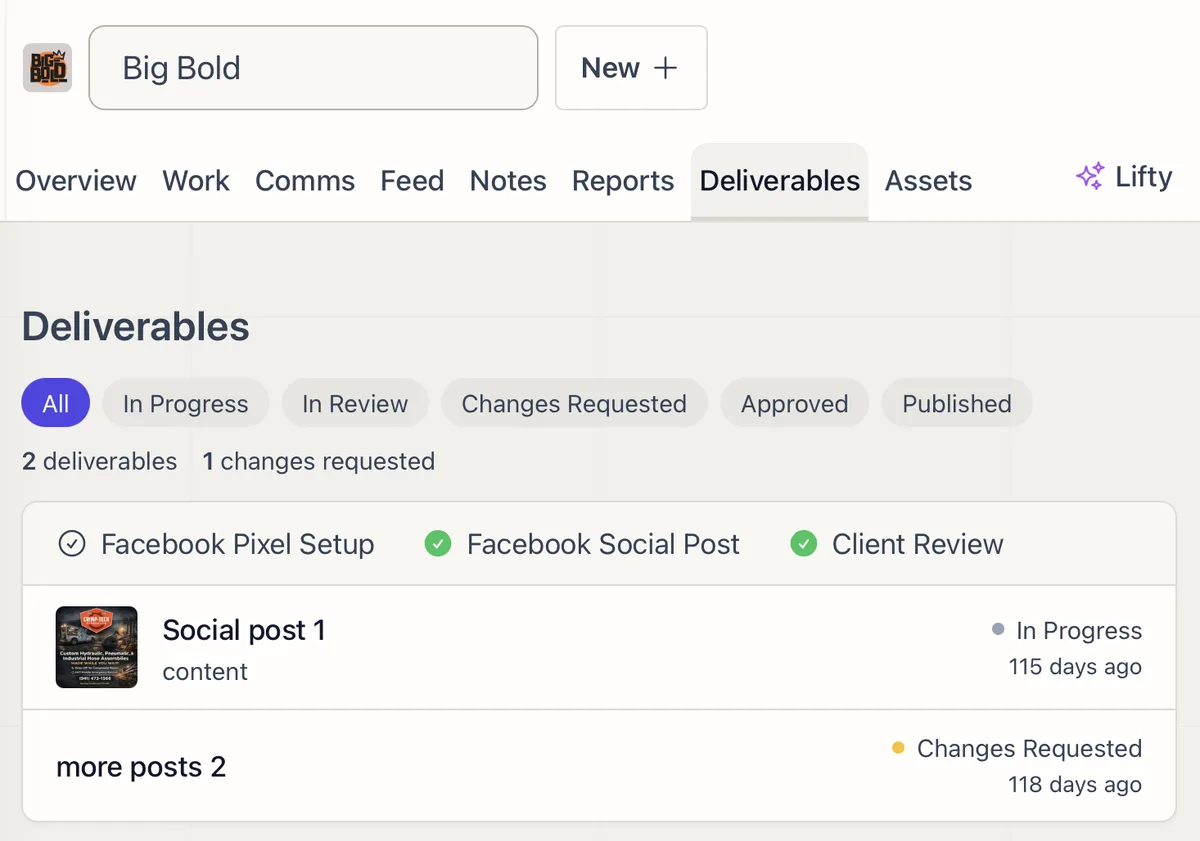
Move every deliverable from draft to client sign-off in one place, with review, change requests, and approval tracked at each step.
03
Client Requests - Intake, Track, and Convert to Tasks
Clients submit requests with file attachments through their portal. Your team tracks, converts, and responds from one panel.
04
Client Assets
Upload, search, and organize every file for a client in one tab, ready to attach to tasks or share through the portal.