Deliverables and Approvals
Move every deliverable from draft to client sign-off in one place, with review, change requests, and approval tracked at each step.
From Draft to Sign-Off, Tracked
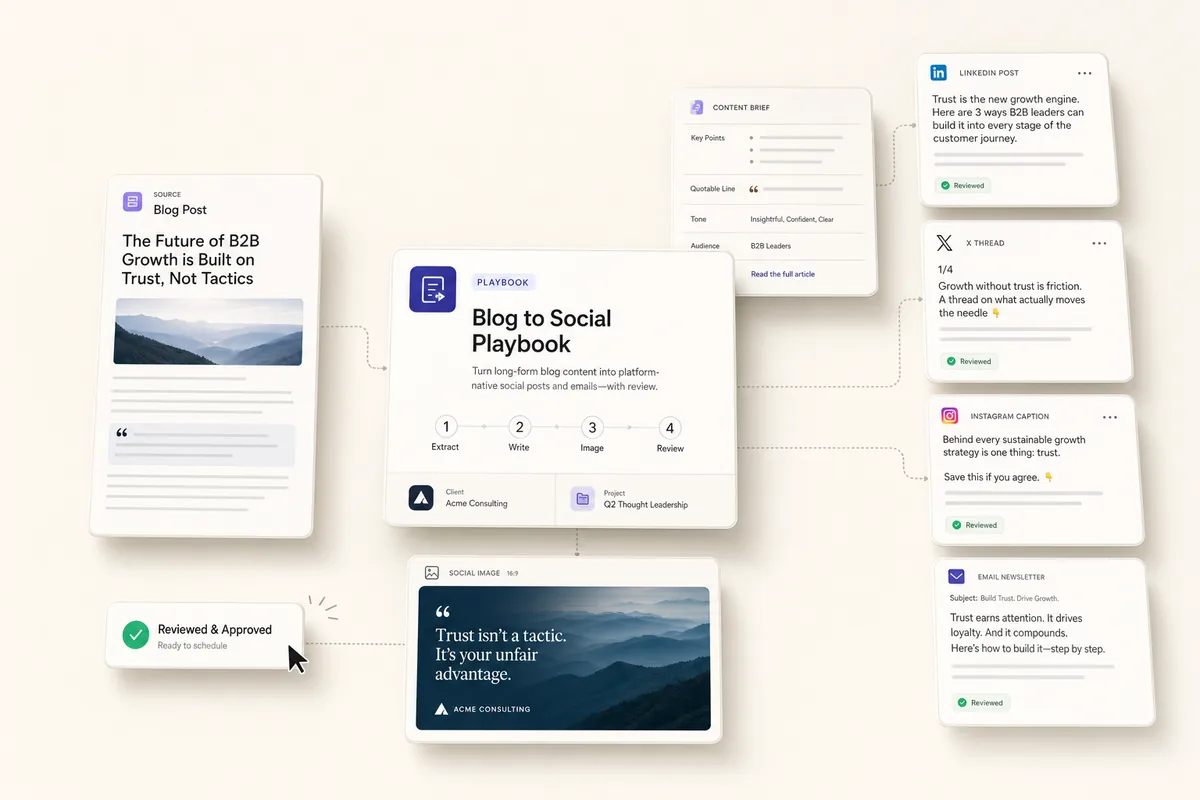
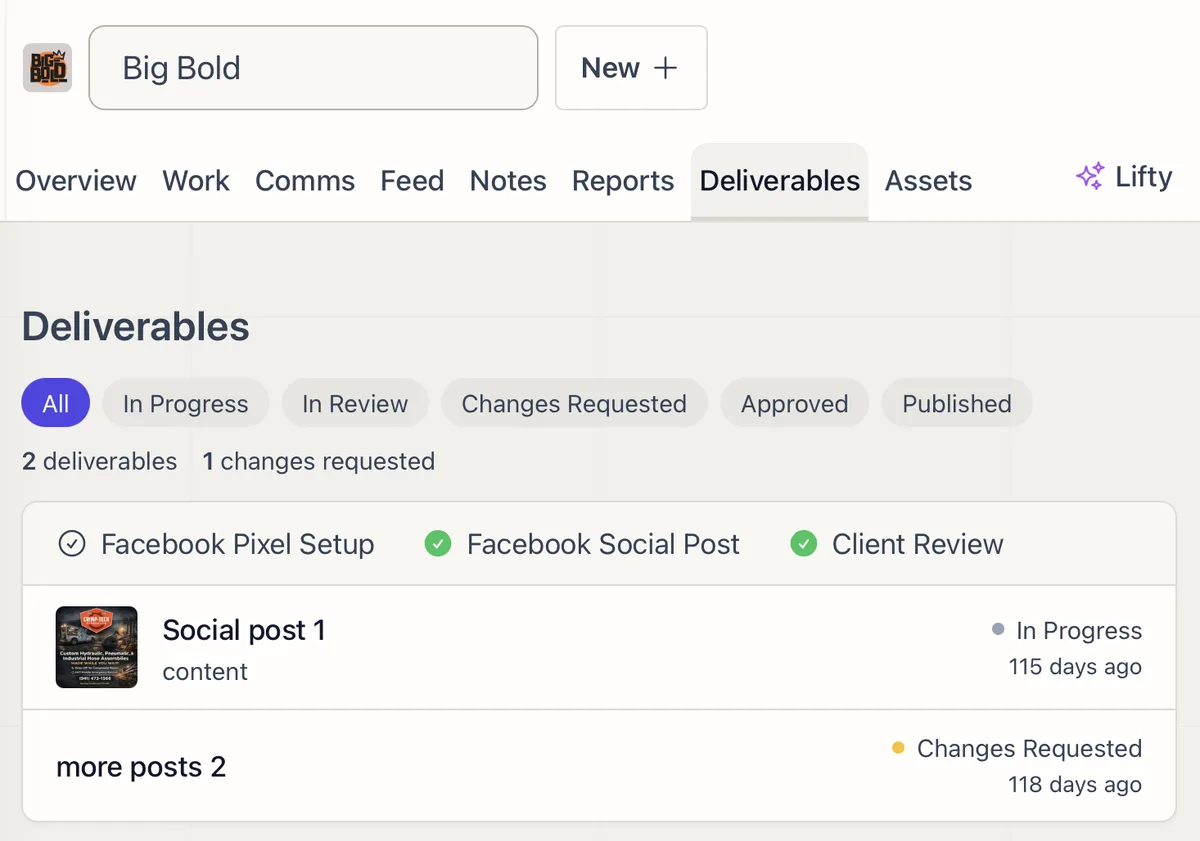
A deliverable is any piece of work a client needs to see: a blog post, a report, a design, a recommendation. The Deliverables tab moves each one through clear stages, so nothing ships unreviewed and nothing stalls without you noticing.
The Stages
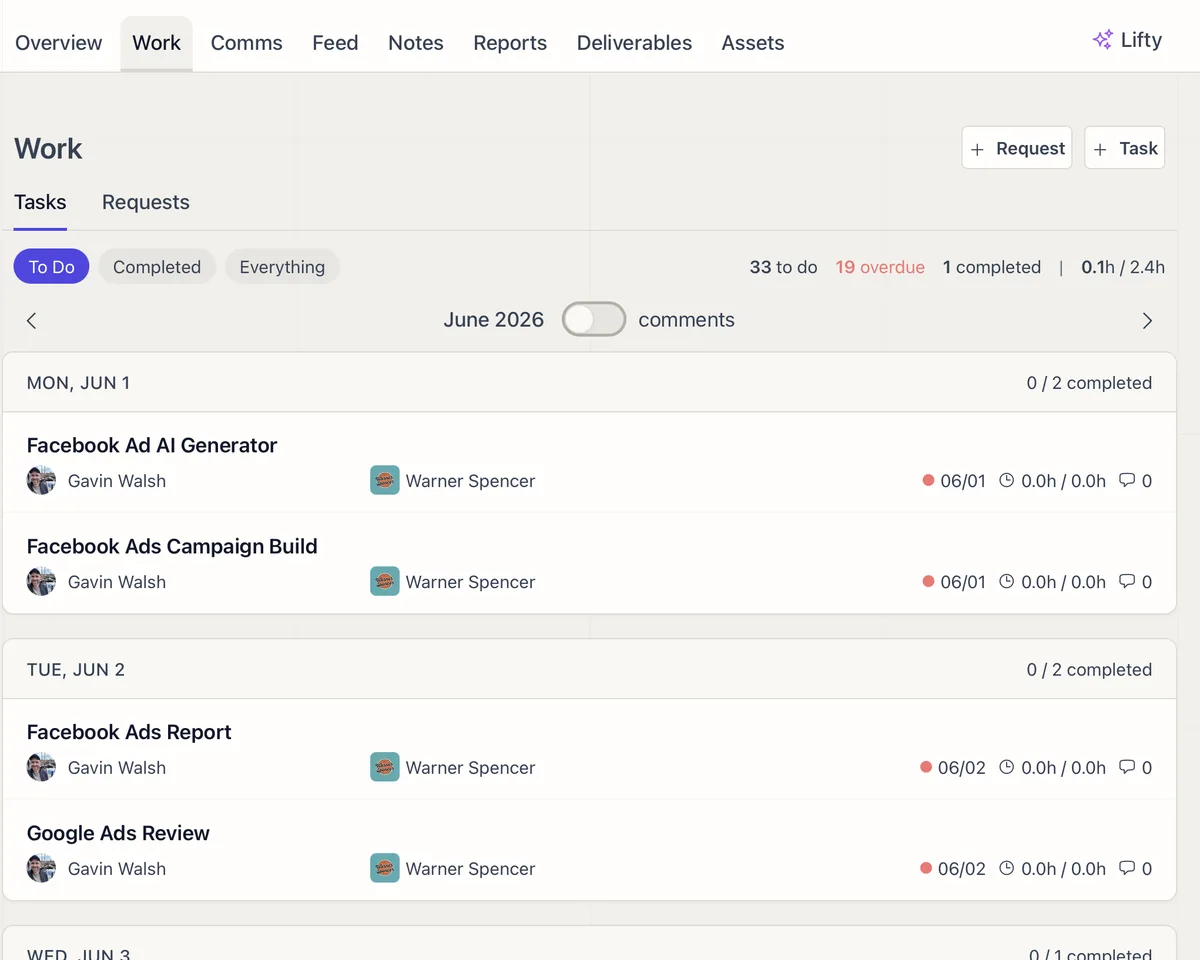
In Progress, In Review, Changes Requested, Approved, Published. Filter by any stage to see exactly what is waiting on your team and what is waiting on the client.
AI Drafts, People Approve
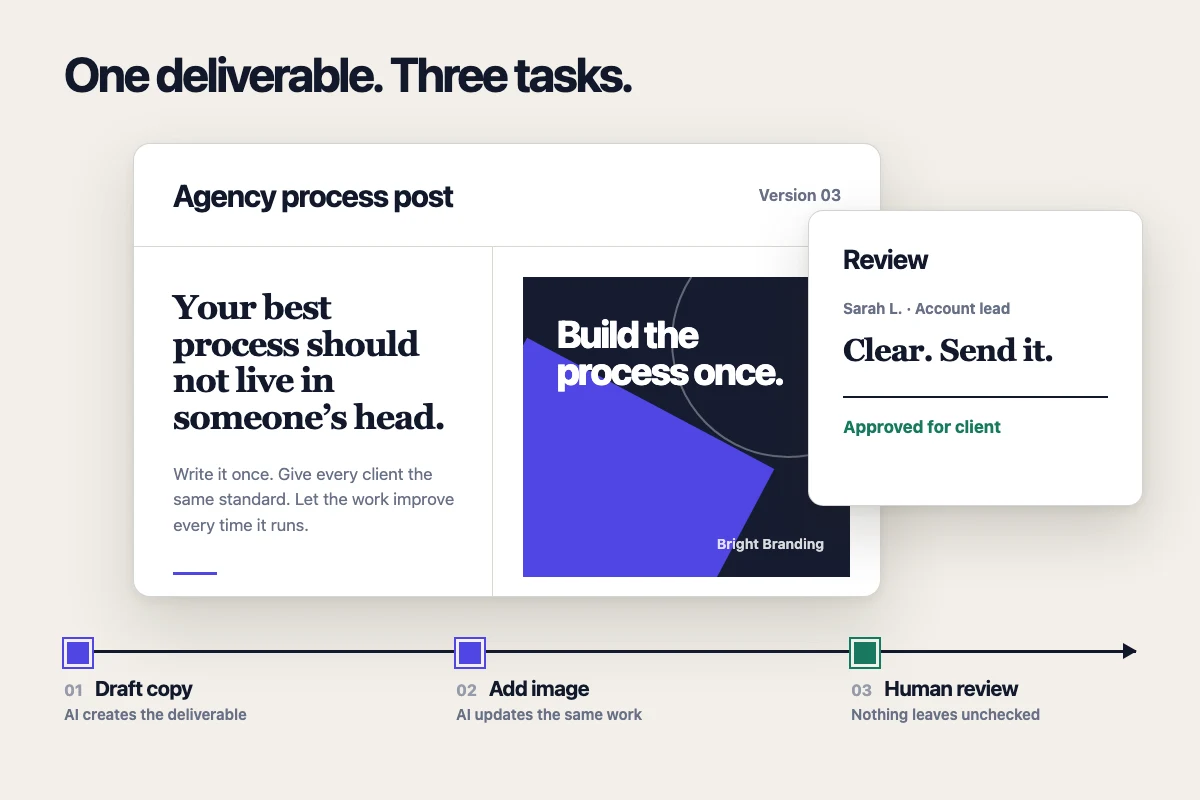
AI can produce the first draft of many deliverables. Your team reviews and revises, and client-facing work waits for approval before it goes out. You get the speed of AI without losing the gate that protects quality.
Clients Review in Their Portal
Send a deliverable to the client and they review and approve it from their portal. Approved work can post straight to the Feed. Everyone can see where each piece stands without asking.
Related features
-
01
Client Requests - Intake, Track, and Convert to Tasks
Clients submit requests with file attachments through their portal. Your team tracks, converts, and responds from one panel.
02
Client Assets
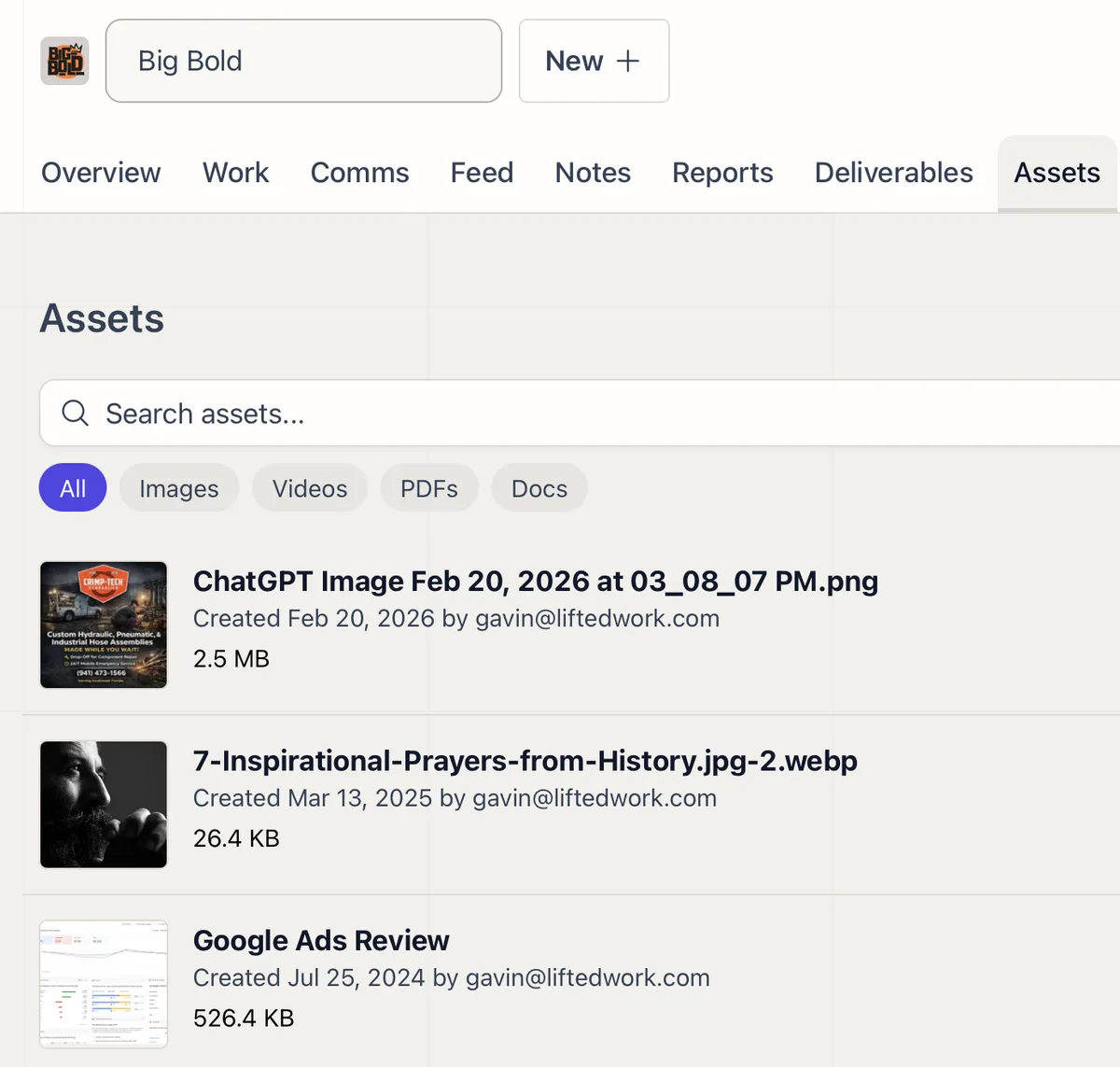
Upload, search, and organize every file for a client in one tab, ready to attach to tasks or share through the portal.
03
Client Portal
A branded portal where clients submit requests, complete the to-dos you assign them, review deliverables, and watch the work land in a live feed.
04
Services and Upsells in the Client Portal
Show clients the value they're getting, anchor your pricing, and surface upsell opportunities inside the portal they already use.