Use Your Preferred AI, Connected to Your Agency
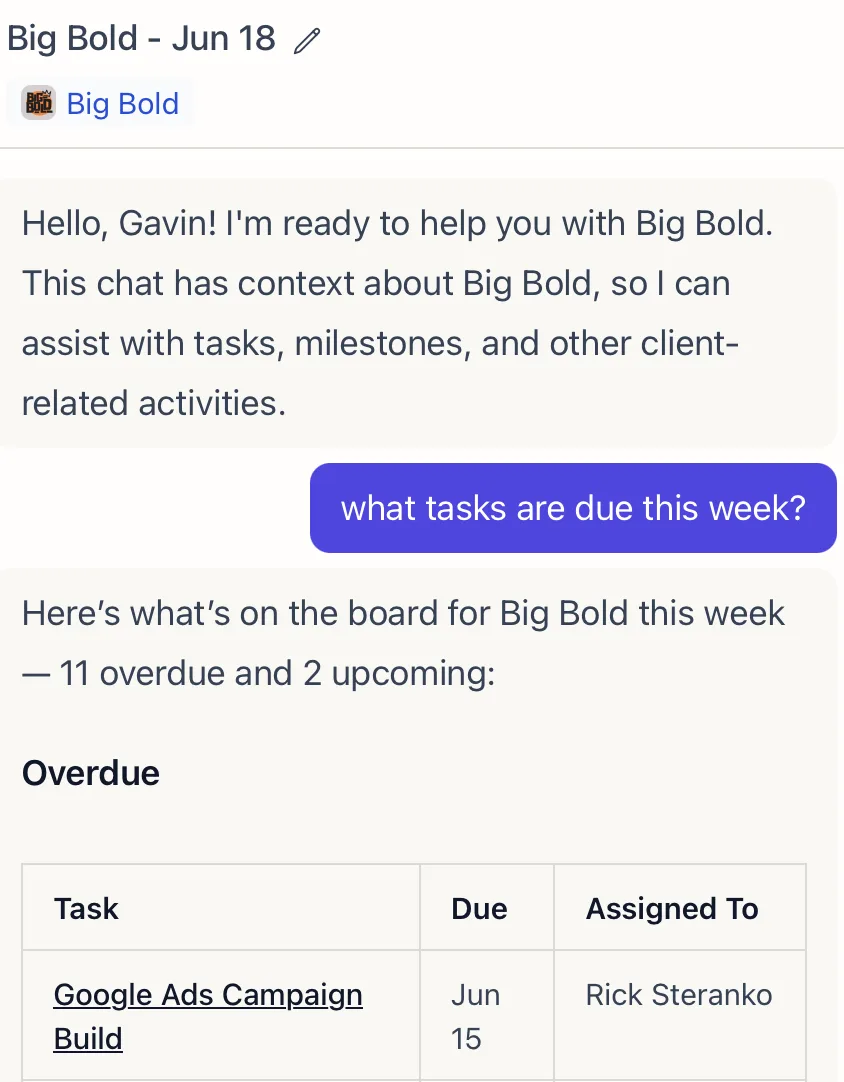
Lifted Work exposes a full MCP (Model Context Protocol) server that lets you connect Claude, ChatGPT, or any MCP-compatible tool directly to your agency. Once connected, the AI can read and write to Lifted Work just like you would from inside the app. For setup instructions, see How to Connect Claude or ChatGPT.
What You Can Do
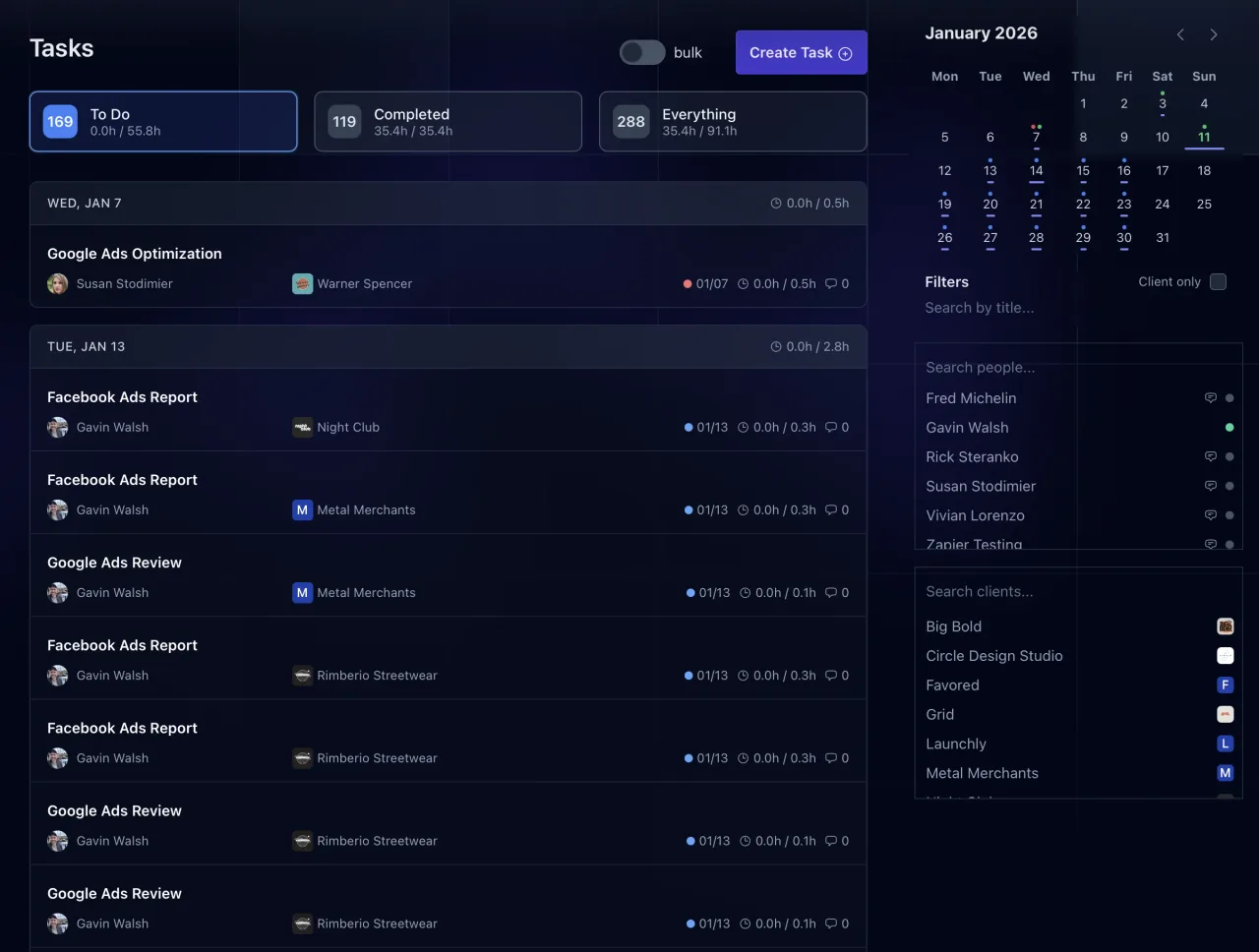
Tasks: Create, update, duplicate, and search tasks across all your clients. Bulk-create up to 300 tasks in a single prompt. Add comments and deliverables to existing tasks.
Emails: Draft emails to client contacts directly from your AI conversation.
Client Feed: Post text, images, videos, PDFs, and embeds to a client’s feed. List recent feed items to review what’s been delivered.
Client Notes: Create, update, and read internal notes on any client. Notes are visible to your agency team and inform AI context on future tasks.
Milestones: Create and manage project milestones with target dates and descriptions.
Requests: View and create client requests.
Reports: Create report templates with Liquid syntax, then render branded PDF or HTML reports with client colors, fonts, and logos applied automatically.
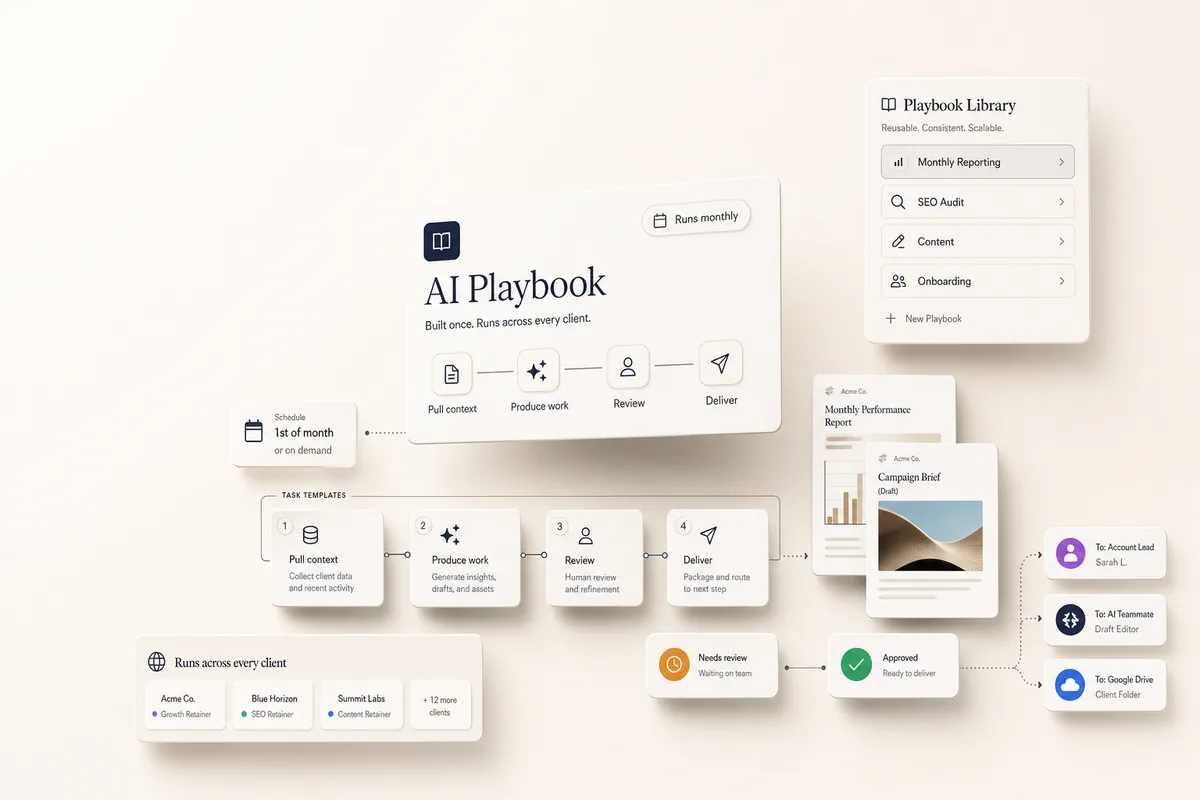
Task Templates: Create and manage reusable task blueprints with SOPs and AI prompts built in.
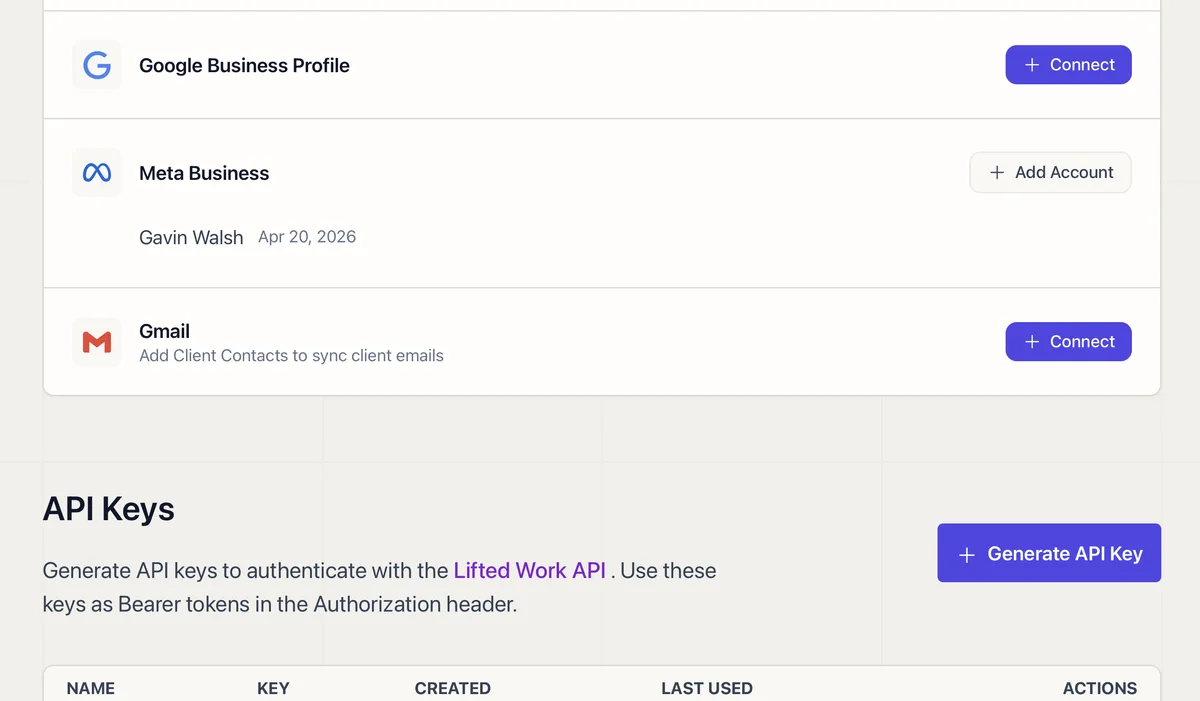
Analytics: Pull task analytics (hours, counts) by client, user, or across the agency. If you’ve connected Google Analytics, Search Console, Google Ads, Google Business Profile, or Meta, those reports are available too.
Browse and Generate: Browse websites for research, and generate images on the fly.
Scoped Access
OAuth scopes control what the connection can do. A read-only scope limits access to listing and searching. A write scope opens up creation, updates, and posting. Integration-specific tools (GA4, Meta, Google Ads) only appear if your agency has connected that integration.
Works With Your Identity
When you connect, the AI knows who you are: your name, email, timezone, and agency. Every action is scoped to your agency automatically. There’s no setup beyond the initial connection.