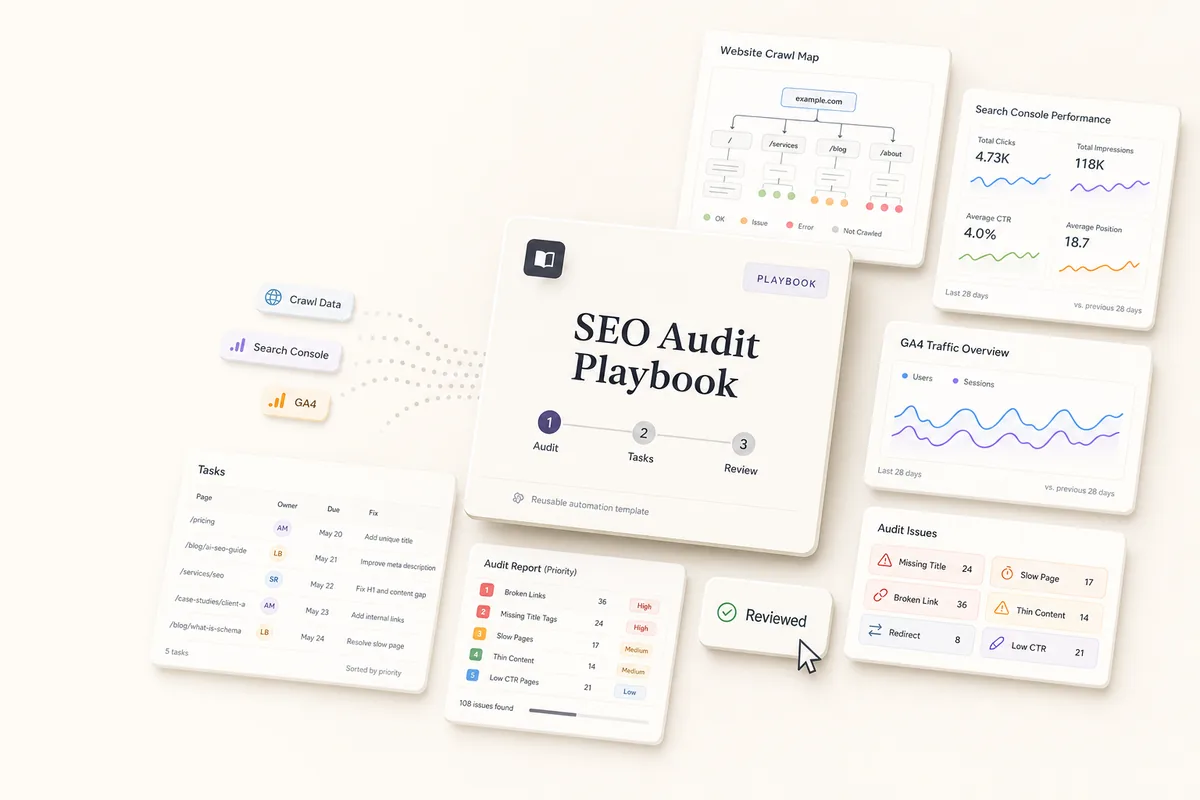
Build the Process Once, Run It Across Every Client
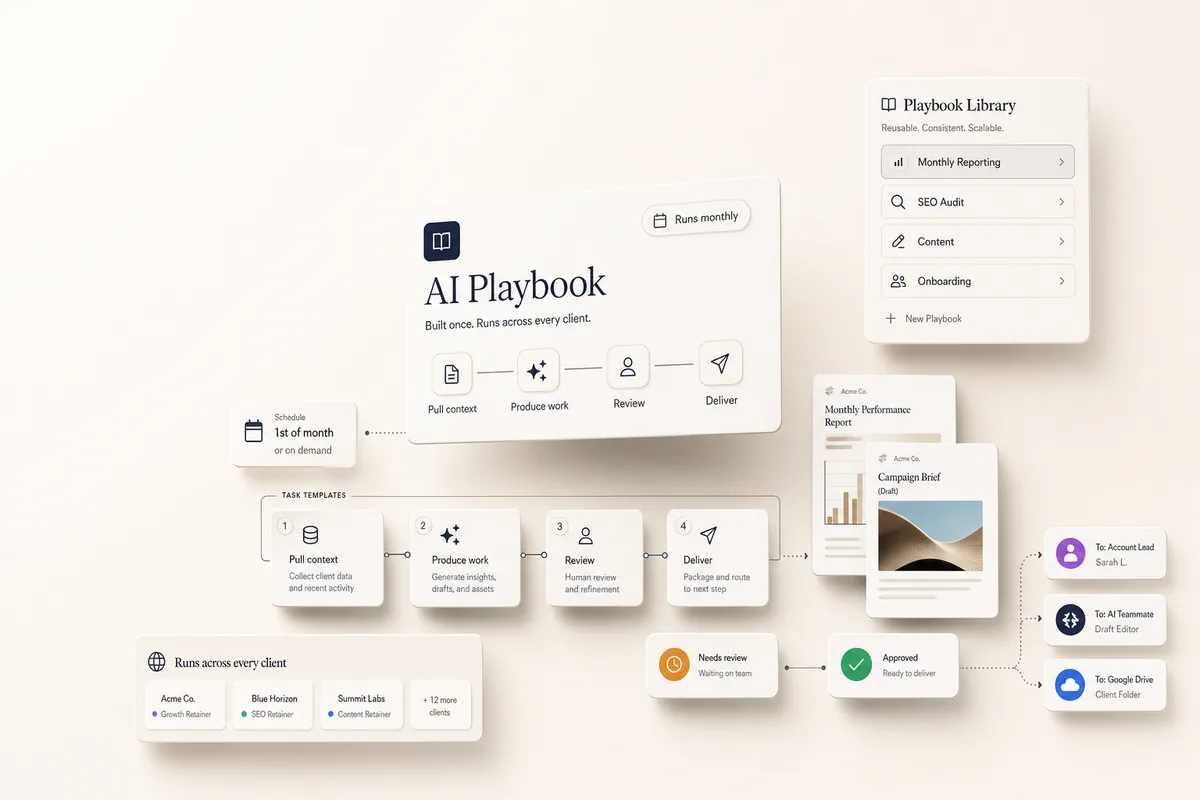
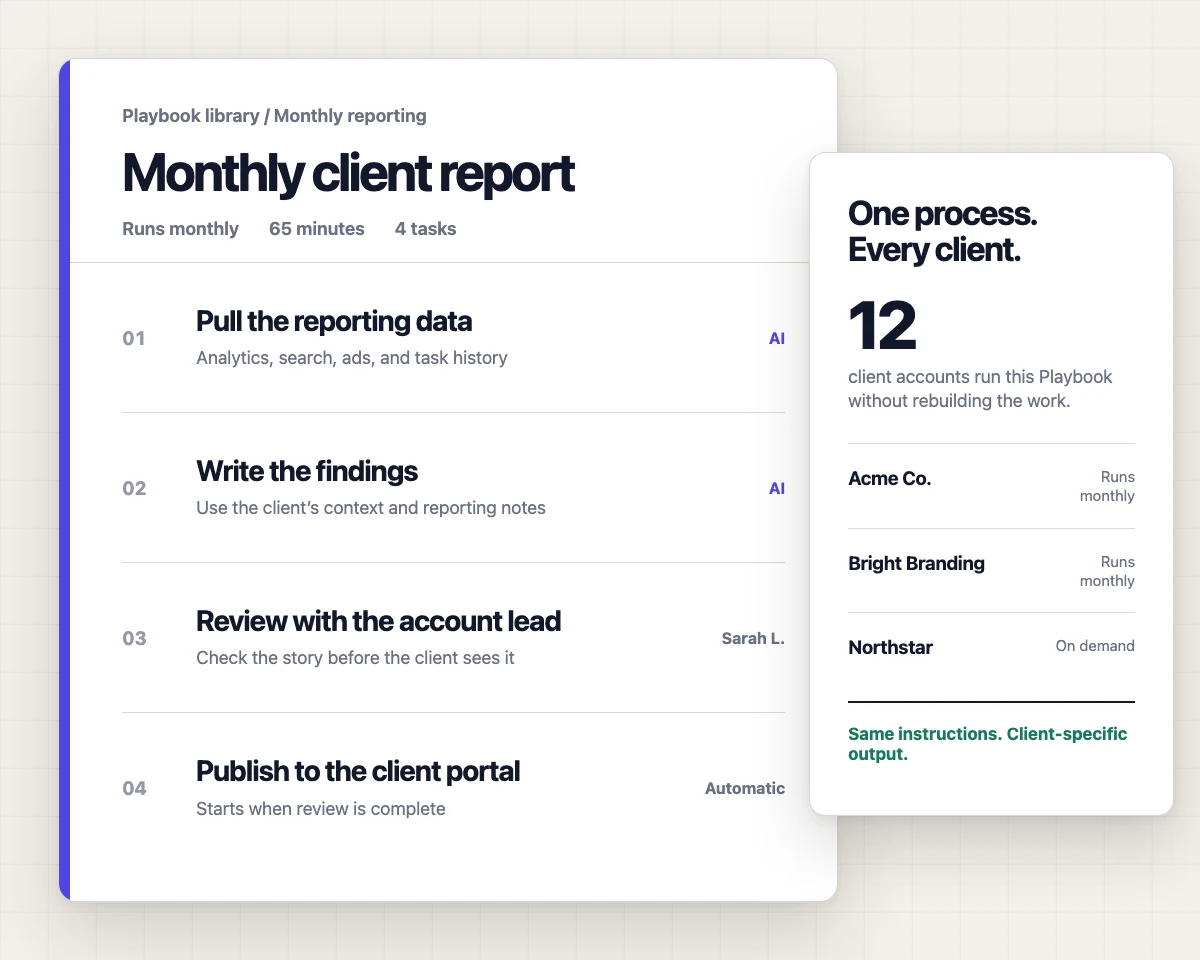
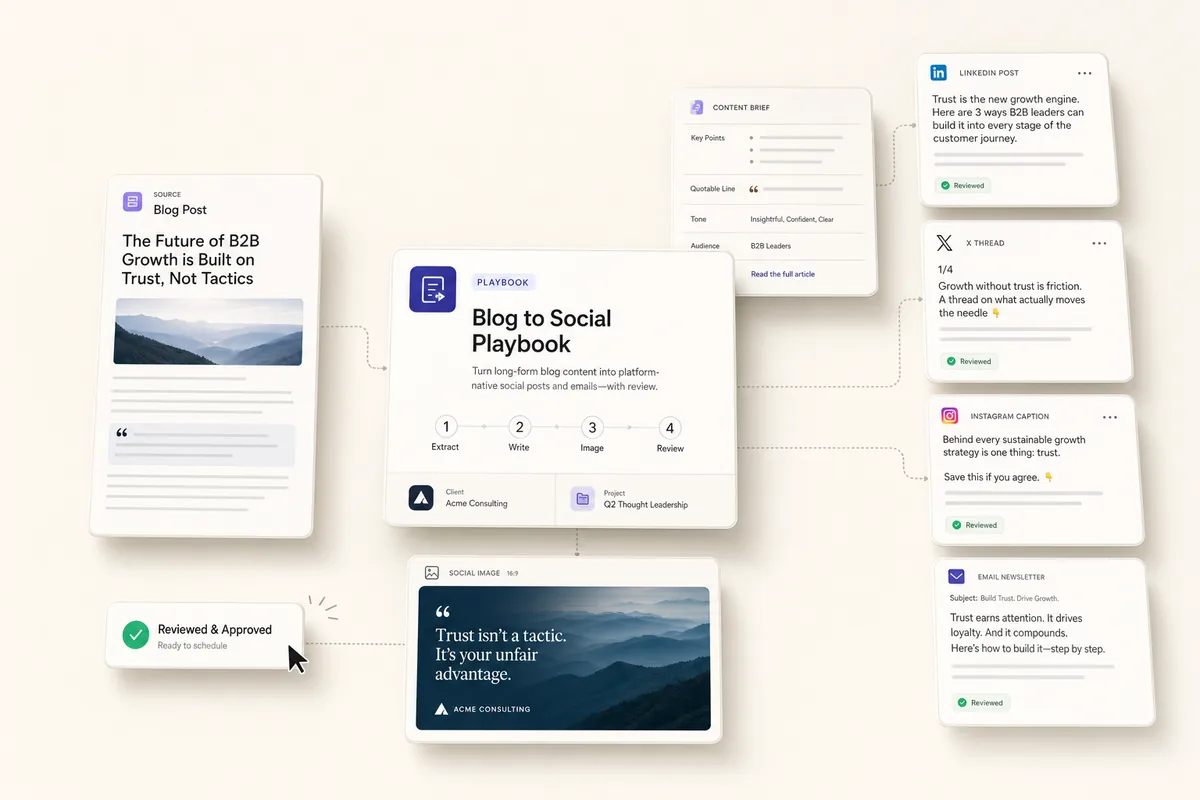
A playbook is a process your agency runs again and again, saved so it does not start from memory each time. Monthly reporting. SEO audits. Content production. Onboarding. You set it up once, and Lifted Work runs it on a schedule or whenever you trigger it.
How a Playbook Runs
A playbook chains task templates together. When one task completes, it kicks off the next, so a single trigger can move a whole process from start to finish:
-
The AI pulls the client’s context: brand, history, analytics, and notes
-
It produces the work, a report draft, a content piece, an audit, or a set of tasks
-
It routes the result to the right person for review
-
Approved work goes to the client, and follow-up tasks are created
Your team reviews and approves. The playbook handles the steps in between.
On a Schedule or On a Trigger
Run a playbook on the first of the month, every Monday, or on demand. Tie it to a completed task so finishing one piece of work starts the next. The predictable work stops depending on someone remembering it is due.
You Control What Runs Alone
Each step can run automatically or wait for review. Limit which tools the AI can use per template, and keep client-facing work behind approval. Every action is logged.
Start From a Ready-Made Playbook
Browse the AI Playbooks library for prebuilt workflows you can install and adapt: monthly reporting, SEO audits, content, onboarding, and more. The AI Task Scheduling guide covers scheduling patterns, and Task Management shows the autocomplete and chaining controls a playbook is built on.