Capacity Calendar
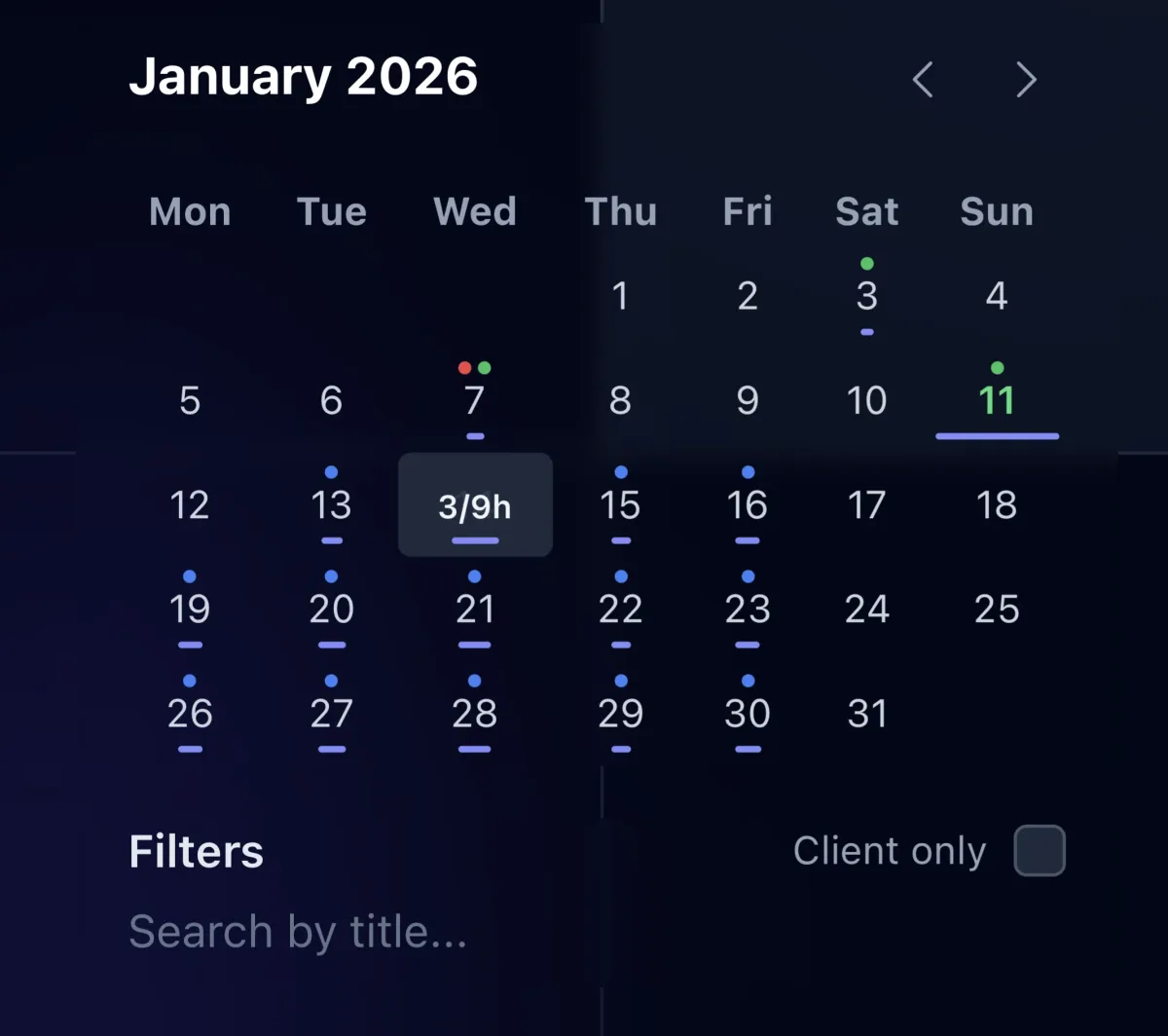
See assigned hours per person per day, spot who is overloaded before deadlines slip, and rebalance work in a few clicks.
Plan by Hours, Not Just Due Dates
A task list tells you what is due. It does not tell you whether anyone has time to do it. The capacity calendar shows assigned hours per person per day, so you can see the week the way your team actually feels it.
Spot Overload Before It Becomes a Missed Deadline
Heavy days and light days are obvious at a glance. When someone is booked past their capacity, you see it before the deadline slips, not after the client asks where their work is. Rebalance by moving or reassigning tasks, covered in Task Management.
Booked vs. Scheduled
Each task carries a time estimate, so the calendar reflects committed hours, not a guess. When a last-minute request comes in, you can see who has room to take it and slot it in without overloading anyone.
Tied to Real Time Data
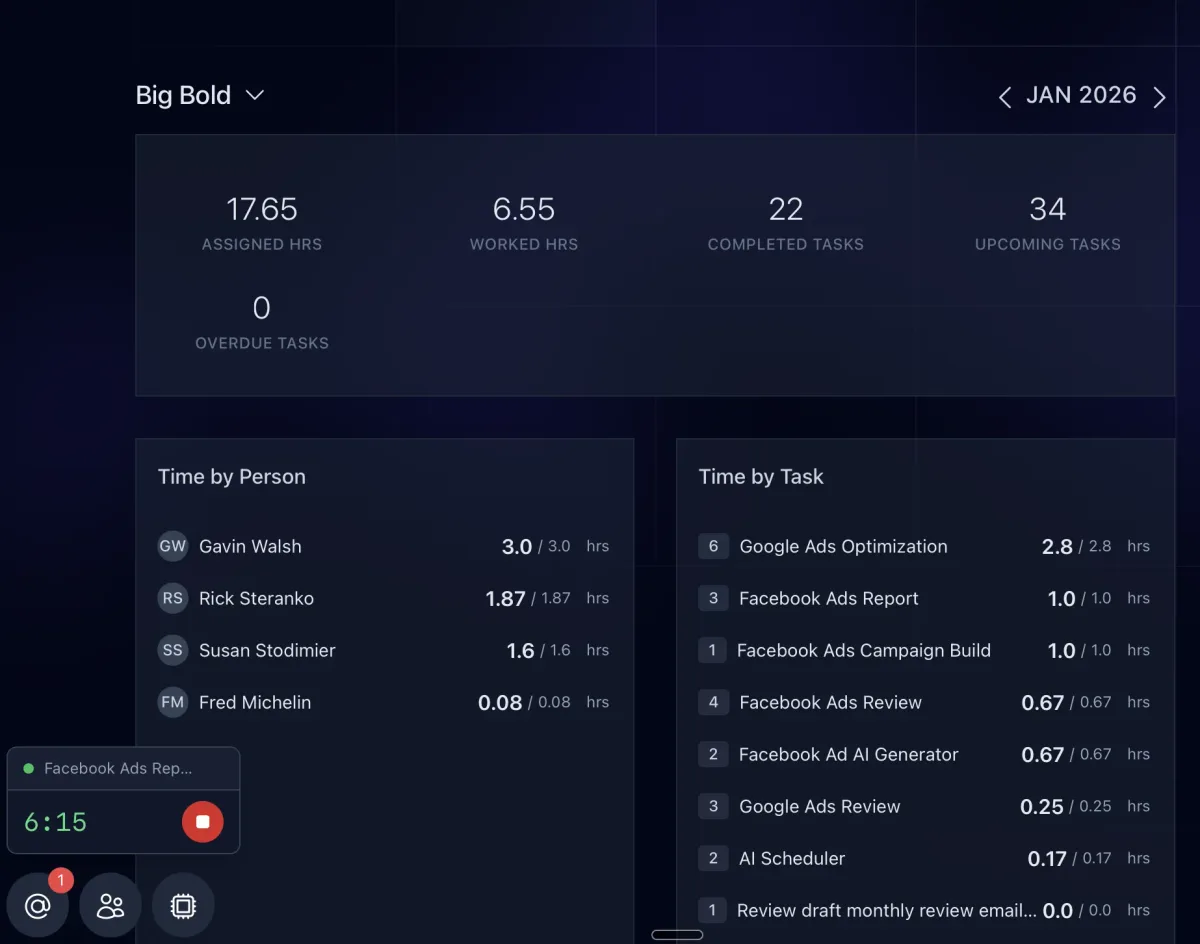
The hours on the calendar are the same estimates that feed Time Tracking and the per-person and per-client breakdowns on the Agency Dashboard, so planned capacity and actual time stay in the same system.
Related features
-
01
Time Tracking and Budgets
Track time while the work happens, compare it to each task's budget, and see where hours go by client, task type, or team member.
Task Comments and @Mentions
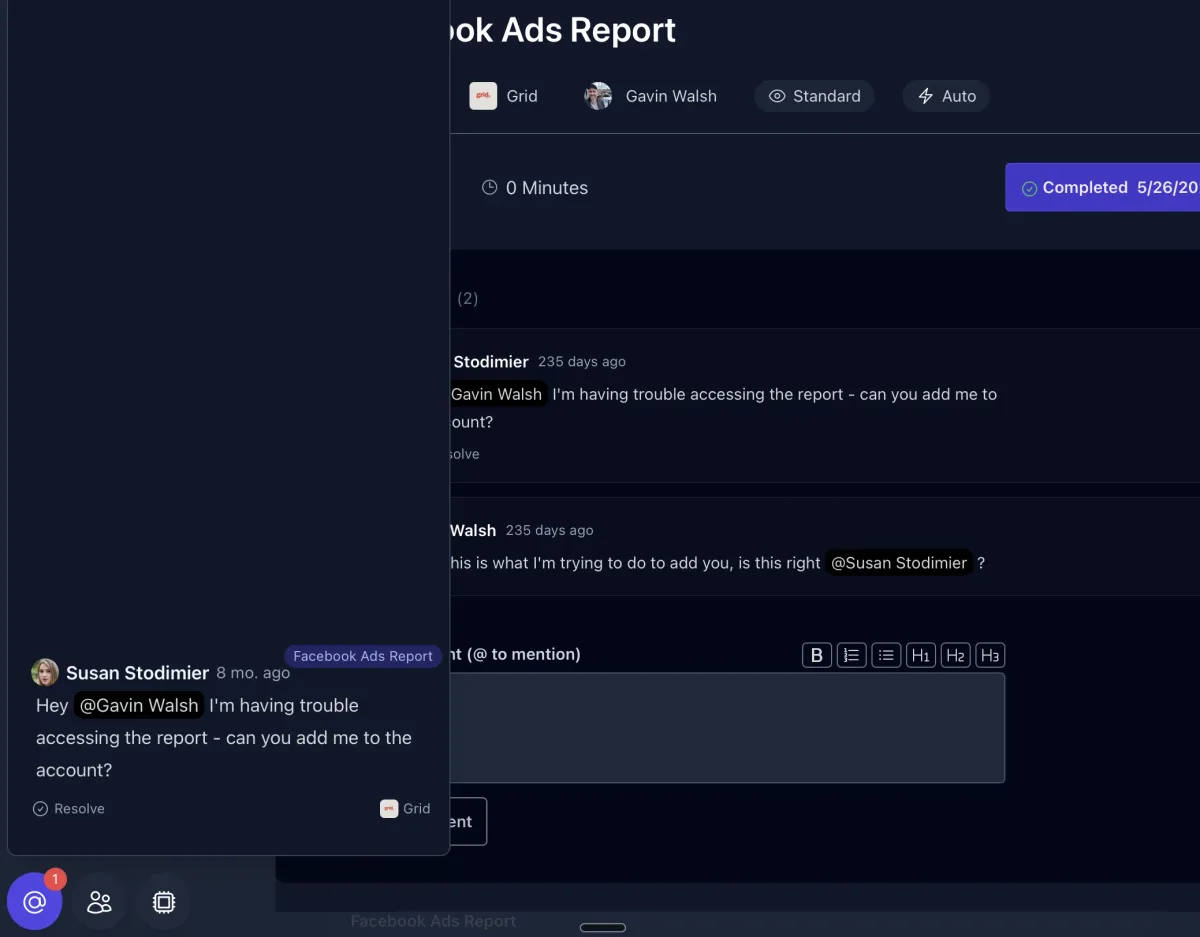
Keep the conversation on the work. Comment on tasks, @mention teammates to unblock them, and let AI read the thread for context.
03
Client Overview
The client's home tab: brand, description, contacts, links, services, portal settings, milestones, and stats, with every other tab one click away.
04
Client Communications
Every email, call, meeting, and message with a client in one tab, synced from Gmail and your other tools, ready for AI to act on.