Time Tracking and Budgets
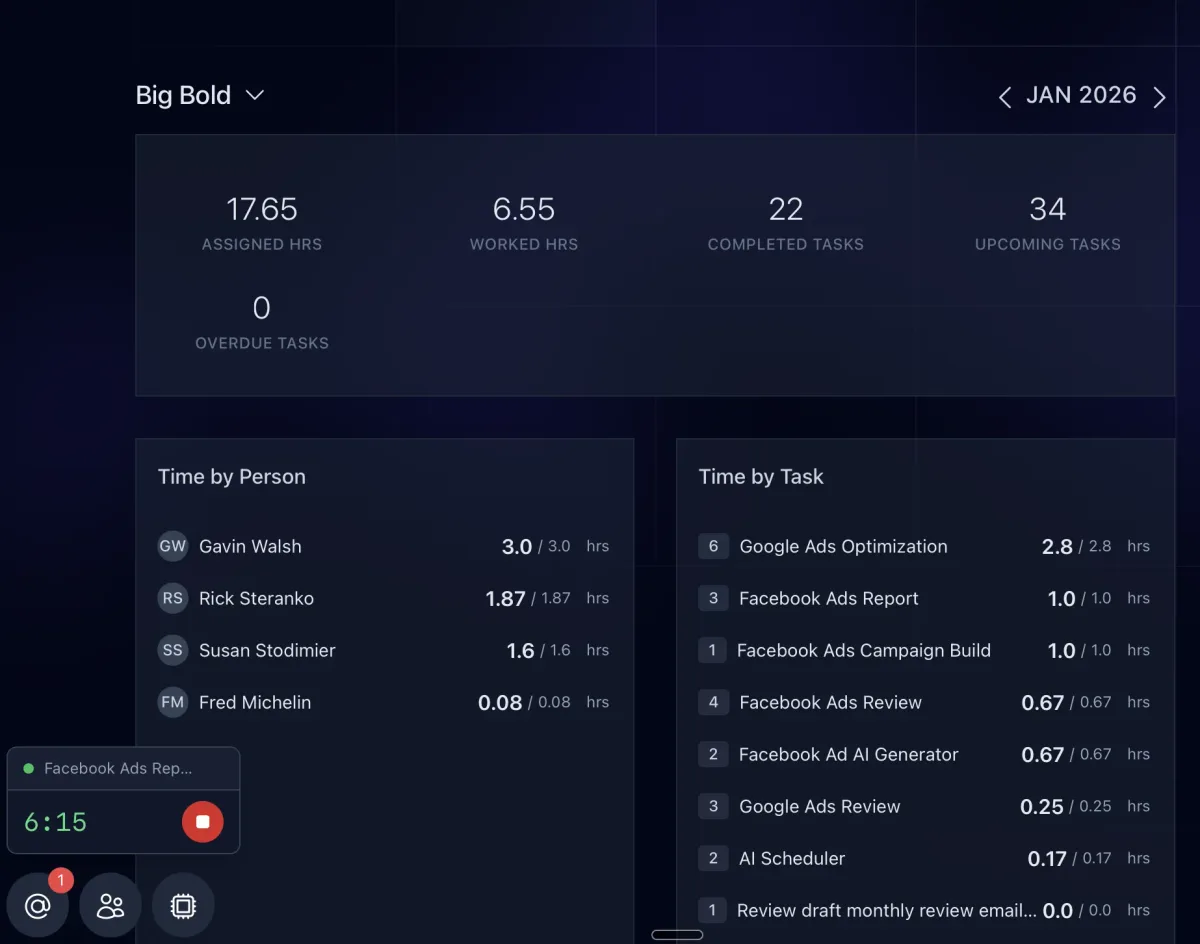
Track time while the work happens, compare it to each task's budget, and see where hours go by client, task type, or team member.
Track Time Where the Work Already Lives
Time tracking is built into the task, so there is no separate app to open and no timer your team forgets to start. Track time as the work happens, and it ties straight to the client, the task, and the person.
Budgeted vs. Actual
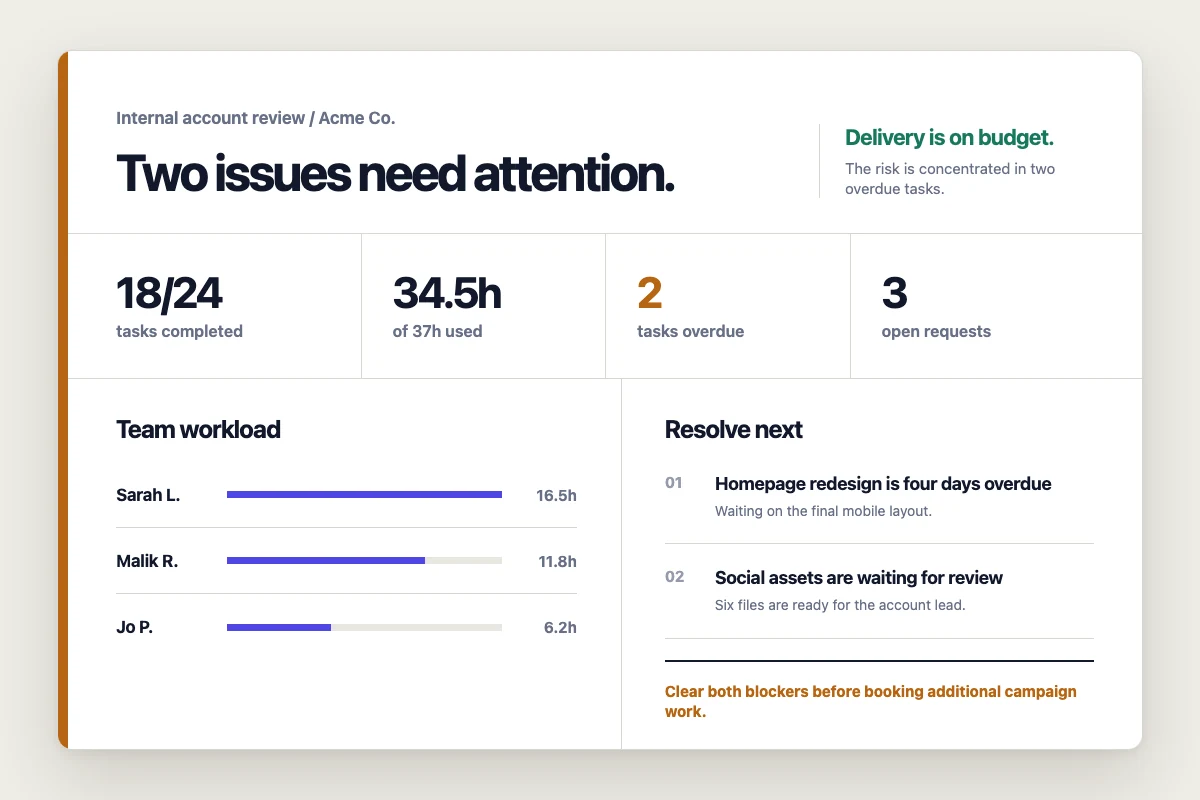
Every task carries budgeted minutes. As time is logged against it, you see the variance, so an account quietly going over budget shows up while you can still do something about it, not at the end of the month.
See Where the Hours Go
Filter time by client, task type, or team member, with daily and monthly breakdowns. Find the client that eats more hours than they pay for, the task type that always runs long, and the work worth templating or automating.
Connected to Planning and Profit
The same numbers drive the Capacity Calendar and the per-client and per-person breakdowns on the Agency Dashboard. Set budgets once on a task template and every task created from it tracks against them automatically.
Related features
-
01
Task Comments and @Mentions
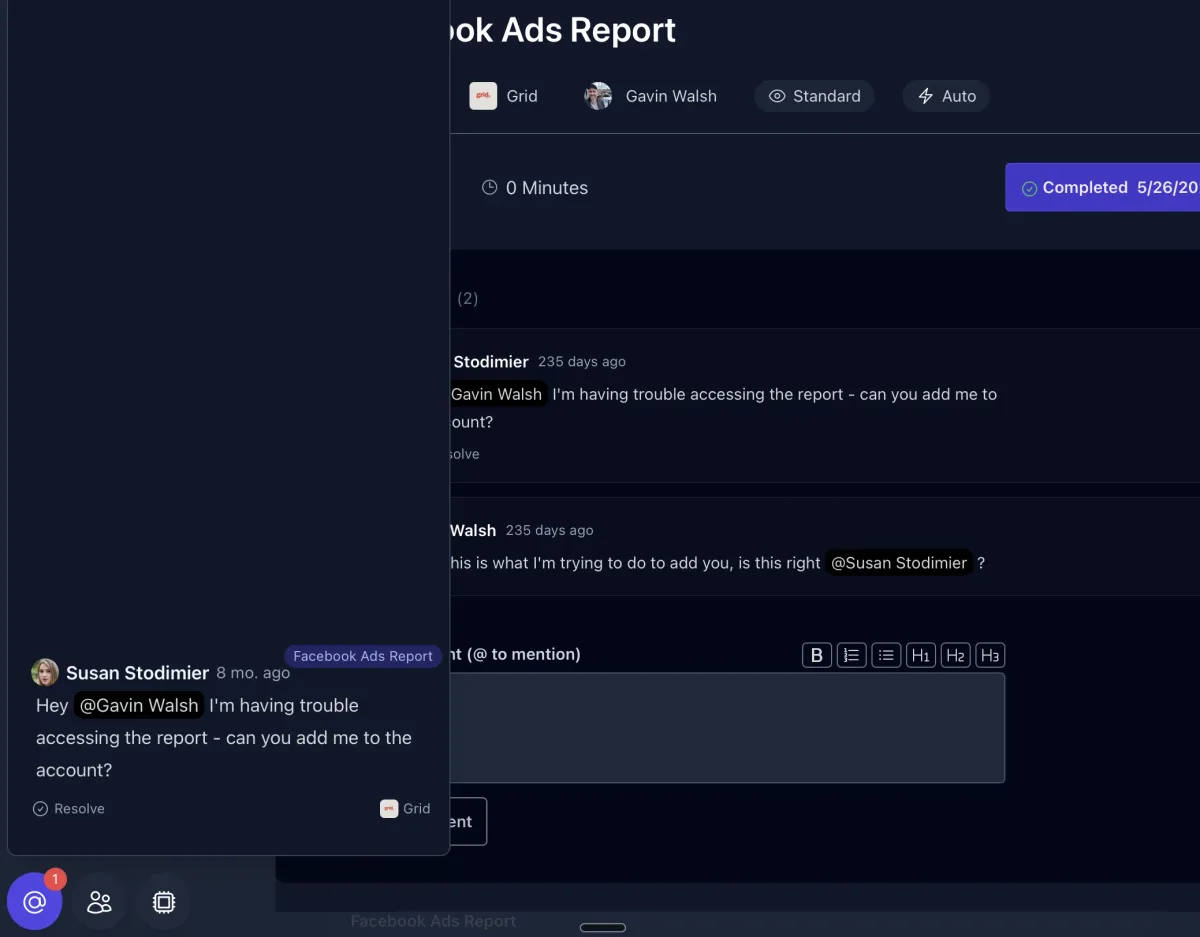
Keep the conversation on the work. Comment on tasks, @mention teammates to unblock them, and let AI read the thread for context.
02
Client Overview
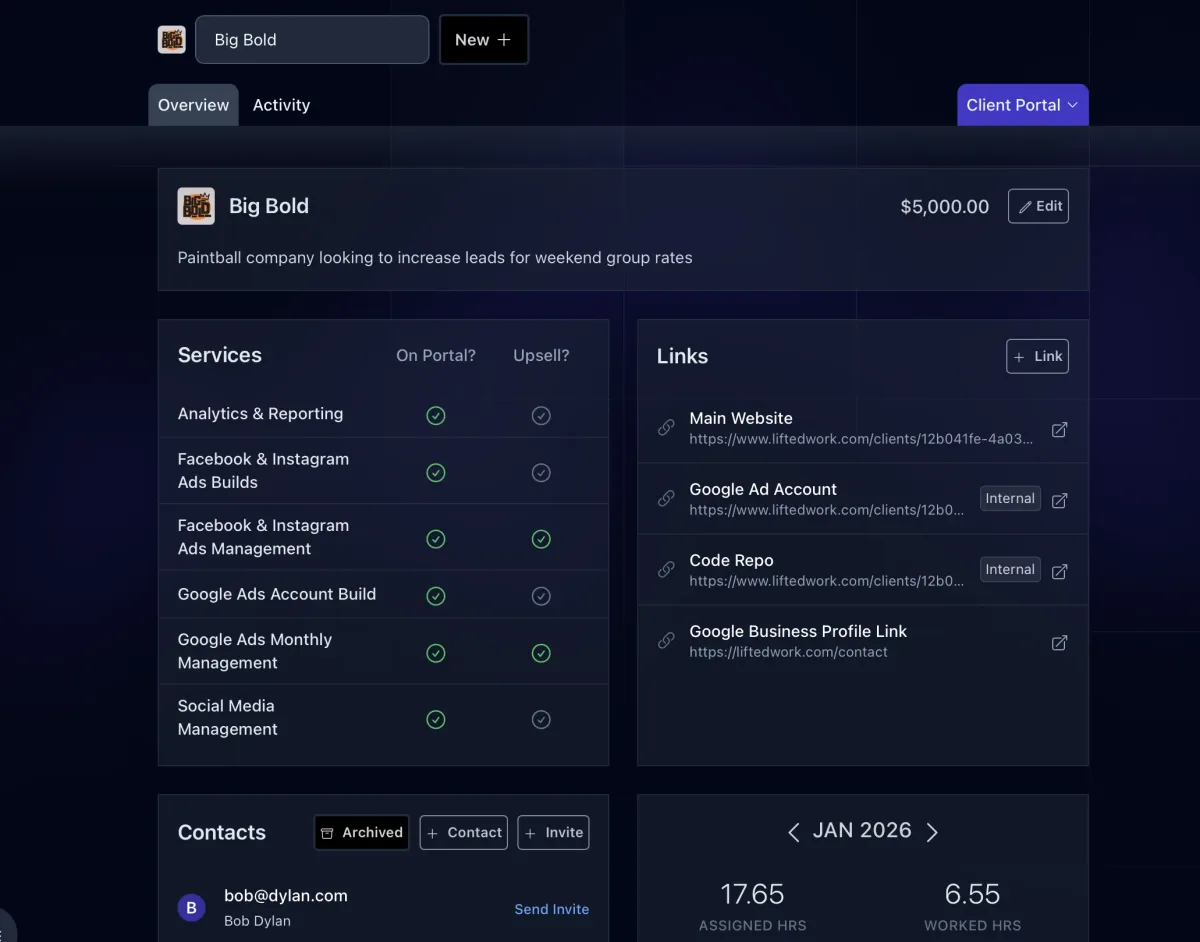
The client's home tab: brand, description, contacts, links, services, portal settings, milestones, and stats, with every other tab one click away.
03
Client Communications
Every email, call, meeting, and message with a client in one tab, synced from Gmail and your other tools, ready for AI to act on.
04
Client Feed
A running stream of the work you deliver, posted to the client's portal as it happens: completed tasks, reports, videos, and files.