How AI Builds on Its Own Work: Chaining Deliverables Across Tasks
Sequence AI tasks so each one builds on the last. A draft created in one task carries to the next, where AI revises it, adds images, or reviews it before a client ever sees it.
What Chained Deliverables Are
A deliverable is any piece of work a client reviews: a social post, a report, an audit, a recommendation. Most work is more than one step. A social post gets drafted, then it needs an image, then someone checks it. A report starts as findings, then becomes a recap email.
Chaining lets you give each of those steps to a separate AI task, where every task builds on the deliverable the previous one produced. The draft written in task one is there for task two to revise. The findings gathered in task one are there for task two to turn into client-facing tasks. Instead of one prompt trying to do everything at once, you sequence smaller steps, and the work compounds.
Why It Works: The Shared Deliverable Group
Deliverables do not live loose on a single task. Each one belongs to a group, and when an AI task creates the follow-up tasks in a chain, those new tasks inherit the same group. So a deliverable created early in the chain stays available to every task that comes after it.
This is what makes the social post drafted in step one show up for step two to add an image to, and what lets step three pull up the finished piece for review. The deliverable follows the chain.
One thing to keep in mind: each task runs with a fresh AI context. The follow-up task does not remember the conversation from the task before it. The earlier deliverables are available to it, but it will not read them on its own. You have to tell it to. That single instruction is what turns a set of separate tasks into a chain that builds on itself.
The Pattern: Draft, Build, Review
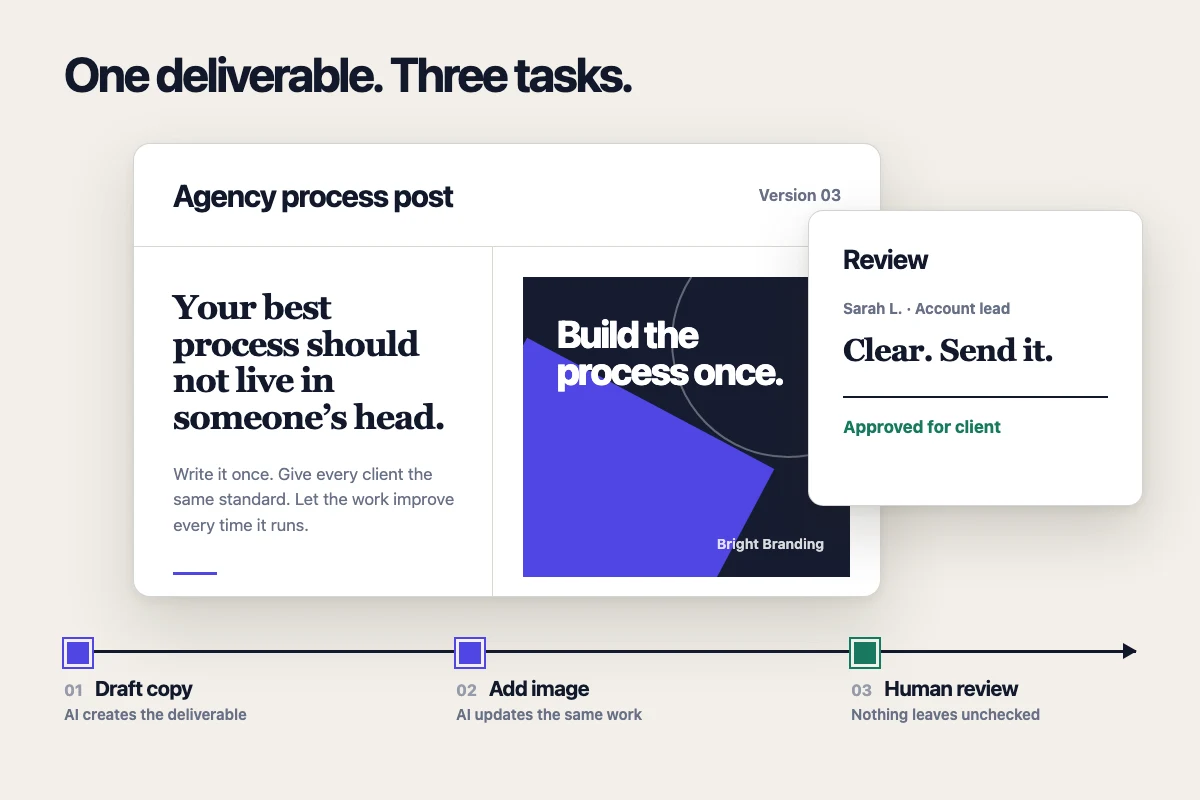
Here is the social post example end to end, as three chained task templates:
Task 1: Draft the post. The Lifty Prompt reads the client’s notes and brand context and writes the copy as a deliverable. With Run on complete enabled, finishing this task books task two.
Task 2: Add the image. The Lifty Prompt first looks up the deliverable the previous task created, reads its copy, generates a matching image, and updates the same deliverable to embed it. When done, it books task three.
Task 3: Review. This task lands on a person’s desk. They check the copy and image, edit anything that needs adjusting, and send it to the client.
The same three shapes (produce something, build on it, then review) cover most chains. You can run the steps on their due dates with Autocomplete, or trigger them manually. The AI Task Scheduling guide covers how to schedule and trigger them, and AI Playbooks covers running a whole chain on a recurring basis.
Writing the Prompt So the Next Task Finds the Work
Because each step starts fresh, every task after the first has to be told to read what came before it. In the follow-up task’s Lifty Prompt, open with an instruction to look up the deliverables already on the task before doing anything else. For example:
Look up the deliverables on this task. Read the full content of the social post draft. Generate an on-brand image that matches the copy, then update that same deliverable to embed the image. Do not create a new deliverable.
A few details that keep this reliable:
Tell it to read the full content, not just the list. The deliverable list shows titles and states by default. The AI needs to pull the full body before it can revise or build on it.
Update the existing deliverable, don’t start a new one. Be explicit that you want the draft revised in place, otherwise you can end up with duplicates instead of one piece moving forward.
Keep history when it matters. Ask for a new revision when you want the earlier draft preserved alongside the change, rather than overwriting it.
Sending It Through Review
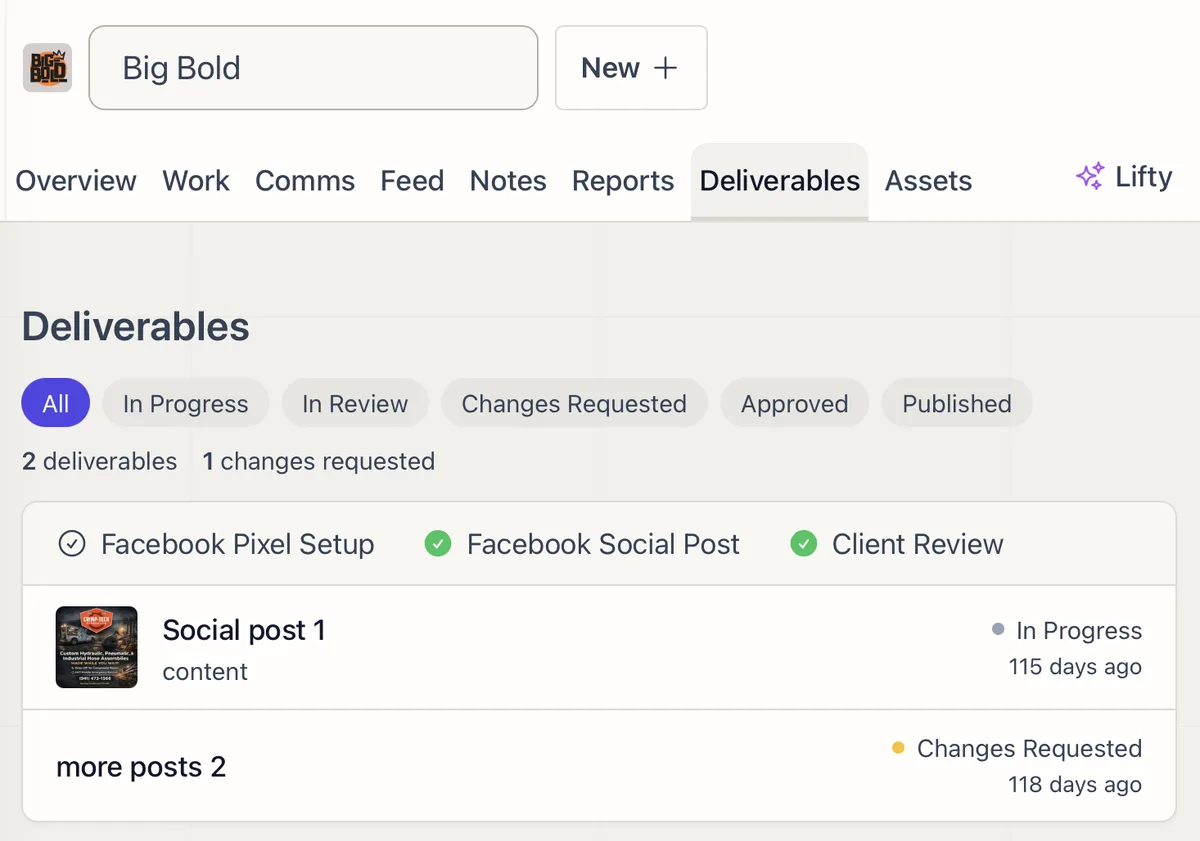
As a deliverable moves through the chain it carries a state: In Progress, In Review, Changes Requested, Approved, or Published. When AI finishes a draft, set it to In Review so it shows up for your team rather than going out unchecked.
For client-facing work, send the deliverable to the client and they review and approve it from the Deliverables tab in their portal. They can approve it or request changes with a comment. When every deliverable on a task is approved, the task is marked complete automatically. The full review workflow lives in Deliverables and Approvals.
This is the gate that makes chaining safe to lean on. AI can move a piece through several steps quickly, and nothing client-facing leaves without a person approving it first.
The Same Pattern for Reports and Health Checks
Social posts are the easiest example, but the structure is not specific to content. Anywhere one piece of work feeds the next, you can chain it:
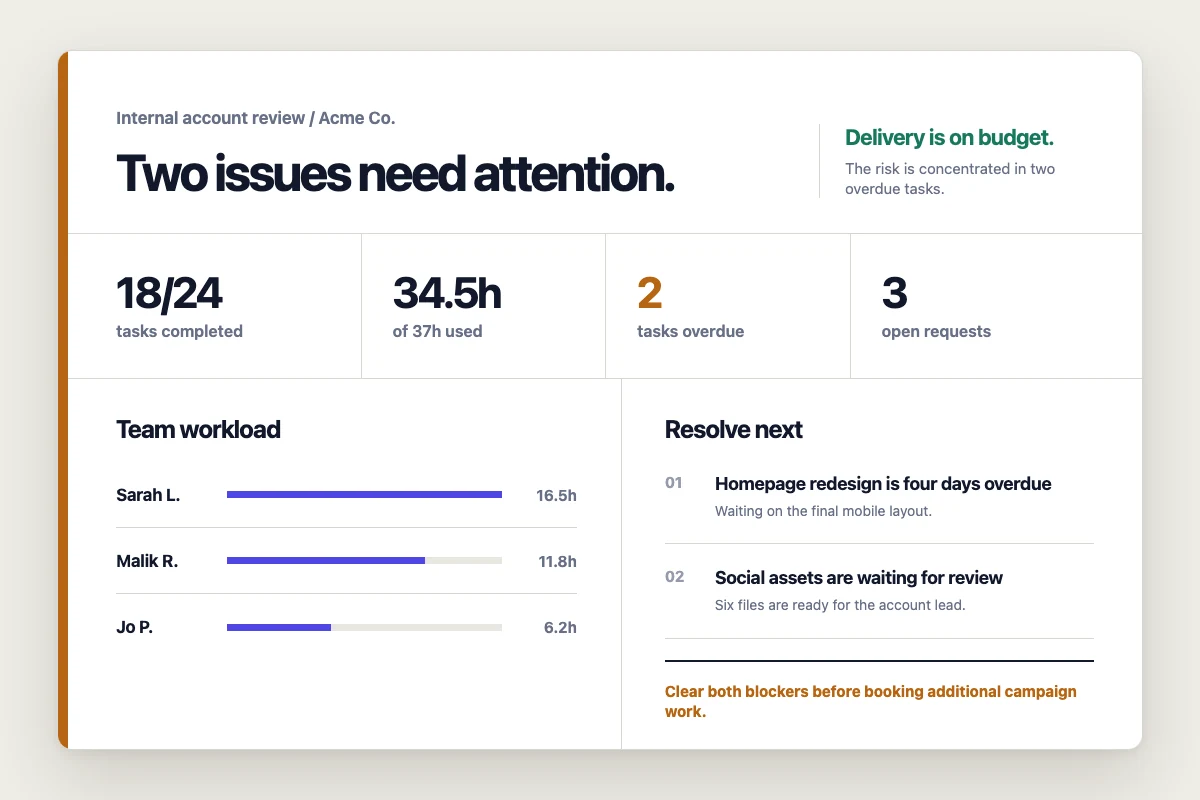
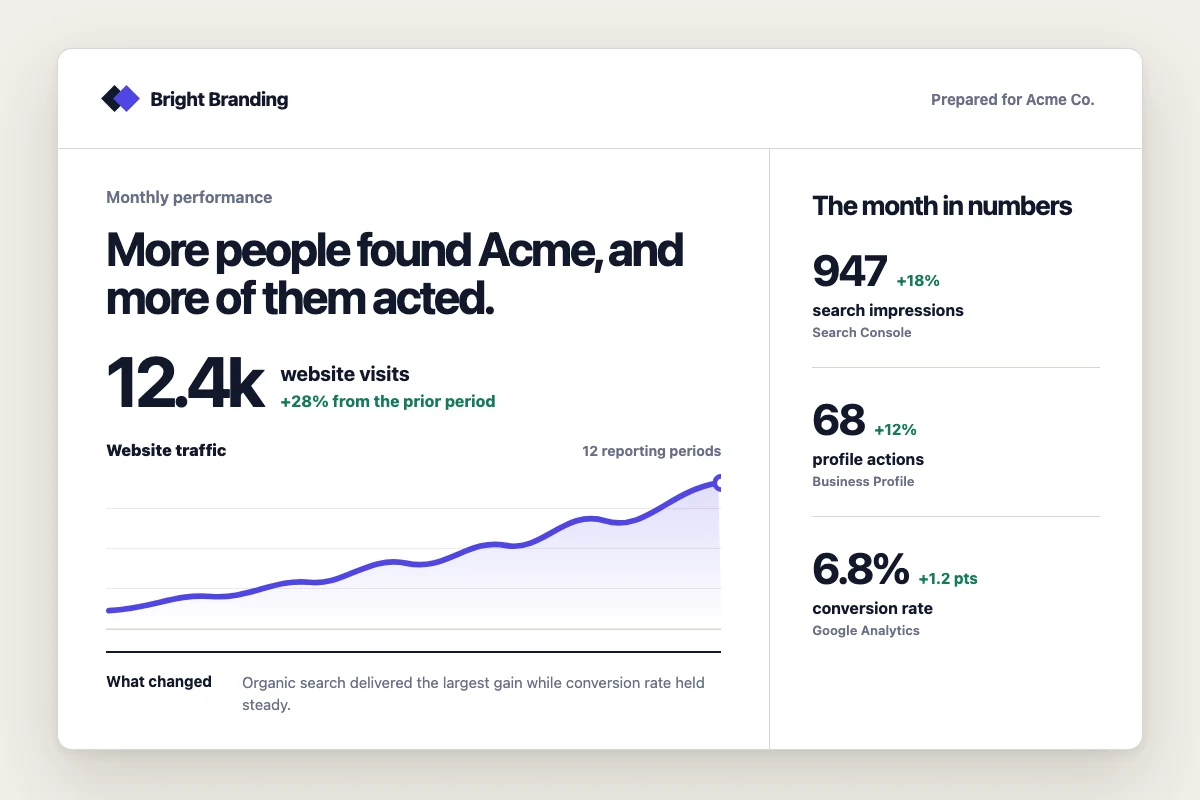
Reporting. One task pulls the numbers and writes a report deliverable. The next reads that report and drafts a recap email built on it. See the Monthly Account Review playbook.
Health checks and audits. One task crawls a site and saves a findings deliverable ranked by priority. The next reads those findings and turns the top ones into scoped client tasks. See the SEO Audit playbook.
Creative batches. Copy first, images second, review third, as in the Ad Creatives playbook.
In every case the rule is the same: the deliverable carries forward, and each step’s prompt starts by reading it.
Tips
Give each step one job. A task that drafts copy and a task that adds images are easier to get right, and easier to fix, than one task trying to do both.
Open every follow-up prompt by reading the deliverables. This is the most common reason a chain falls apart. The task has access to the earlier work but will not use it unless told to.
Be explicit about updating versus creating. Say whether you want the existing deliverable revised or a new one made, so the chain builds on one piece instead of scattering across several.
Hold client-facing work behind In Review. Let AI move fast through the early steps, and keep a person on the approval.
Build the chain into templates. Once a sequence works for one client, save the steps as templates with Run on complete so you can reuse it across every account. The AI Playbooks library has prebuilt chains you can install and adapt.
FAQ
Frequently asked questions
Does an AI task remember the task that ran before it?
No. Each task starts with a fresh AI context. Follow-up tasks can access deliverables carried through the chain, but their prompts must explicitly tell the AI which deliverable to open and what to do with it.
When should an agency split AI work into several tasks?
Split the work when stages need different tools, instructions, owners, or approval rules. Research, drafting, visual production, factual review, and client approval are easier to inspect and rerun when each has one clear job.
Should a later task update an existing deliverable or create a new one?
Update the existing deliverable when the same piece is moving through revisions, such as adding an image to a drafted post. Create a new deliverable when the output has a different purpose, such as turning a report into a client email. State the choice in the prompt.
How do you keep chained AI work from reaching a client too early?
End automated production at an internal review state, assign a named reviewer, and move the deliverable to client review only after that person approves it. Keep publishing or sending actions out of early prompts unless the process has an explicit final approval gate.