Can a Slack emoji reaction create a task automatically?
Yes. A Zapier workflow can watch for a chosen reaction, take the Slack message text and link, and create a Lifted Work task with the client and tags you configure.
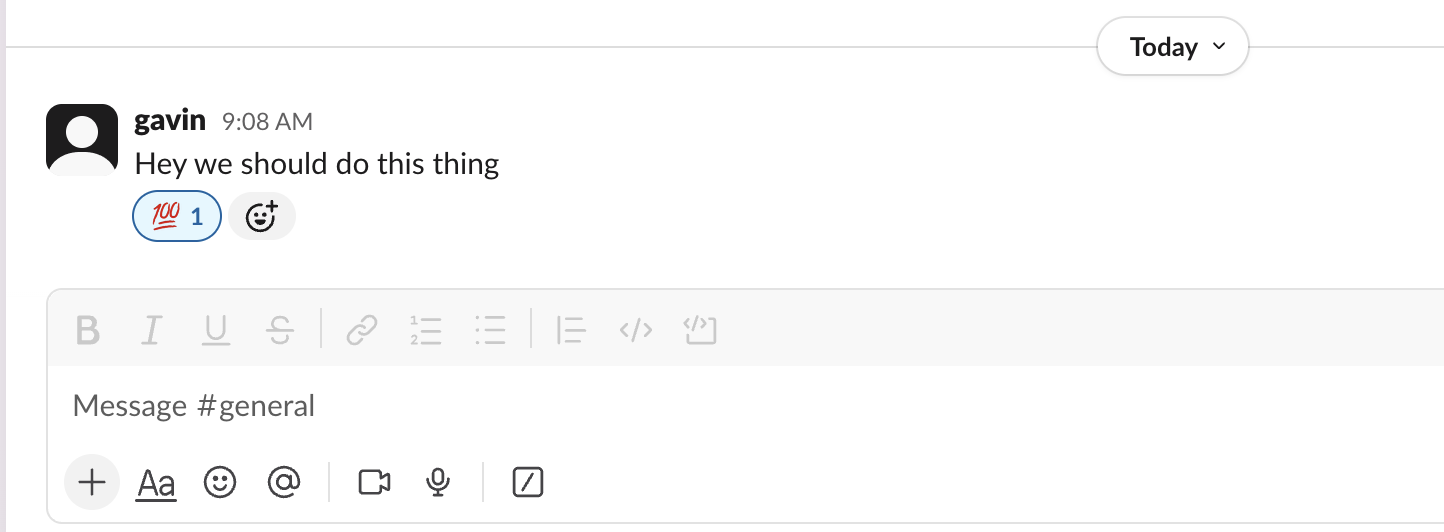
React to any Slack message with your agency's emoji and Lifted Work creates the task, with the original message and a link attached.
React to any Slack message with a specific emoji and a task gets created in Lifted Work automatically. This integration runs through Zapier, one of the available integrations, which connects your Slack workspace to Lifted Work’s API.
:white_check_mark:) When someone adds the designated emoji to a Slack message, Zapier:
FAQ
Yes. A Zapier workflow can watch for a chosen reaction, take the Slack message text and link, and create a Lifted Work task with the client and tags you configure.
Choose an uncommon emoji, restrict the Zap to specific channels, and add filters for the reacting user or message content if needed. Test with the Zap turned off before enabling it for the whole workspace.
Include the message text, author, channel, and permanent Slack link in the task instructions. The task title can summarize the request, but the source link lets the assignee verify the full thread before acting.
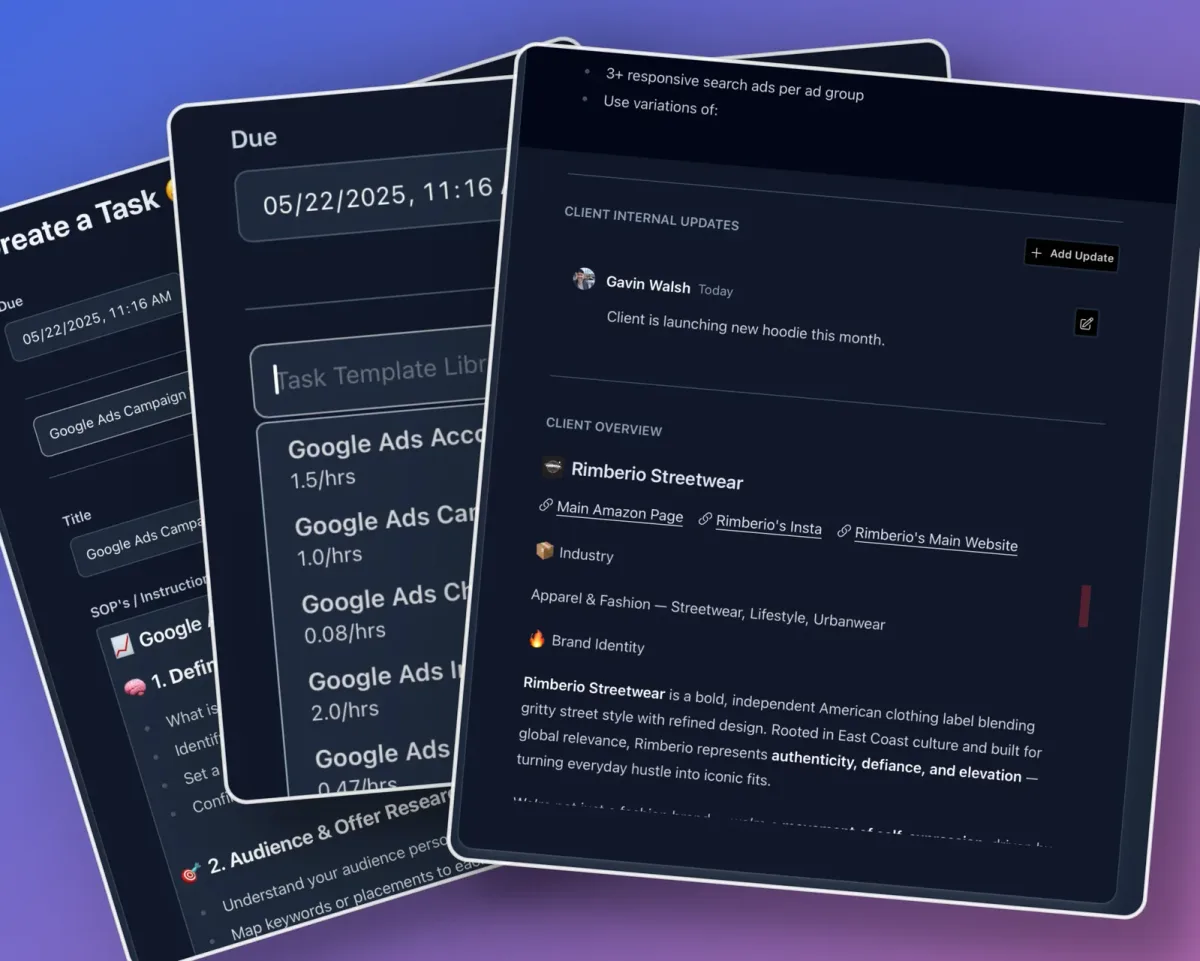
Create reusable task blueprints with instructions, time estimates, Tools for AI settings, and Run on complete prompts. Organize them into groups for your agency.
 02
02
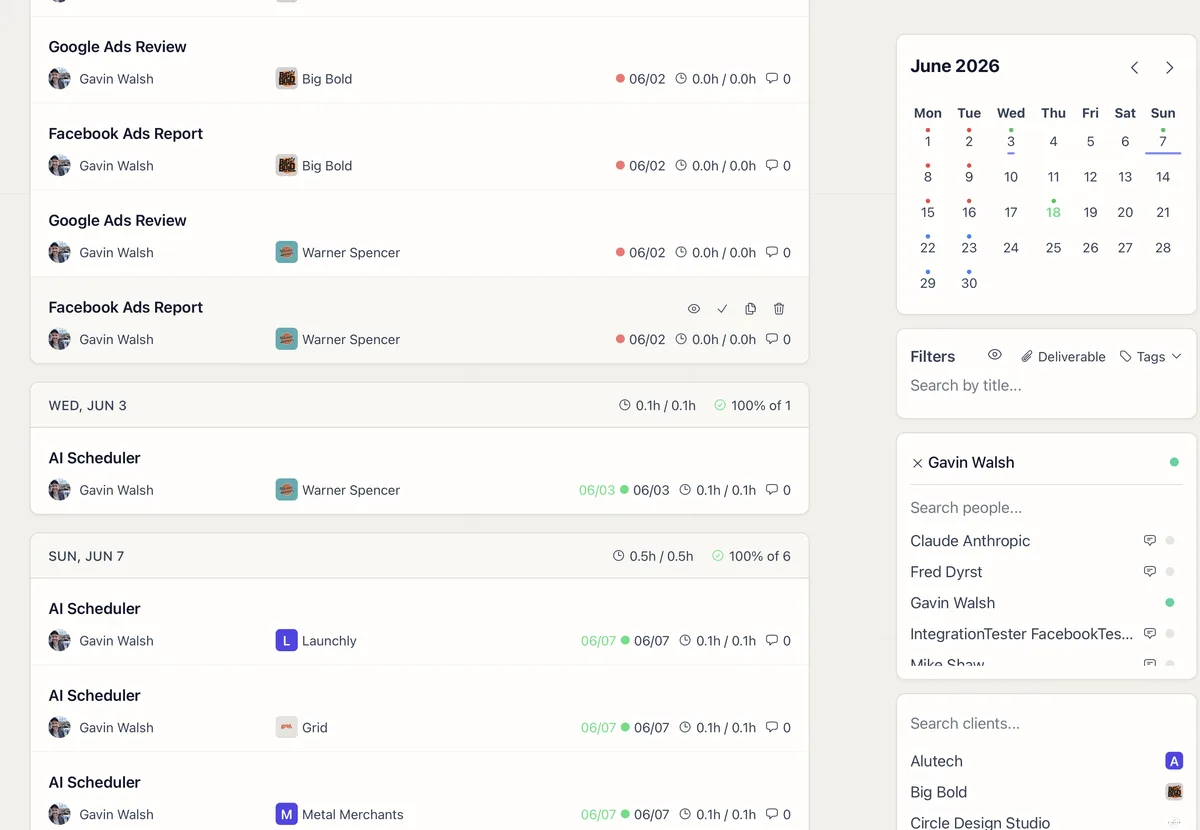
How filters, date ranges, and views control which tasks you see, and how to reset them to find what you're looking for.
 03
03
Step-by-step instruction on dashboards, monthly reviews, task creation, client management, and using AI schedulers for scaled agency operations.
 04
04
An internal report template for account managers covering task performance, time tracking, client requests, correspondence, and team workload over the last 30 days.